ASO keywords
Most repeated terms in the listing. Highlighted ones also appear in the title.
expense6expenses5reports5human scan5track4mileage4desktop4xpensetracker4fields4autotrack4human4save time3time money3extends desktop3expense reports3photo receipts3mileage tracking3start stop3optional autotrack3autotrack feature3excel numbers3subscribed monthly3easy3finance3
What's new in 10.84
*** New in Version 10.84 *** (Late April 2021)
* Minor bug fixes.
We are always updating and improving XpenseTracker. XpenseTracker is now in its 12th year. Thanks to all the users who sent in their feedback, suggestions and bug reports. Version 10.8 has many of those suggestions.
*** New in Version 10.83 *** (Late September 2020)
* Fixes issue of display of Date and Time Wheels when run on iOS 14.
*** New in Version 10.82 *** (Late September 2020)
* Added support for iOS 14 Location privacy changes. If you are using the optional AutoTrack feature you will be informed when you have not enabled "Precise" accuracy as it is required to properly track your drives. "Always" permission to your Location continues to be required as well.
* Various minor bug fixes.
*** New in Version 10.81 *** (Early September 2020)
* Fixes an issue with app not allowing adding multiple photos attached to an entry.
* Fixes a bug when sometimes previewing a report.
* Fixes a bug when sometimes adding a photo
*** New in Version 10.80 *** (Late August 2020)
* Various user interface enhancements.
* Improvements throughout the app.
* Enhancements to optional AutoTrack feature.
* Many new PDF report templates.
* Minor bug fixes.
If you ever have any comments, complaints or compliments, please go into the Prefs screen within the app and tap the "Email the Author" field. Or you can always emails us at info@silverwaresoftware.com. And please remember, if you like the app we would very much appreciate it if you post a written review in the App Store.
Released Feb 12, 2019. Current version shipped Apr 23, 2021.
Store description
Save time & money! Track your MILEAGE and EXPENSES with the most powerful expense app available! A comprehensive, full featured app that's easy to use and extends to your desktop. XpenseTracker has been a customer favorite on the App Store since 2008.
*March 2017- "BEST FINANCE APP" http://www.creditdonkey.com/finance-apps.html
*XpenseTracker named "must have tax app" by
H & R Block** http://tinyurl.com/HRBlockLovesXT
*EventJuice UK declares "must download app"
http://tinyurl.com/MustHaveForEvents
*TabletPCReview.com rated XpenseTracker "Best Personal Finance App for iPad" - http://tinyurl.com/bestfinanceapp
-----
XpenseTracker is a comprehensive expense tracking and reporting application for anyone wishing to track their expenses and/or mileage. It's ease of use, full features and great interface make it an essential tool for every iPhone/iPad user. It's power even extends to the desktop by allowing emailing or exporting of the expense reports and accompanying photo receipts directly to the desktop. It will save you time and money.
-----
Features include:
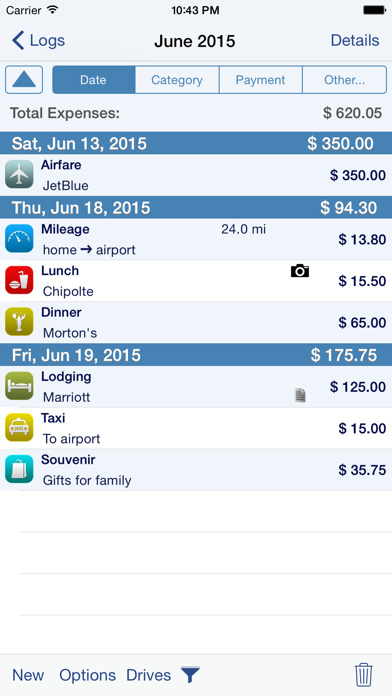
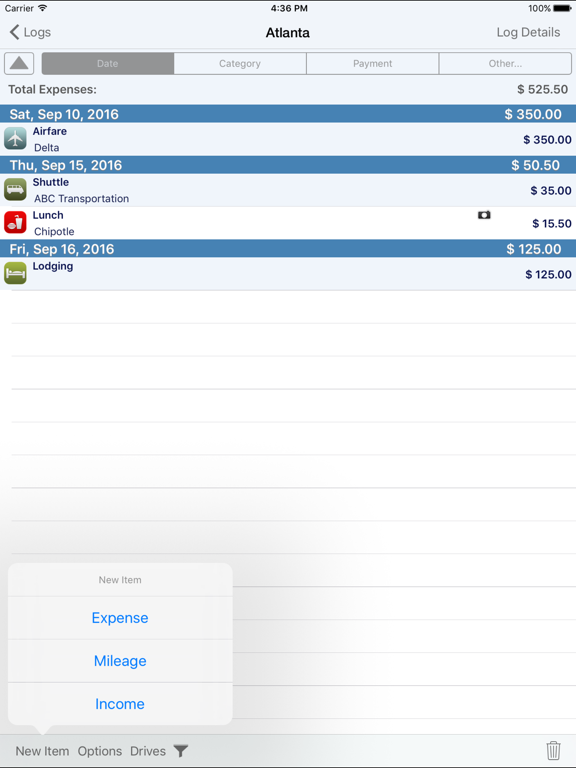
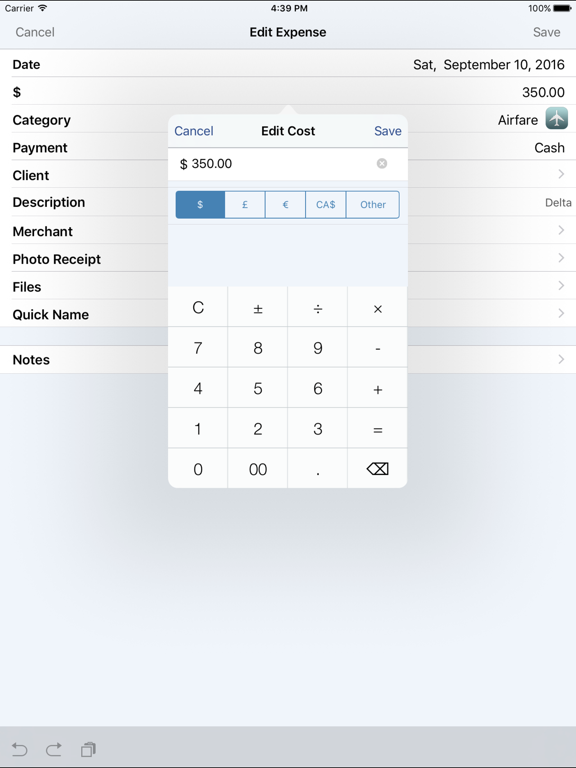
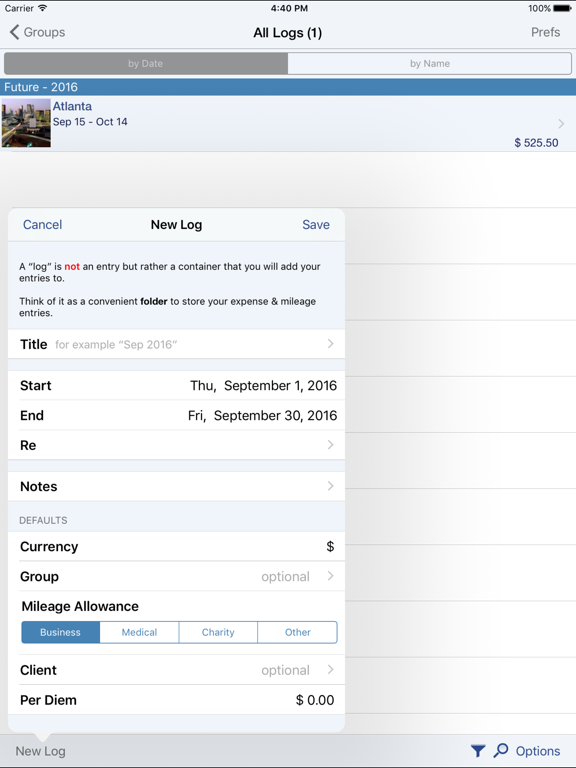
* Records all of your expenses and provides a running total for each log
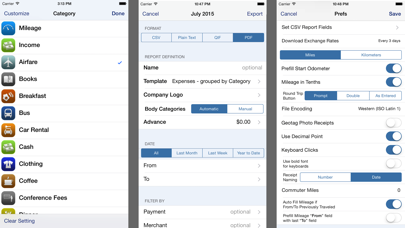
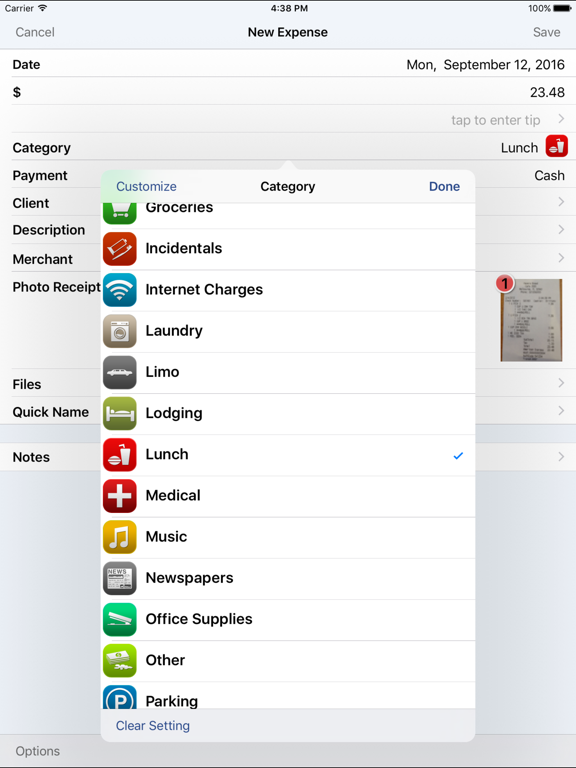
* Completely customize categories, sub-categories and payment types
* Completely customizable fields you choose to use or not. Unused fields are hidden when adding new expenses
* Sort expenses by "Date" , "Category", "Payment Type" or "Client."
* For each category, the last payment type is remembered further simplifying data entry
* Keeps a frequently used list for appropriate fields like description
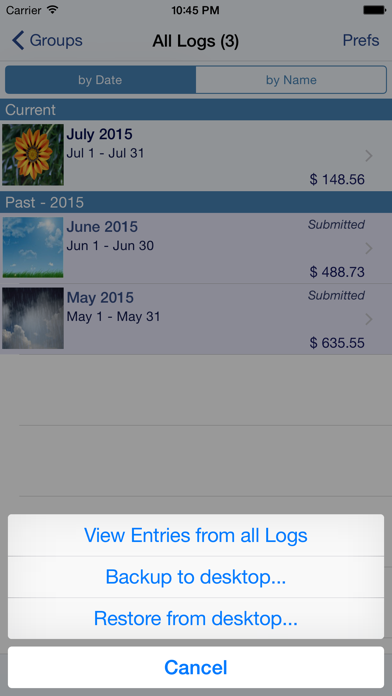
* Mark a log as "reimbursed" or "submitted"
* Easy mileage tracking with MANY different options:
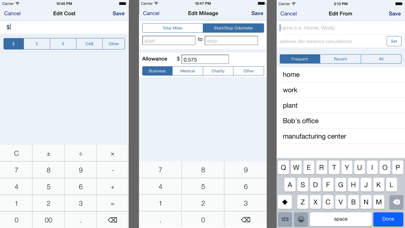
+ Enter total distance or start/stop odometer reading (remembers last stop reading)
+ Enter start/stop addresses (app will calculate distance)
+ Enter more than one destination in a single entry if desired (loved by real estate agents)
+ Use GPS to track distances - just tell the app when you leave and arrive
+ Optional AutoTrack feature for TOTALLY automatic mileage tracking.
* Supports ALL major currencies
* Downloads daily exchange rates
* Many user defined preferences
* Extensive support for VAT
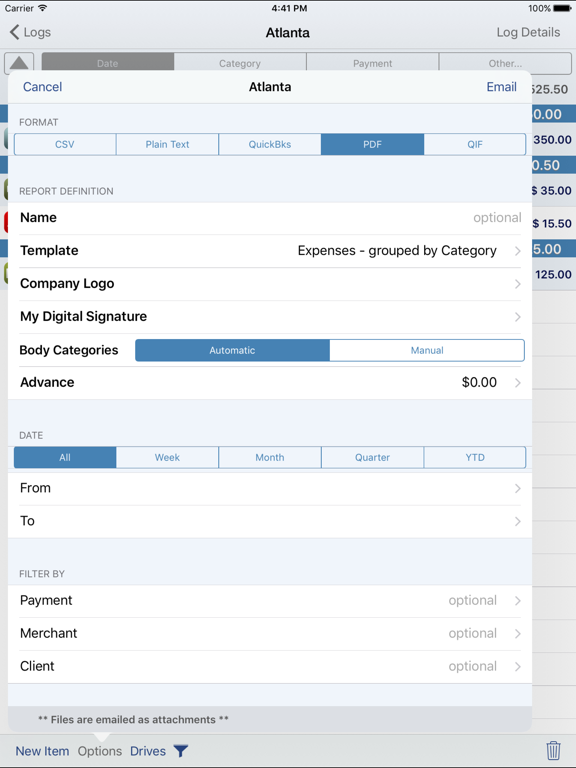
* Email your expense reports in comma delimited (CSV) format for easy import to Excel or Numbers. Photo receipts are also emailed as JPEG attachments
* Support for Quickbooks (IIF) format
* Export your reports directly to your Mac or PC via Wi-Fi connection and have your file immediately appear on your desktop. This CSV file can be easily imported into Excel or Numbers.
* Specify the fields to be exported for CSV reports
* Over a dozen PDF templates for creating beautiful, finished PDF format reports.
* Includes client field and support for sorting and exporting by client.
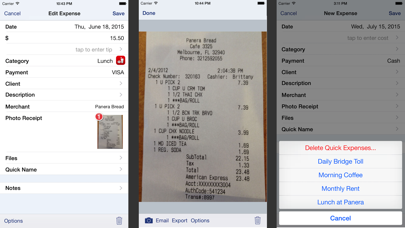
* Using the iPhone’s built-in camera, take snapshots of your receipts
* Capture multiple images per expense
* Automatically backup your data to iCloud
* Set Password or use TouchID
Continued use of GPS running in the background can dramatically decrease battery life
-----
Optional Subscriptions
The app offers an two OPTIONAL subscriptions, AutoTrack and Human Scan. AutoTrack is a feature that will automatically track your drives. All you need to do is carry your device with you. Human Scan will allow you to take a picture of a receipt and have an actual human extract the key information and update your expense entry. You do NOT need this add-on if you simply want to take photos of your receipt as the app already has that built-in.
Subscription Details:
* Payment charged to iTunes account at confirmation of purchase
* Automatically renews unless cancelled at least 24-hours before the end of the current period
* Account will be charged for renewal within 24-hours prior to the end of the current period
* AutoTrack can be subscribed on monthly or a yearly basis.
* Human Scan can be subscribed on a monthly basis.
-----
silverwaresoftware.com/PrivacyPolicy.html
silverwaresoftware.com/TermsOfUse.html
See this store page in another country
Prices, ranks and reviews are per country. Revenue above is already worldwide.