ASO keywords
Most repeated terms in the listing. Highlighted ones also appear in the title.
keep4message4note4list4device4note saved3cloud cleanup3device speech3thought3tap3saved3text3cleanup3copy3switch3look2say2talk2speak2search2recording2later2take2need2
What's new in 2.0.1
Version 2.0 gives your passing thoughts somewhere to land.
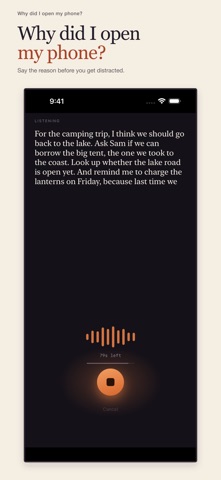
• See your words as you speak, transcribed on your device.
• Stop recording and your transcript is already copied.
• Choose cloud cleanup to fix dictation mistakes and pull out useful pieces to paste separately.
• Switch between fixed and original text. Either version copies with a tap.
• Turn cloud cleanup off, or use it only for the notes you choose.
• Find saved notes in searchable history, secured by Face ID, Touch ID, or your passcode.
• Find, download, and switch speech languages more easily.
Released Sep 26, 2024. Current version shipped Sep 11, 2026.
Store description
Keep hold of what you opened your phone to do.
You had a message to send. Something to look up. An idea you wanted to catch. Then a notification, a feed, or another thought got in the way.
Say it before you get pulled somewhere else. Tap the microphone and talk. Your words appear as you speak. When you stop, your note is saved and the text is already copied, ready for the message, search, or list you came for.
Start recording from Control Center, before the thought gets away.
TALK FIRST. SORT IT OUT LATER.
Take up to 90 seconds to get it out. Be brief or ramble. Every finished note is saved, so you don't have to decide where it belongs while you're trying to remember it.
TAKE JUST THE BIT YOU NEED
With optional cloud cleanup, dictation mistakes get a second look and useful bits become separate pieces to copy. The message inside “text Maya saying…” becomes the message itself. The thing to add to your list becomes a list item.
Tap a piece to copy it. When text has been fixed, tap Fixed to see and copy the original, or switch back again.
CHOOSE WHAT LEAVES YOUR DEVICE
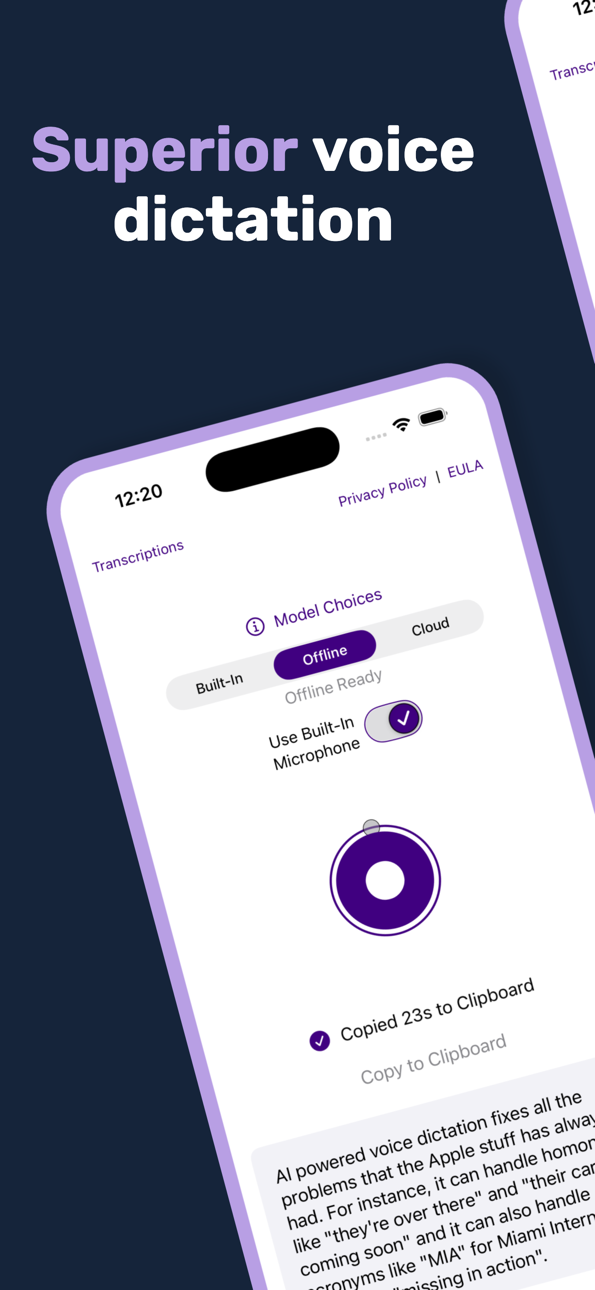
Speech is transcribed on your iPhone or iPad. Cloud cleanup sends the transcript, not the recording, for AI processing. Switch it off to keep transcription and note-taking on your device. You can still ask for cleanup on an individual note later.
FIND THAT THOUGHT AGAIN
Search your saved notes, protect the ones you want to keep, and manage or cull the rest as the list grows. Access to your history is secured with Face ID, Touch ID, or your device passcode.
SPEAK YOUR LANGUAGE
Download the supported on-device speech languages you use and switch between them whenever you need.
No account or subscription required.
Say it. Keep it. Get back to what you meant to do.
See this store page in another country
Prices, ranks and reviews are per country. Revenue above is already worldwide.