ASO keywords
Most repeated terms in the listing. Highlighted ones also appear in the title.
speed16gps8mileage7speed limits6alerts6recording6limits5speed altitude5monitor4cam4video4driving4altitude4map4import4data4distance4maps4dash cam3cam action3action cam3cam video3record detailed3set speed3
What's new in 6.4
■ Rally
‣ Prepare a road book before driving the route: draw on the map, check the terrain, and generate course notes with tulip diagrams.
‣ Turn a recorded track into a road book: on the track details screen, choose More > Rally book. Course notes are generated from the road’s shape, with optional tulip diagrams, and can include the track’s linked waypoints.
‣ Keep routes editable and reuse or print your books for future drives.
‣ Follow spoken course notes in the book’s language, using your preferred available voice.
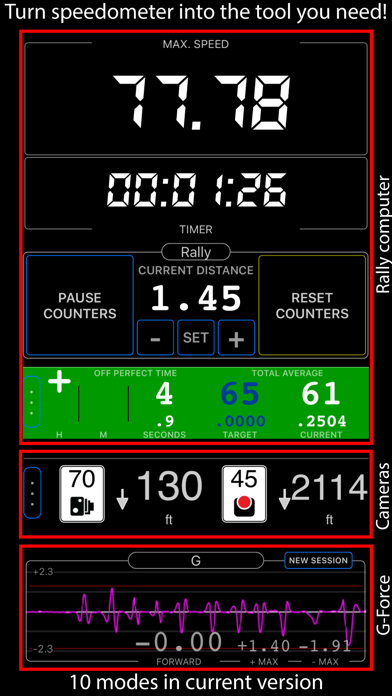
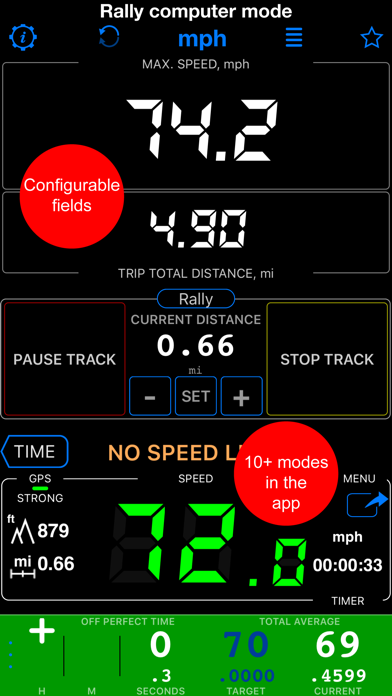
‣ When you drive a road book, the rally control panel shows the next course note with its tulip diagram and the distance to go. Set a gauge to Route map to follow the route and notes on a live map, or to Course notes to keep the next instruction in view.
■ Camera and Video
‣ Camera updates add an adjustable video light for darkness, lens selection and drag-to-zoom, focus lock with manual and per-lens focus, remembered lens and zoom, shutter delay and low-light quality, customizable viewfinder gestures, and black-screen recording.
■ Motion recording and video overlays
‣ Turn any finished track, including older ones, into overlay videos for your video editor: on the track details screen, choose More > Overlay videos > Export. Speed and Map come from the track itself, so no extra recording is needed.
‣ To add Pitch & Roll and G-Cross, open MENU > Settings > GPS Tracking > Motion and audio data and enable Include motion and audio before you record a track. No phone video is recorded, so you can pair the overlays with footage from another camera, synced by a short clap or the track audio.
‣ On tracks with motion data, choose More > View options > Map + pitch & roll + chart to scrub the chart with the map and pitch-and-roll instrument in sync.
‣ Export individual overlays from your recorded videos for use in other video projects, including transparent clips for your video editor.
‣ From a saved video, choose Export > Overlay videos to export its overlays.
■ Video transcripts and captions
‣ On iOS 26 or later, transcribe videos on-device in supported languages, search spoken words and jump to matches, correct, copy, or share transcripts, import or export SRT subtitles, and show captions during replay or in stamped exports.
■ Offline maps
‣ Download Retina-quality maps for offline use directly from Blocoware Open Street Map. Compact WebP tiles keep downloads small and save data; map detail reaches zoom 17, with house numbers visible from zoom 16.
‣ See download-size estimates and resume paused downloads without discarding what is already saved.
■ Points and photo records
‣ Everyday edits stay simple. In the point editor, open More and choose Advanced under View to compare point/photo values, resolve conflicts, and sync supported metadata.
■ A cleaner main screen
‣ We’ve removed the automatic infotainment slideshow to reduce clutter and keep your speed and map in view. Trip statistics remain available in the trip details screen.
Released Jun 10, 2012. Current version shipped Sep 24, 2026.
Store description
A powerful GPS speedometer, mileage tracker, and trip-cost monitor with dash-cam and action-cam video. See your speed at a glance, receive clear speed-limit alerts, record detailed routes, and understand the real cost of each trip.
Features:
■ Speed Limits & Alerts
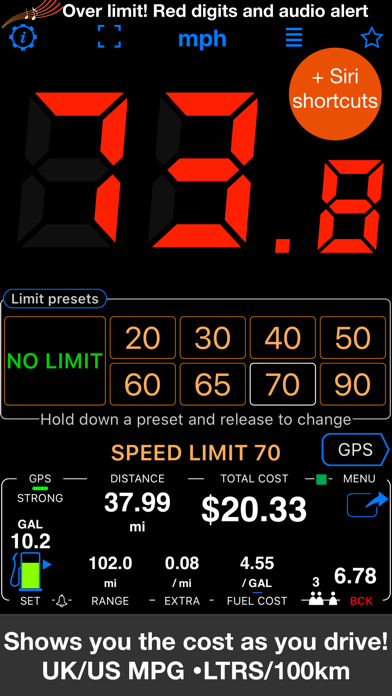
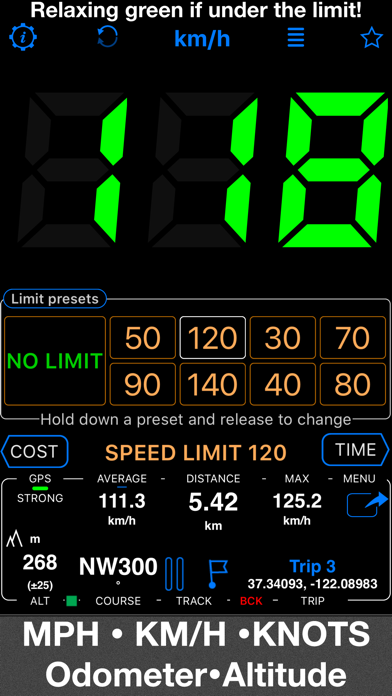
Set speed limits with 4 or 8 one-tap presets. Large digits change from green to red and a sound alerts you when you exceed the selected limit. The app can remember where limits were used and reapply them automatically.
■ Cost, Fuel & EV Monitor
See driving costs in real time for combustion and electric vehicles. For fuel, enter price and efficiency (US/UK MPG or L/100 km). For an EV, enter electricity price per kWh, usable battery capacity, full-charge driving range, and charging efficiency—the app accounts for charging losses. Add optional charges per mile or kilometer, split costs between passengers, and monitor estimated remaining range with configurable alerts.
■ GPS Tracking
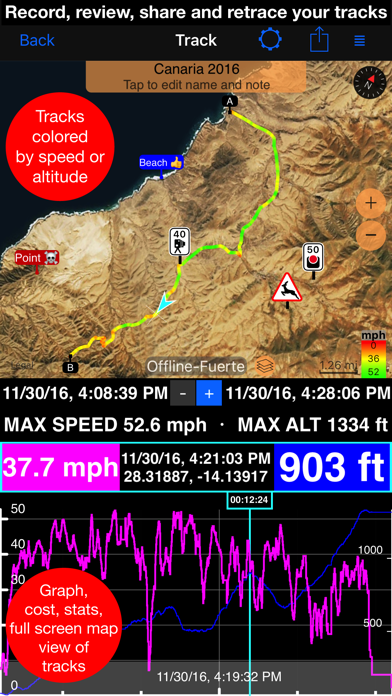
Record detailed mileage and routes, review speed, altitude, and statistics, or add a previous track back to the map to retrace it. Import and export GPX, KML, and KMZ files.
■ GPS Dash Cam & Action Cam Video
Record the road or the action with synchronized speed, location, heading, and map data. Choose engaging overlays such as speed, map, Pitch & Roll, and G-Cross for live view, replay, or stamped exports. Keep a clean original, export a full video or selected range, and turn an exact replay frame into a georeferenced photo and waypoint. Loop recording can retain the latest part of a drive without filling storage with one endless recording.
Because of iOS privacy restrictions, video can be recorded only while the camera recording screen is visible. Recording stops if you leave that screen or the app moves to the background. The app does not provide parking surveillance or automatic vehicle-power startup.
■ Mileage Calculator & PDF Reports
Calculate distance, fuel costs, and mileage between addresses. Fill gaps in a mileage log, categorize trips, and create customizable professional reports for reimbursement or tax records.
■ Maps
Choose Apple, Google, blank, or offline road, satellite, and topographic maps. Import MBTiles or SQLiteDB maps, download maps in the app, and create or share KMZ ground overlays.
■ Driving and Navigation Modes
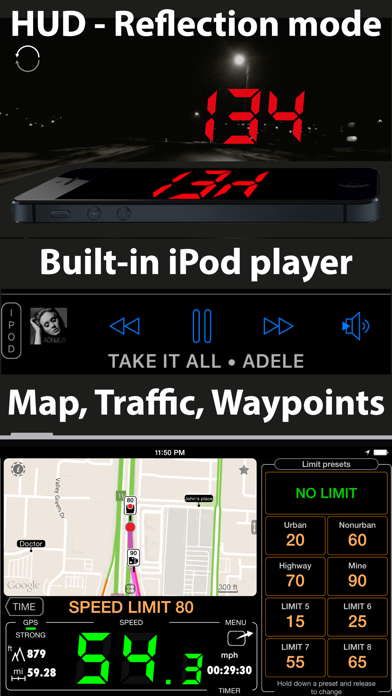
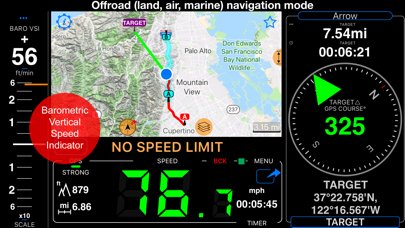
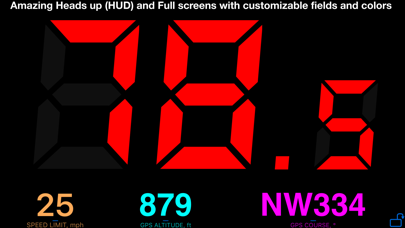
Use a full-screen speed display, mirrored HUD, rally computer, G-Force monitor, taximeter, map, water-sports mode, idle timer, paragliding instruments, or directional navigation for land, air, and marine use.
■ Waypoints & Camera Alerts
Create waypoints with optional photos or audio notes. Receive approach alerts, apply speed limits, and import or export CSV, GPX, KML, and KMZ data. Import red-light and speed-camera data or use the built-in library.
■ Voice Coach & Siri Shortcuts
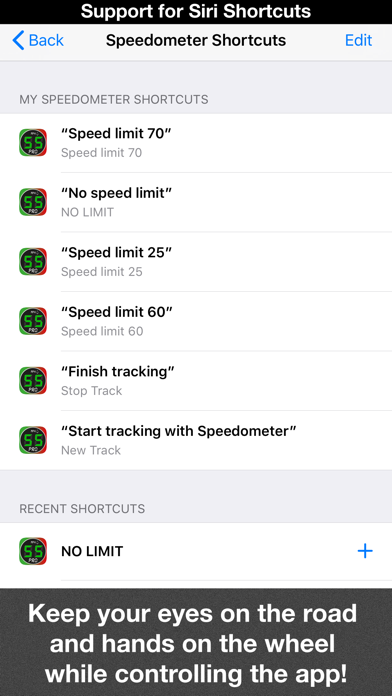
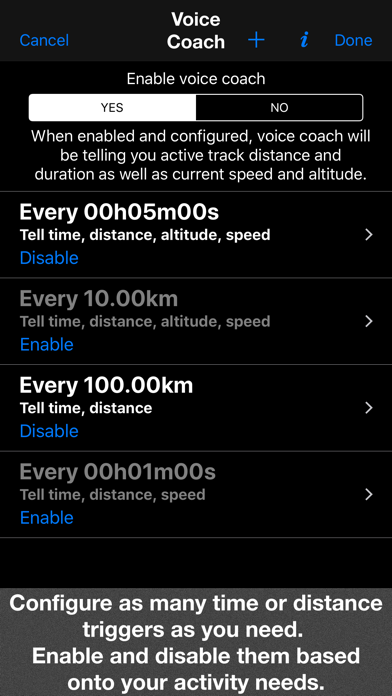
Hear distance, duration, speed, and altitude at chosen intervals. Start or stop GPS tracking and set speed limits with Siri.
■ Barometric Instruments
View real-time vertical speed and altitude with QFE/QNH support on compatible devices.
■ Background Mileage Tracking
The speedometer and GPS track recorder can run in the background when enabled. Optional auto-recording logs driving without manual start or stop, ideal for tax or reimbursement mileage. It includes 50 free auto-tracks per month, with an upgrade available for unlimited use.
■ Speed & Distance
Displays 0–999 in MPH, km/h, or knots, plus maximum and average speed, distance, altitude, and sunrise/sunset times.
■ Privacy & Compatibility
Location data is used for speed monitoring and trip recording within the app and is not shared with third parties. Requires an iPhone or cellular iPad with GPS; Wi-Fi-only iPads and iPods need an external GPS source. Continued GPS use can reduce battery life.
Terms of Use:
https://www.apple.com/legal/internet-services/itunes/dev/stdeula/
See this store page in another country
Prices, ranks and reviews are per country. Revenue above is already worldwide.