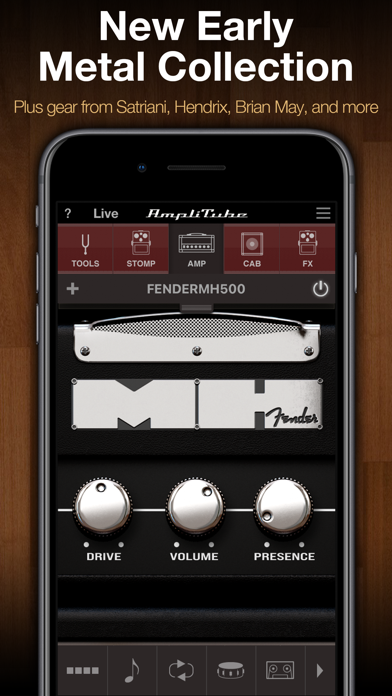
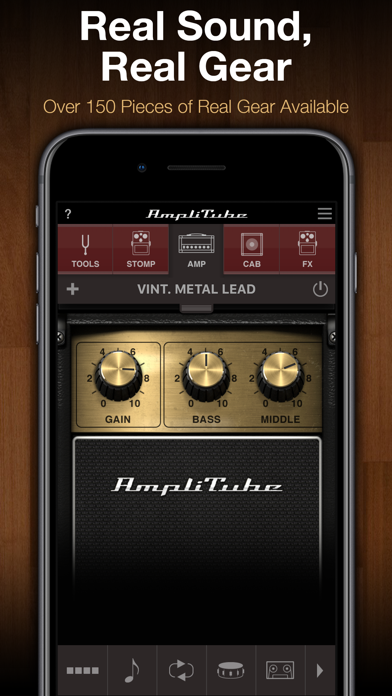
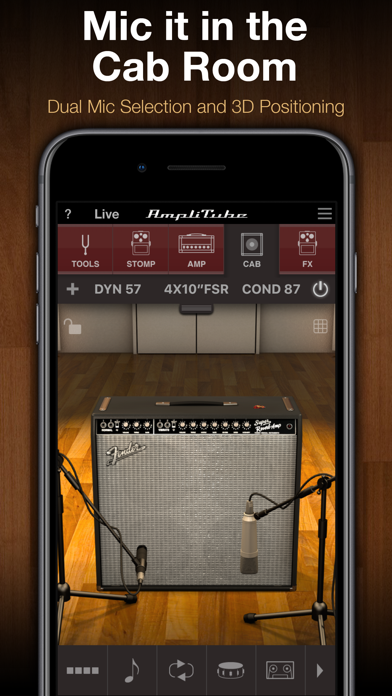
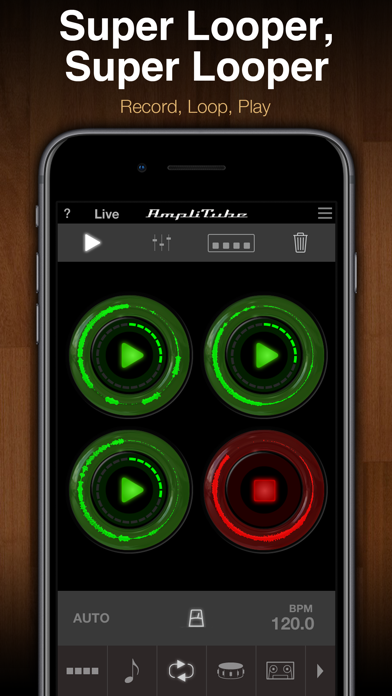
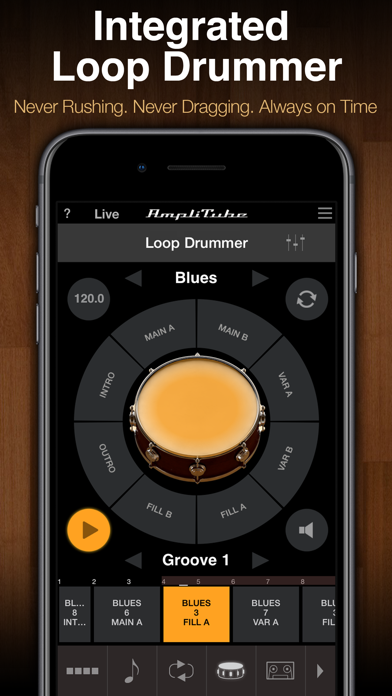
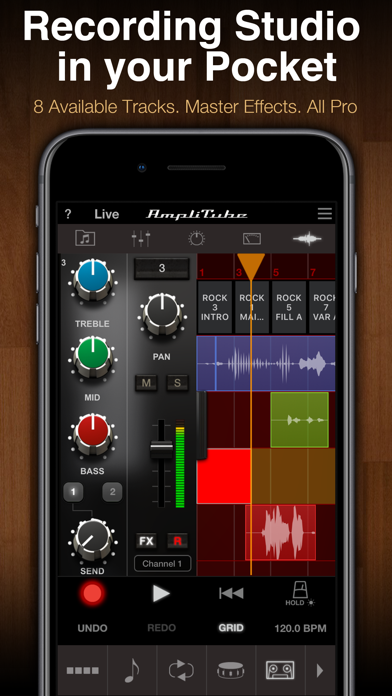
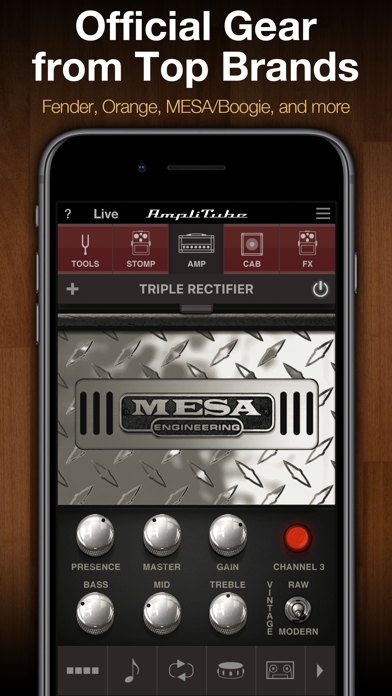
I do like the dsp algorithms and amp models and am more than willing to buy more packs, however, certain things need to be addressed in time hopefully sooner. The assortment of hardware interfaces, midi controllers and the desktop Mac and Windows Amplitube/Tonex sells for me. I also have their iRig and iLoud monitors. One repeated issue with the iRig Pro and HD2 interfaces at least for me was the melting off of the rubber casing. Despite feedback IK does not seem to have made significant changes. Over time the casing contaminates the insides of your carry bag and its black stickiness latches on to other devices in its periphery. Been using IK gear since 2015 or so. Getting back to this app. Some basic communication and UX design is definitely needed. 1. Looper needs to either have a clear top panel display to clear loops one by one or at least mention it clearly in the pdf manual or the ‘?’ help tooltip if so inclined. The statement in the pdf file which is downloaded from the IK website after logging in to the My Products registration page via resources, mentions it rather erroneously that “You can empty each single loop by sliding UP”. I think this is poor English to begin with, if I was to copyedit the same thing I would rewrite it as “In order to erase one of the loop slots individually WITHOUT clearing off all loops at once, you need to FLICK the loop you choose to remove in an UPWARDS FLICKING GESTURE”. All this time the screen itself says absolutely nothing about clearing loops individually. Hardware loops have an inbuilt loop memory erase function which works via taps and presses, none of that works by default, so long pressing gets you to the export loop popup and tapping toggles On/Off for the loop. Simply sliding up from the loop pressing it first does not do anything at all, ypu absolutely HAVE TO FLICK it. This is an world of difference and took me a while to realize what is actually going on. This is highly unintuitive and calls for a redesign by your app team. I already have an array of superb guitar hardwares and loopers etc so why make this soooo tricky inside Amplitube is beyond me, really!!??! 2. Pdf user manual should be provided in App and not via online access one page by page WITHOUT a central contents page to revisit for a to and fro reference without closing it and reloading. Why this sort of thing? Just provide the pdf file and let is do the navigation by simple scroll up and down or via dedicated TOC without using that horrible web interface without offline access. Genuinely a bad decision. To mitigate this issue I have the pdf user manual downloaded permanently in the iPhone and iCloud hard drives. 3. The AMP catalog and FX descriptions are not included in the inApp help file browser. Even getting online information on the AMP selections and basic modelling history text is soo hard to find. But that IS included in the phone user manual pdf file so it serves both purposes. This is an oversight or what sure as hell beats me?! As a purchaser of the Fender amps which I really adore, if I want to read a description of the amp inside Amplitube iOS, say the 59 Bassman, not even a word to be found. Anywhere. For that I have had to re-download the pdf user manual from the login area and THEN I get the full list. LOL!! 4. Ultra tuner is great for luthiers and for the price I just might actually buy it one day since I already use Polytune/Kemper and a host of excellent FREE apps from Nembrini and BOSS that does the 442Hz trick. But really Amplitube, come on man, setting the default tuner to 442 Hz reference pitch must not be behind a paywall. This is not marketing, it is coercion, which I dont dig, pretty much tells you why I have not got it till date. Reference pitch must be free, after which I promise I will buy the Ultra Tuner. 5. 4 track recorder multi track and Amplitube studio both accessible but via a nested menu button is genuinely confusing and I still till date dont get the point of the 4 track interface. I mean I use Renoise tracker for production and play Jazz guitar and even I dont get the point of what is the purpose for its existence. And why is that the first thing to come up for a recording session??The manual says for multitrack recording via a multitrack input audio interface, so okay, but whats with the tape rotating and all that stuff….maybe I will eventually get the hang of it but my oh my, do you do hard on everything! 6. The tabbed interface on the too and the tabs at the bottom need a one click functionality and exiting loop and drums must not come at the cost of RE-CLICKING the same button whereas for the top screen tabs you click to move between them only once. This sort of thing creates unnecessary disjunct and zig zag motion making music making an annoying affair. The bottom screen swipeable thing has to go, I never use it. If the screen I visit has the thing I want that is all I need. Pretty sure plenty of others might have said the same thing. Come on Amplitube team, you have a great product, why give it a compromised design?? Even if you prefer to sell the Desktop version more, iPhones work perfectly well, why don’t you just give us what we want?. Fix the above minor issues and Amplitube is gonna be genuinely lauded for everything it has to offer beyond the obvious. I am using it for 7 years now.
← Back to charts

APP STORE
AmpliTube CS
IK Multimedia US, LLC · Music · India store
NOT IN TOP 100 HERE
Revenue a month, worldwide EST
$906
Likely $302 to $2.7K
▼ 93.3% in 16 days
New ratings
Tracking
Daily counts start building from today
Rating
5.0 of 5
1 ratings in this store
Countries it ranks in
1
was 0 on Oct 20, 2026
Revenue
Estimated from the grossing charts of Oct 26, 2026 in the 53 countries we track, and ratings growth on the App Store.
EST. REVENUE / YEAR · WORLDWIDE
$10.9K
No Google Play version found
EST. LIFETIME DOWNLOADS
35 to 100
Estimated from ratings count
WHERE IT EARNS · EST. / MONTH
- Greece #79 Music$906 · 100%
HOW SURE ARE WE
Small app: combines its grossing ranks with ratings growth (0.0 new ratings a month on average since launch). Tested on 418 apps with verified revenue: typically off by about 2.6 times, so the range is wide. Countries we don't track (and Google Play in China, which doesn't exist) aren't included, and neither are ads or web payments. Gross revenue before store fees.
RATINGS
1
AVG RATING
5.00
PRICE
Free
AGE
16.4y
LAST UPDATE
109d ago
VERSION
4.14.6
SIZE
753 MB
AGE RATING
4+