← Back to charts
Slidecast: Screencast Recorder icon
APP STORE

Slidecast: Screencast Recorder

Qrayon, LLC · Productivity · Brazil store
NOT IN TOP 100 HERE
View on App Store ↗ Instagram card
Revenue a month, worldwide
Too small to estimate
Not enough chart or ratings data
New ratings
Tracking
Daily counts start building from today
Rating
3.7 of 5
3 ratings in this store
Countries it ranks in
0
was 0 on Oct 19, 2026

Revenue

Estimated from the grossing charts of Oct 26, 2026 in the 53 countries we track, and ratings growth on the App Store.

EST. REVENUE / MONTH · WORLDWIDE
Unranked
Not in any grossing chart, and it sells nothing in the store (no in-app purchases, free download). Any revenue comes from ads or payments outside the store, which we can't see.
EST. LIFETIME DOWNLOADS
105 to 300
Estimated from ratings count
RATINGS
3
AVG RATING
3.67
PRICE
Grátis
AGE
9.6y
LAST UPDATE
2343d ago
VERSION
1.6
SIZE
14 MB
AGE RATING
+4

Last 30 days

From our daily snapshots of every grossing chart.

DAYS IN A GROSSING CHART
0 / 30
COUNTRIES NOW
0 (was 0)
EST. REVENUE FROM CHARTS, DAILY · APP STORE ONLY EST
Show daily values
Sep 27, 2026not in a grossing chart
Sep 28, 2026not in a grossing chart
Sep 29, 2026not in a grossing chart
Sep 30, 2026not in a grossing chart
Oct 1, 2026not in a grossing chart
Oct 2, 2026not in a grossing chart
Oct 3, 2026not in a grossing chart
Oct 4, 2026not in a grossing chart
Oct 5, 2026not in a grossing chart
Oct 6, 2026not in a grossing chart
Oct 7, 2026not in a grossing chart
Oct 8, 2026not in a grossing chart
Oct 9, 2026not in a grossing chart
Oct 10, 2026not in a grossing chart
Oct 11, 2026not in a grossing chart
Oct 12, 2026not in a grossing chart
Oct 13, 2026not in a grossing chart
Oct 14, 2026not in a grossing chart
Oct 15, 2026not in a grossing chart
Oct 16, 2026not in a grossing chart
Oct 17, 2026not in a grossing chart
Oct 18, 2026not in a grossing chart
Oct 19, 2026not in a grossing chart
Oct 20, 2026not in a grossing chart
Oct 21, 2026not in a grossing chart
Oct 22, 2026not in a grossing chart
Oct 23, 2026not in a grossing chart
Oct 24, 2026not in a grossing chart
Oct 25, 2026not in a grossing chart
Oct 26, 2026not in a grossing chart
Best rank Sep 27, 2026: not ranked. Now: not ranked. Days at zero are days outside every grossing chart.

Money and momentum

Measured from the store, not estimated.

WHAT IT CHARGES
No in-app purchases
Earns from its upfront price, ads or payments outside the store.
REVIEW MOMENTUM
Too few reviews
Fewer than 3 recent written reviews in this country.
RELEASE CADENCE
0 updates in 90 days
  • Typical gap between releases92 days
From the last 7 versions listed on the App Store.
RATING BREAKDOWN
3 ratings
5★67%
4★0%
3★0%
2★0%
1★33%

Store screenshots

ScreenshotScreenshotScreenshotScreenshotScreenshotScreenshotScreenshotScreenshotScreenshotScreenshot

App Store ads

Apple Search Ads this app ran in the last 90 days, from Apple's public ad repository.

Apple's ad repository couldn't be reached right now. Try again later.

Growth research

Where this app is buying and earning its users. Each link opens pre filtered.

ASO keywords

Most repeated terms in the listing. Highlighted ones also appear in the title.

videos9slidecast8slidecast pro5record4video43rd party3qrayon home3step3slides3through3time3whiteboard3pro3presentations2flip2everything2tool2engagement2presentation2present2colleagues2share2services2directly2

What's new in 1.6

+ Minor performance improvements.

Released Mar 30, 2017. Current version shipped May 27, 2020.

Store description

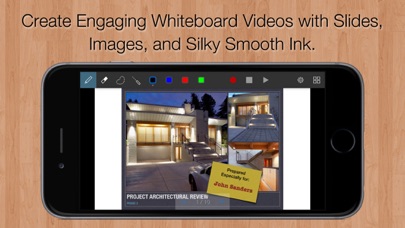
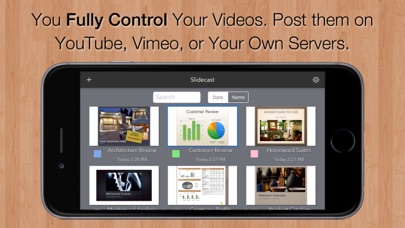
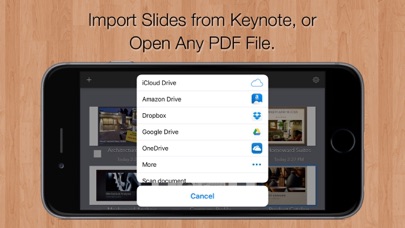
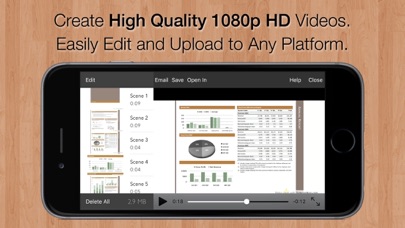
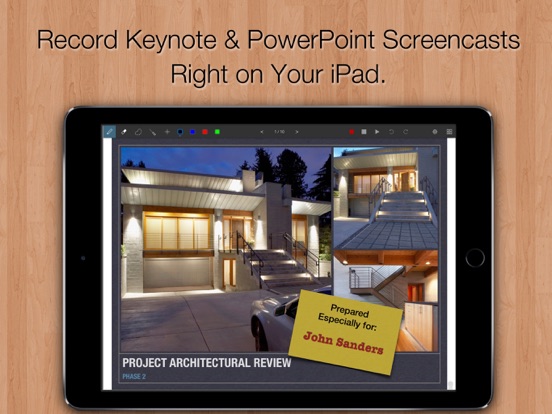
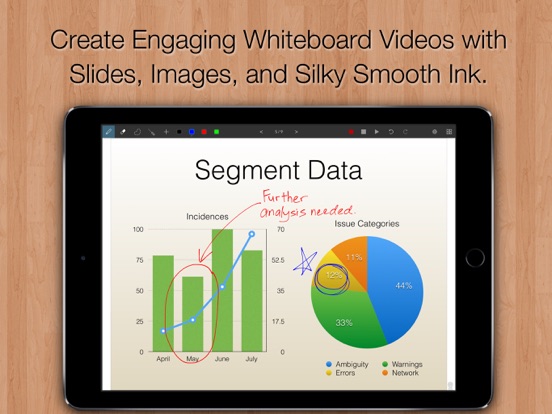
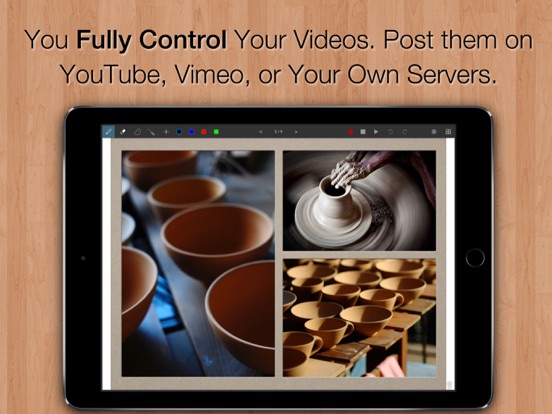
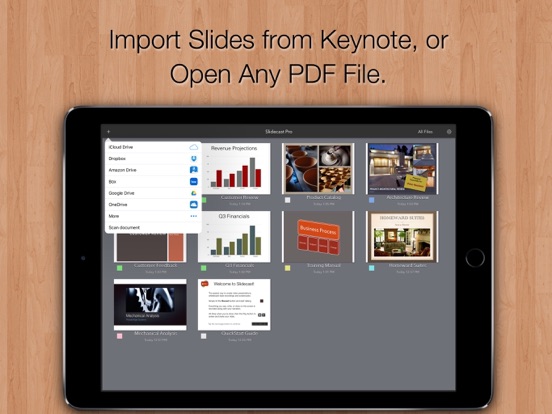
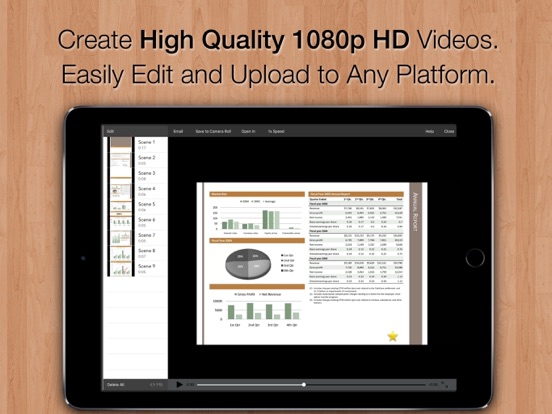
Slidecast is the easiest and fastest way to record professional video slide presentations right on your iPad or iPhone: Step 1: Import slides. Step 2: Tap Record and flip through the pages as you narrate. Step 3: Everything you say is recorded in sync with the screen. It's the perfect tool for: Sales presentations, training videos, remote collaboration, and more. INCREASE ENGAGEMENT WITH PERSONALIZED VIDEOS The next time an important client wants some information, why not walk them through it with a custom-tailored video presentation? You and your business are sure to stand out. WHITEBOARD VIDEOS TOO Slidecast can also be used to quickly create whiteboard-style videos. Start with slides or a blank page and present as you would on a whiteboard. This is ideal for instructional videos as well as for rapidly sharing ideas with your colleagues. Use it to sketch out a proposal, present plans, or review documents. SHARE SECURELY OR BROADCAST TO THE WORLD Everyone's concerned about privacy these days. So are we. Unlike with online presentation services, you retain 100% control over your slides and videos. Your content never leaves your iPad, unless you choose to share it or backup to iCloud. Email videos directly to only your colleagues, or upload them to the service of your choice. FOR EDUCATORS: FLIP YOU CLASSROOM WITH ENGAGING VIDEO SCREENCASTS Slidecast is a powerful tool for flipping your classroom. Screencastify your lessons into a reusable video library that students can watch and learn from on their own, then use valuable class time to focus on individual coaching. Or let your students use Slidecast to record their thought process as they work through problems. Let them explain everything to each other in short clips to help focus attention and raise engagement. TOP FEATURES: * Open exported PDF decks (or any PDF file) from Keynote, PowerPoint, or 3rd party Apps. * Produces High-Quality 1080p or 720p HD Quicktime videos. * Integrated scene editor. * Smooth scalable vector ink built on the Inkflow Engine. * Record using the iPad's built-in mic, or an external one. * Project organizer with customizable color categories. * Publish directly to YouTube, Facebook, or Vimeo from the Photos App. * Upload to Dropbox and other services by exporting videos to 3rd party Apps. SLIDECAST PRO Upgrade instantly to Slidecast Pro with a monthly subscription. Your Slidecast Pro subscription will automatically renew at the end of each period unless auto-renew is turned off at least 24 hours before the end of the current period. Your iTunes account will be charged for renewal within 24 hours prior to the end of the current period. You can turn off auto-renew at any time from your iTunes account settings, but refunds will not be provided for the unused portion of the current period. Terms: http://www.qrayon.com/home/slidecast/terms.aspx Privacy Policy: http://www.qrayon.com/home/privacy.aspx

See this store page in another country

Prices, ranks and reviews are per country. Revenue above is already worldwide.

More from Qrayon, LLC

Inkflow Visual Notebook
Productivity
88 ratingsAnalyze →
Resume Star: CV Maker, Builder
Productivity
25 ratingsAnalyze →
Air Projector: Photo Slideshow
Photo & Video
2 ratingsAnalyze →
Cardflow: Index & Flash Cards
Business
44 ratingsAnalyze →
Stickyboard
Productivity
2 ratingsAnalyze →
Air Sketch Free
Utilities
3 ratingsAnalyze →
Smart PDF Editor
Business
5 ratingsAnalyze →
Noteflow: Simple Notes
Productivity
5 ratingsAnalyze →
Vittle: Screencast Recorder
Education
1 ratingsAnalyze →