ASO keywords
Most repeated terms in the listing. Highlighted ones also appear in the title.
mobile9connected5data4link mobile3data usage3battery life3connected devices3mobile login3username password3used data3tpmifi3manage3devices3password3used3link2usage2battery2life2network2device2login2control2username2
What's new in 2.4.50
Fixed some bugs and improved the stability.
Released Jun 9, 2015. Current version shipped Sep 18, 2026.
Store description
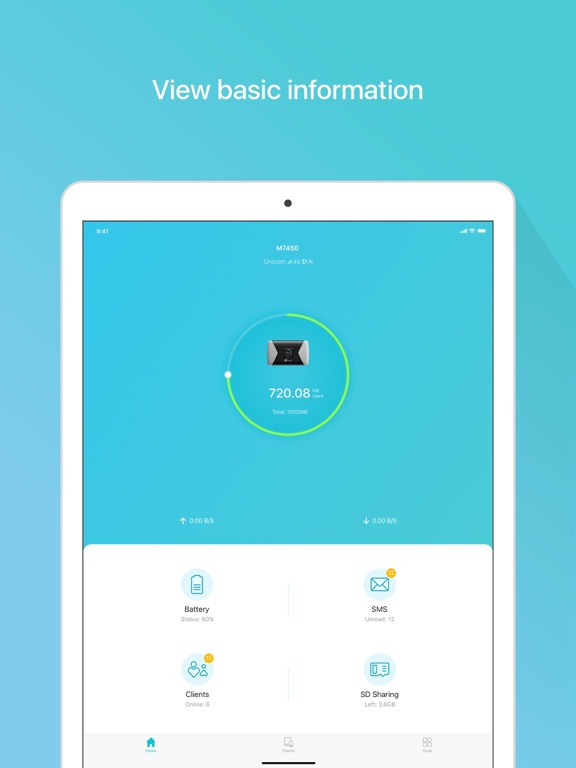
tpMiFi provides the easiest way to manage your TP-Link Mobile Wi-Fi via the connected iPhone. It allows you to manage your Mobile Wi-Fi's data usage, battery life and connected devices with a few taps.
tpMiFi management is available only after the iPhone is connected to the Wi-Fi network of TP-Link Mobile Wi-Fi. Disconnected from the MiFi will appear on the interface if the device is not connected to the Mobile Wi-Fi. Login to take fully control of your Mobile Wi-Fi and the login username and password are the same as the administrator username and password of the Mobile Wi-Fi.
Features:
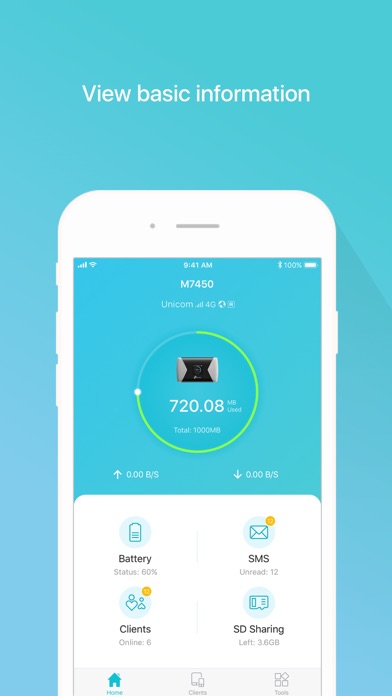
-Display network status such as carrier information, signal strength and roaming status.
-Control data usage such as currently used data and monthly allowance, and adjust used data at your disposal.
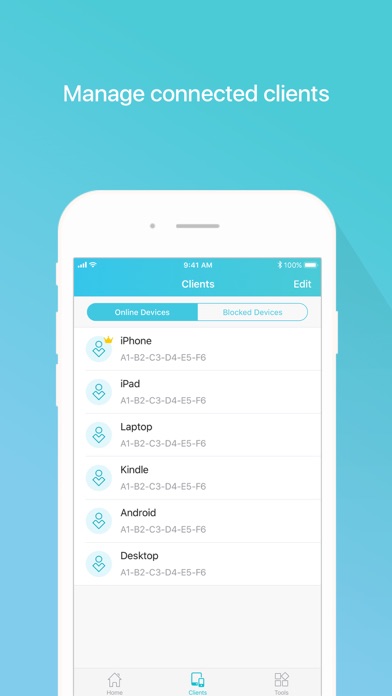
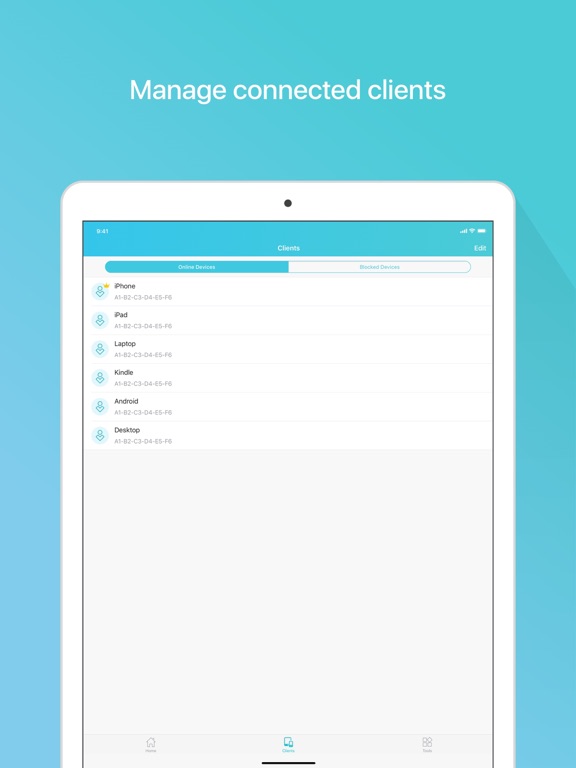
-Manage connected devices, block the unwelcome device by simply sliding the corresponding entry and tap Block.
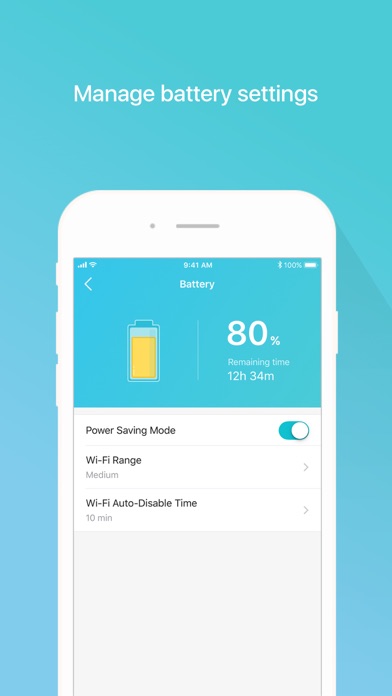
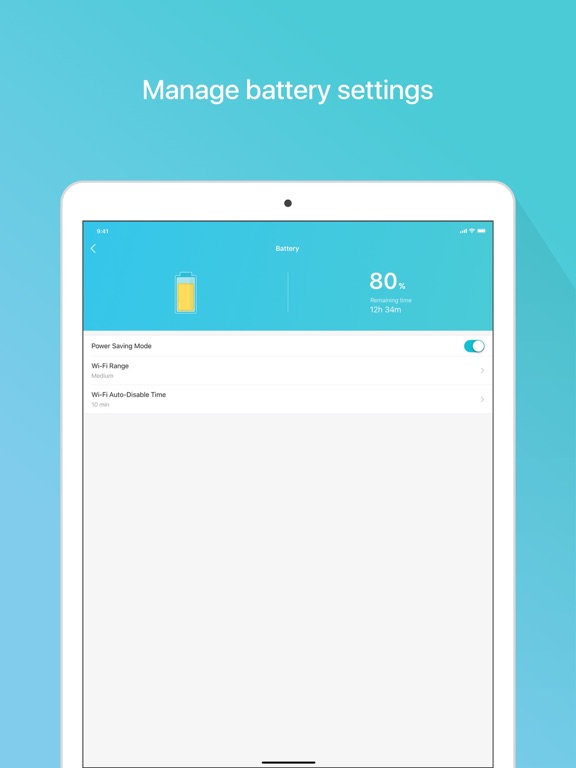
-Monitor your Mobile Wi-Fi's battery life in real-time and switch it to power saving mode.
-Share, download and upload files in the SD card in your Mobile Wi-Fi.
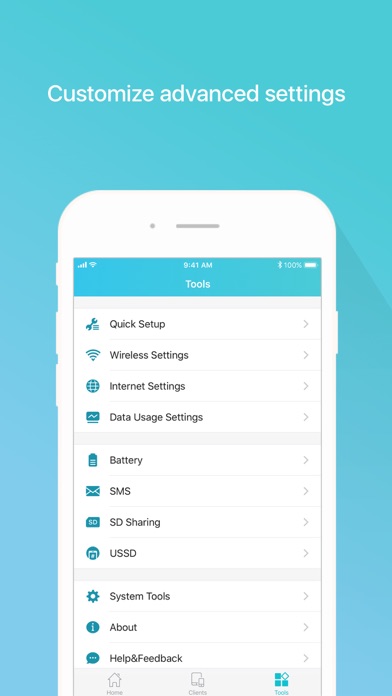
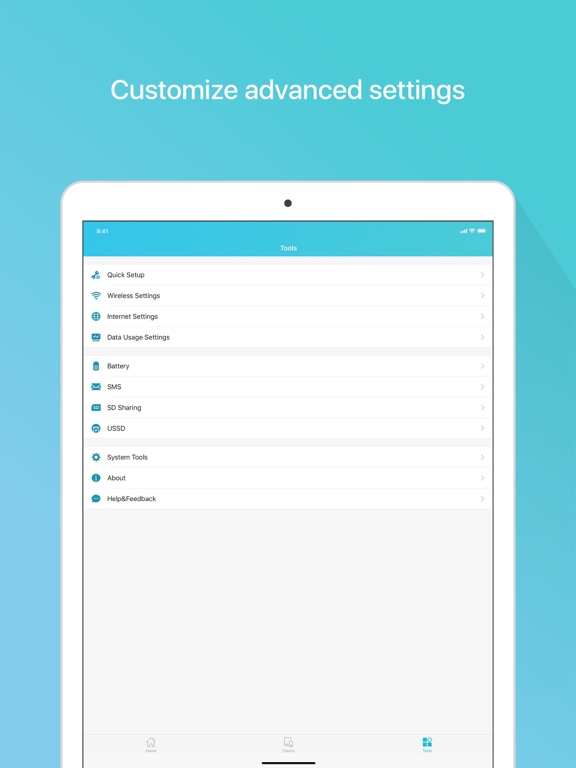
-Customize wireless settings such as your Mobile Wi-Fi's SSID and wireless password.
-Other functionality including firmware upgrade, power off, reboot, and factory default restore.
Compatible List:
tpMiFi can be used on the following devices:
M7650, M7450, M7350, M7310, M7300, M7200, M7010, M7000
See this store page in another country
Prices, ranks and reviews are per country. Revenue above is already worldwide.