← Back to charts
tpMiFi icon
APP STORE

tpMiFi

TP-Link Systems Inc. · Productivity · Brazil store
NOT IN TOP 100 HERE
View on App Store ↗ Google Play version →
Revenue a month, worldwide
Too small to estimate
Not enough chart or ratings data
New ratings
Tracking
Daily counts start building from today
Rating
4.1 of 5
13 ratings in this store
Countries it ranks in
0
was 0 on Oct 14, 2026

Revenue

Estimated from the grossing charts of Oct 21, 2026 in the 53 countries we track, and ratings growth on the App Store.

EST. REVENUE / MONTH · WORLDWIDE
Unranked
Not in any grossing chart, and it sells nothing in the store (no in-app purchases, free download). Any revenue comes from ads or payments outside the store, which we can't see.
EST. LIFETIME DOWNLOADS
455 to 1.3K
Estimated from ratings count
RATINGS
13
AVG RATING
4.08
PRICE
Grátis
AGE
11.4y
LAST UPDATE
33d ago
VERSION
2.4.50
SIZE
32 MB
AGE RATING
+4

Last 28 days

From our daily snapshots of every grossing chart.

DAYS IN A GROSSING CHART
0 / 28
COUNTRIES NOW
0 (was 0)
EST. REVENUE FROM CHARTS, DAILY · BOTH STORES ONLY EST
Show daily values
Sep 24, 2026not in a grossing chart
Sep 25, 2026not in a grossing chart
Sep 26, 2026not in a grossing chart
Sep 27, 2026not in a grossing chart
Sep 28, 2026not in a grossing chart
Sep 29, 2026not in a grossing chart
Sep 30, 2026not in a grossing chart
Oct 1, 2026not in a grossing chart
Oct 2, 2026not in a grossing chart
Oct 3, 2026not in a grossing chart
Oct 4, 2026not in a grossing chart
Oct 5, 2026not in a grossing chart
Oct 6, 2026not in a grossing chart
Oct 7, 2026not in a grossing chart
Oct 8, 2026not in a grossing chart
Oct 9, 2026not in a grossing chart
Oct 10, 2026not in a grossing chart
Oct 11, 2026not in a grossing chart
Oct 12, 2026not in a grossing chart
Oct 13, 2026not in a grossing chart
Oct 14, 2026not in a grossing chart
Oct 15, 2026not in a grossing chart
Oct 16, 2026not in a grossing chart
Oct 17, 2026not in a grossing chart
Oct 18, 2026not in a grossing chart
Oct 19, 2026not in a grossing chart
Oct 20, 2026not in a grossing chart
Oct 21, 2026not in a grossing chart
Best rank Sep 24, 2026: not ranked. Now: not ranked. Days at zero are days outside every grossing chart.

Money and momentum

Measured from the store, not estimated.

WHAT IT CHARGES
No in-app purchases
Earns from its upfront price, ads or payments outside the store.
REVIEW MOMENTUM
0.0 reviews / week
  • Recent reviews average3.0 stars
  • Recent 1 and 2 star share50%
From the latest 4 written reviews, covering 2608 days.
RELEASE CADENCE
1 update in 90 days
  • Typical gap between releases102 days
From the last 25 versions listed on the App Store.
RATING BREAKDOWN
13 ratings
5★69%
4★8%
3★0%
2★8%
1★15%

What users say

Latest reviews, Brazil App Store.

★★★★★Aug 16, 2026
Top

Muito bom

★★★★★Jun 15, 2023
Não funciona

O meu m5350 não funciona o app não acha ele! Qual app seria indicado? Obrigado

★★★★★Aug 3, 2021
THEY CUT OFF MY INTERNET ! I missed 1 password. ON MY FCKin PHONE!

2 hours out of work What password did they want My phone è??? Routers’s ????? F u

★★★★★Aug 31, 2019
Sensacional!

Design limpo, intuitivo e cumpre perfeitamente o que propõem.
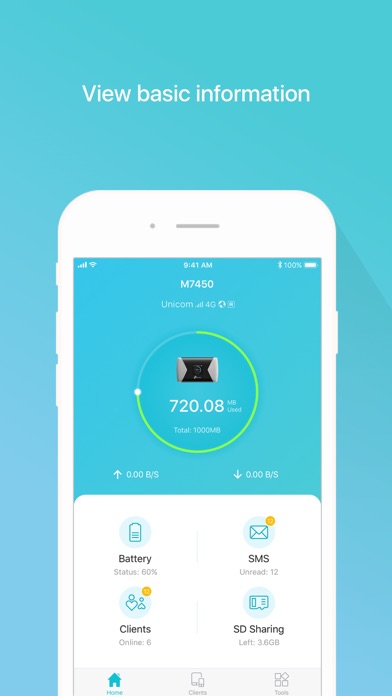
Store screenshots

ScreenshotScreenshotScreenshotScreenshotScreenshotScreenshotScreenshotScreenshotScreenshotScreenshot

App Store ads

Apple Search Ads this app ran in the last 90 days, from Apple's public ad repository.

Apple's ad repository couldn't be reached right now. Try again later.

Growth research

Where this app is buying and earning its users. Each link opens pre filtered.

ASO keywords

Most repeated terms in the listing. Highlighted ones also appear in the title.

mobile9connected5data4link mobile3data usage3battery life3connected devices3mobile login3username password3used data3tpmifi3manage3devices3password3used3link2usage2battery2life2network2device2login2control2username2

What's new in 2.4.50

Fixed some bugs and improved the stability.

Released Jun 9, 2015. Current version shipped Sep 18, 2026.

Store description

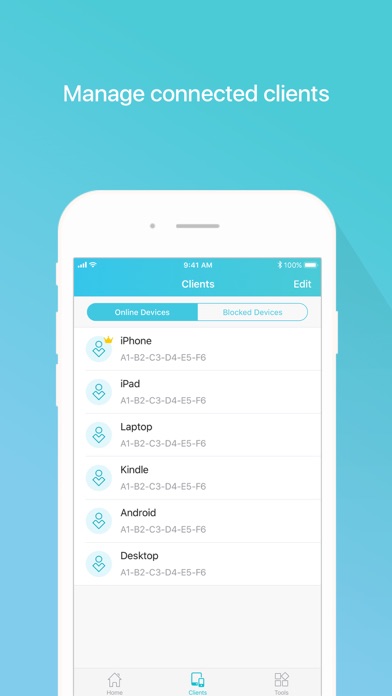
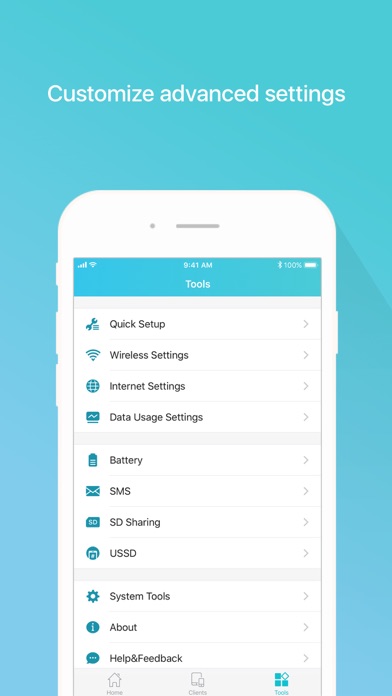
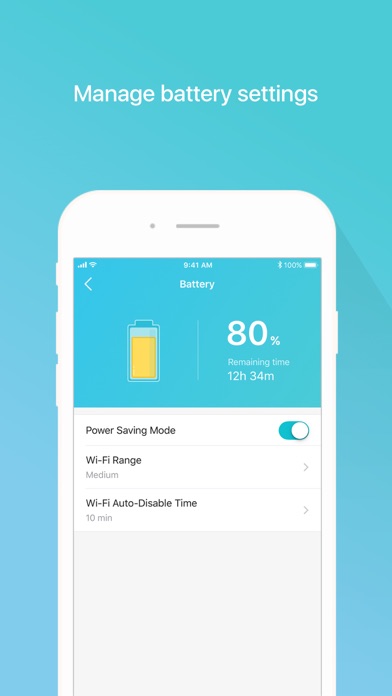
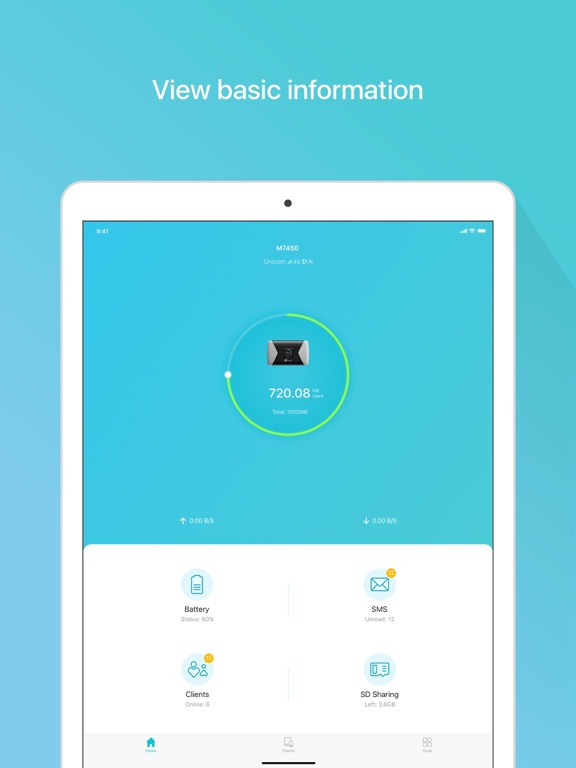
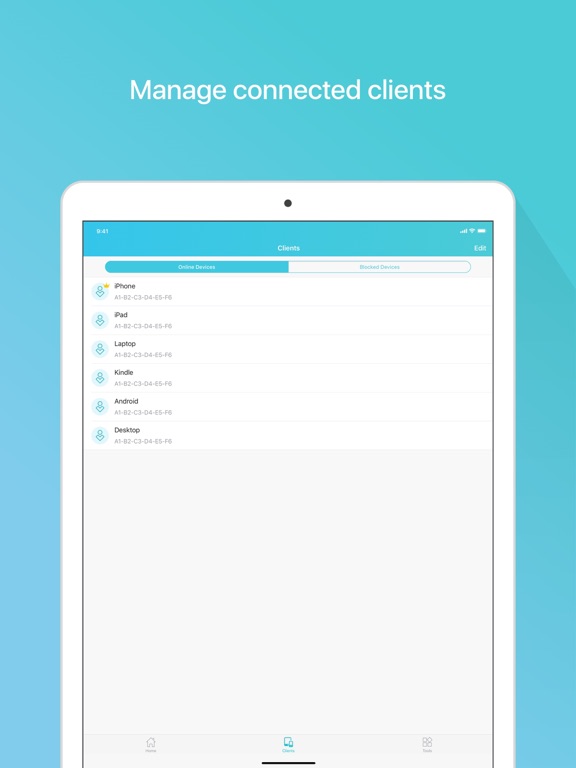
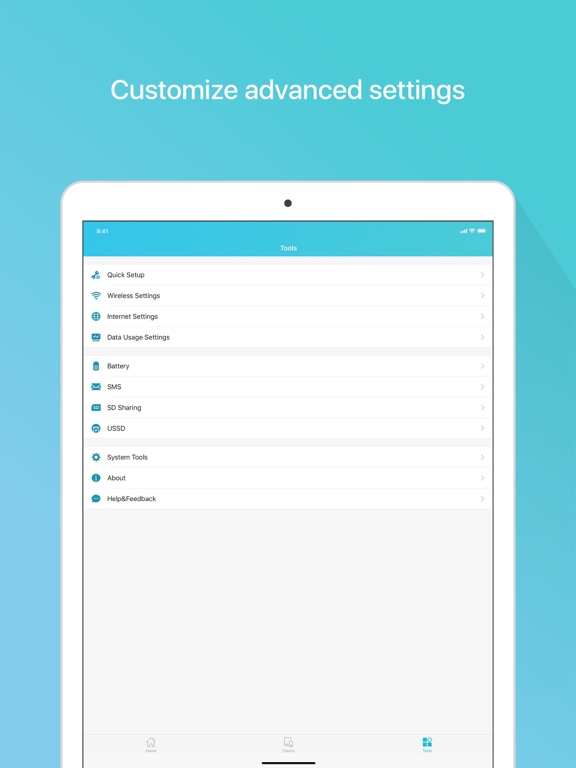
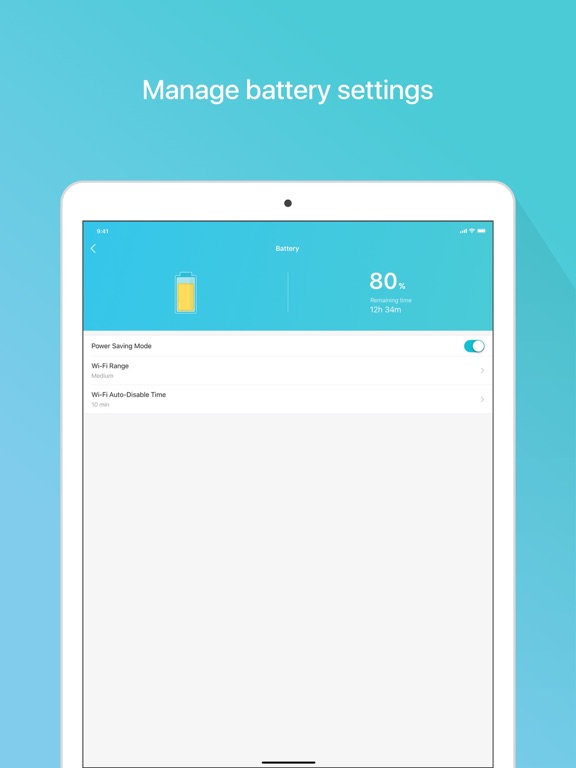
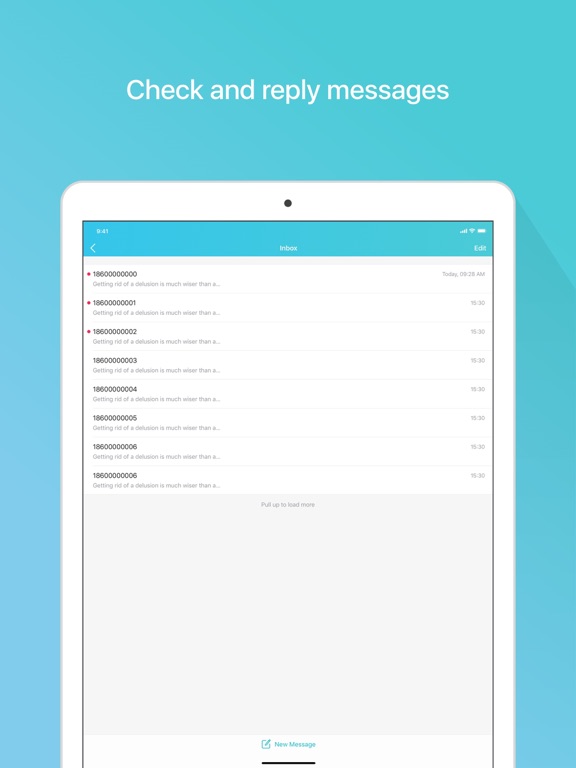
tpMiFi provides the easiest way to manage your TP-Link Mobile Wi-Fi via the connected iPhone. It allows you to manage your Mobile Wi-Fi's data usage, battery life and connected devices with a few taps. tpMiFi management is available only after the iPhone is connected to the Wi-Fi network of TP-Link Mobile Wi-Fi. Disconnected from the MiFi will appear on the interface if the device is not connected to the Mobile Wi-Fi. Login to take fully control of your Mobile Wi-Fi and the login username and password are the same as the administrator username and password of the Mobile Wi-Fi. Features: -Display network status such as carrier information, signal strength and roaming status. -Control data usage such as currently used data and monthly allowance, and adjust used data at your disposal. -Manage connected devices, block the unwelcome device by simply sliding the corresponding entry and tap Block. -Monitor your Mobile Wi-Fi's battery life in real-time and switch it to power saving mode. -Share, download and upload files in the SD card in your Mobile Wi-Fi. -Customize wireless settings such as your Mobile Wi-Fi's SSID and wireless password. -Other functionality including firmware upgrade, power off, reboot, and factory default restore. Compatible List: tpMiFi can be used on the following devices: M7650, M7450, M7350, M7310, M7300, M7200, M7010, M7000

See this store page in another country

Prices, ranks and reviews are per country. Revenue above is already worldwide.