★★★★★May 16, 2024
poor app..followed instruction on getting training paid the monthly fee they took my money and i cannot get into app .. no customer support phone .. thief’s

Estimated from the grossing charts of Oct 25, 2026 in the 53 countries we track, and ratings growth on the App Store.
From our daily snapshots of every grossing chart and daily ratings counts.
| Sep 26, 2026 | not in a grossing chart |
| Sep 27, 2026 | not in a grossing chart |
| Sep 28, 2026 | not in a grossing chart |
| Sep 29, 2026 | not in a grossing chart |
| Sep 30, 2026 | not in a grossing chart |
| Oct 1, 2026 | not in a grossing chart |
| Oct 2, 2026 | not in a grossing chart |
| Oct 3, 2026 | not in a grossing chart |
| Oct 4, 2026 | not in a grossing chart |
| Oct 5, 2026 | not in a grossing chart |
| Oct 6, 2026 | not in a grossing chart |
| Oct 7, 2026 | not in a grossing chart |
| Oct 8, 2026 | not in a grossing chart |
| Oct 9, 2026 | not in a grossing chart |
| Oct 10, 2026 | $5.5K a month |
| Oct 11, 2026 | $433 a month |
| Oct 12, 2026 | $444 a month |
| Oct 13, 2026 | not in a grossing chart |
| Oct 14, 2026 | not in a grossing chart |
| Oct 15, 2026 | $280 a month |
| Oct 16, 2026 | $927 a month |
| Oct 17, 2026 | $474 a month |
| Oct 18, 2026 | $437 a month |
| Oct 19, 2026 | not in a grossing chart |
| Oct 20, 2026 | not in a grossing chart |
| Oct 21, 2026 | not in a grossing chart |
| Oct 22, 2026 | not in a grossing chart |
| Oct 23, 2026 | $600 a month |
| Oct 24, 2026 | $335 a month |
| Oct 25, 2026 | $335 a month |
| Oct 23, 2026 | 133 ratings |
| Oct 24, 2026 | 133 ratings |
| Oct 25, 2026 | 133 ratings |
Measured from the store, not estimated.
From the latest 50 reviews on the Japan App Store, Jun 2, 2017 to May 16, 2024: 18% are 1 or 2 stars. Open a theme to read what people wrote.
6 of the 1 and 2 star reviews.
★★★★★ followed instruction on getting training paid the monthly fee they took my money and i cannot get into app ..
★★★★★ Don't want to give even 1 star It's charging so much money.
★★★★★ Don't do it , they are just trying scam u out of ur money with a 7-day trial which is a lot to take in just 7 days, get a YouTube tutorial free…… duh
Nothing stands out.
14 of the 4 and 5 star reviews.
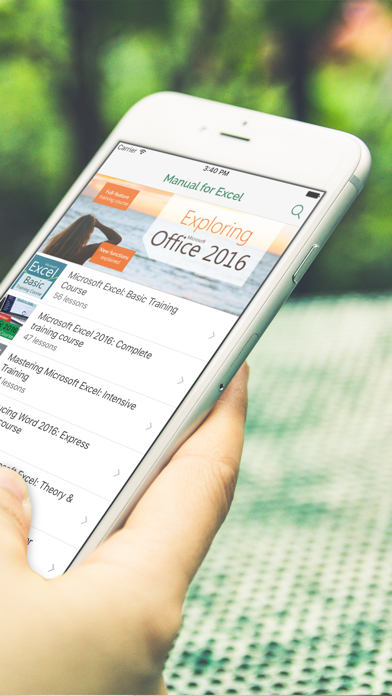
★★★★★ Application helps newcomers better access to excel.
★★★★★ Application helps newcomers better access to excel.
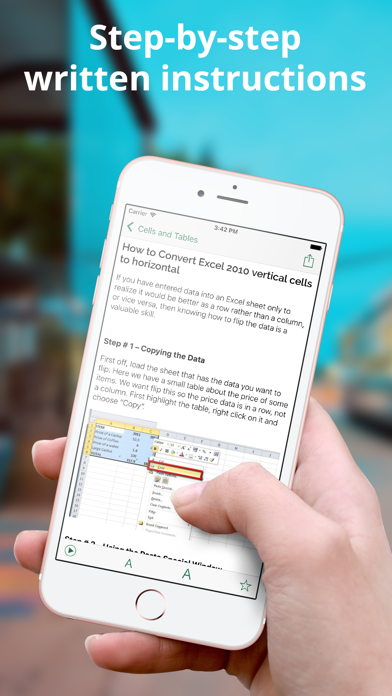
★★★★★ The application synthesizes a lot of tricks and practical actions that are useful to the user.
7 of the 4 and 5 star reviews.
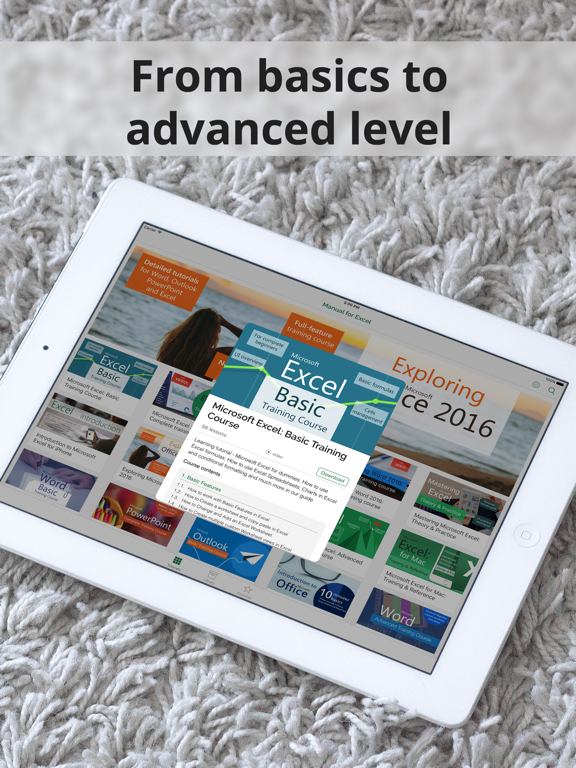
★★★★★ Beautiful design, stable operation, simple to advanced lectures are designed for users in a logical sequence.
★★★★★ The lessons are streamlined, the content ranging from simple to advanced will help learners to absorb more effectively.
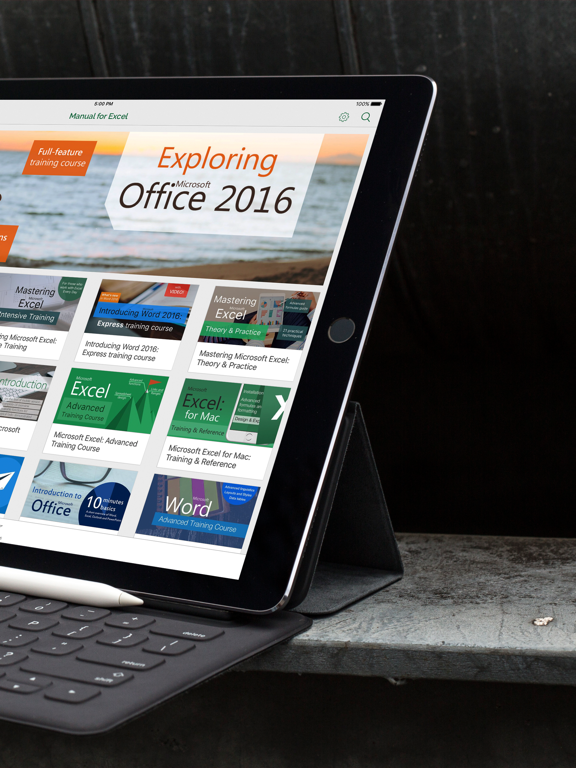
★★★★★ The interface within this app make accessing different tutorials so easy, and it really helps out with the overall appeal that this app carries.
2 of the 4 and 5 star reviews.
★★★★★ Beautiful design, stable operation, simple to advanced lectures are designed for users in a logical sequence.
★★★★★ The interface within this app make accessing different tutorials so easy, and it really helps out with the overall appeal that this app carries.
2 of the 4 and 5 star reviews.
★★★★★ This app is full of what you need, detailed tutorials with high quality content.
★★★★★ You will learn how to use many more tools, and those will help you with the overall quality.
Found by matching words and phrases in the reviews, not read by a person. A review can count toward more than one theme.
Latest reviews, Japan App Store.
followed instruction on getting training paid the monthly fee they took my money and i cannot get into app .. no customer support phone .. thief’s
Will not download the lessons! How come no?
Don’t want to give even 1 star It’s charging so much money. Not worth
Don’t do it , they are just trying scam u out of ur money with a 7-day trial which is a lot to take in just 7 days, get a YouTube tutorial free…… duh
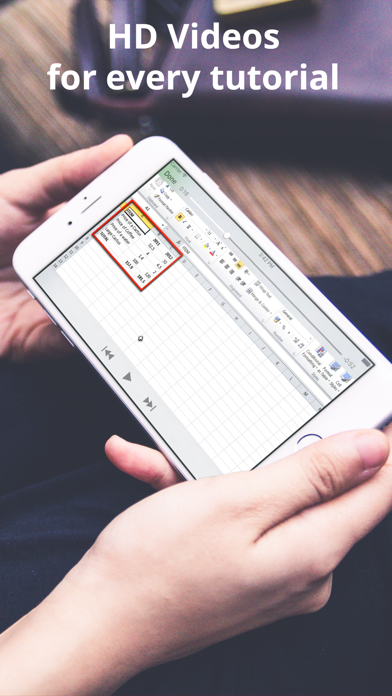
Hi when i press play theres no video aside for voice only. And texts are not showing. Its totally blank… im afraid to remove the app and reinstall coz im afraid to get charge again.
I can’t make my spreadsheet. Can you fix it?
Same category, earning about as much.





Apple Search Ads this app ran in the last 90 days, from Apple's public ad repository.
Apple only publishes ads shown in the EU (EU Digital Services Act), with a 7 day delay. An app that advertises only outside the EU shows nothing here.
Where this app is buying and earning its users. Each link opens pre filtered.
Most repeated terms in the listing. Highlighted ones also appear in the title.
Released Mar 25, 2015. Current version shipped May 4, 2017.
Prices, ranks and reviews are per country. Revenue above is already worldwide.
 Online courses from HowTech Online courses from HowTechEducation | Analyze → |


