★★★★★Apr 20, 2026
Started glitching the second I paidI did a test video with the watermark that looked perfect, so I bought the app. Immediately exported the exact same video but the frame is glitching and look crazy. It’s unusable…

Estimated from the grossing charts of Oct 25, 2026 in the 53 countries we track, and ratings growth on the App Store.
From our daily snapshots of every grossing chart.
| Sep 26, 2026 | not in a grossing chart |
| Sep 27, 2026 | not in a grossing chart |
| Sep 28, 2026 | not in a grossing chart |
| Sep 29, 2026 | not in a grossing chart |
| Sep 30, 2026 | not in a grossing chart |
| Oct 1, 2026 | not in a grossing chart |
| Oct 2, 2026 | not in a grossing chart |
| Oct 3, 2026 | not in a grossing chart |
| Oct 4, 2026 | not in a grossing chart |
| Oct 5, 2026 | not in a grossing chart |
| Oct 6, 2026 | not in a grossing chart |
| Oct 7, 2026 | not in a grossing chart |
| Oct 8, 2026 | not in a grossing chart |
| Oct 9, 2026 | not in a grossing chart |
| Oct 10, 2026 | not in a grossing chart |
| Oct 11, 2026 | not in a grossing chart |
| Oct 12, 2026 | not in a grossing chart |
| Oct 13, 2026 | not in a grossing chart |
| Oct 14, 2026 | not in a grossing chart |
| Oct 15, 2026 | not in a grossing chart |
| Oct 16, 2026 | not in a grossing chart |
| Oct 17, 2026 | not in a grossing chart |
| Oct 18, 2026 | not in a grossing chart |
| Oct 19, 2026 | not in a grossing chart |
| Oct 20, 2026 | not in a grossing chart |
| Oct 21, 2026 | not in a grossing chart |
| Oct 22, 2026 | not in a grossing chart |
| Oct 23, 2026 | not in a grossing chart |
| Oct 24, 2026 | not in a grossing chart |
| Oct 25, 2026 | not in a grossing chart |
Measured from the store, not estimated.
From the latest 18 reviews on the Japan App Store, Feb 21, 2015 to Apr 20, 2026: 72% are 1 or 2 stars. Open a theme to read what people wrote.
3 of the 1 and 2 star reviews.
★★★★★ Immediately exported the exact same video but the frame is glitching and look crazy.
★★★★★ I'd be willing to pay to remove watermarks, but I need to see how it works first and this version doesn't work.
★★★★★ If you want to use the collage with more than a few pictures you'll have to unlock those layouts. That'd be fine if the app worked! When clicking Preview (which is required before clicking Save) the layout that you…
3 of the 1 and 2 star reviews.
★★★★★ --Fix the layout issues and offer more layout choices, offer editing the sizes to fit and remove your AD-watermark from free-trial.
★★★★★ A free program is a ripoff if it is nothing more than a demo for a paid version.
★★★★★ If you want to use the collage with more than a few pictures you'll have to unlock those layouts. That'd be fine if the app worked! When clicking Preview (which is required before clicking Save) the layout that you…
Nothing stands out.
2 of the 4 and 5 star reviews.
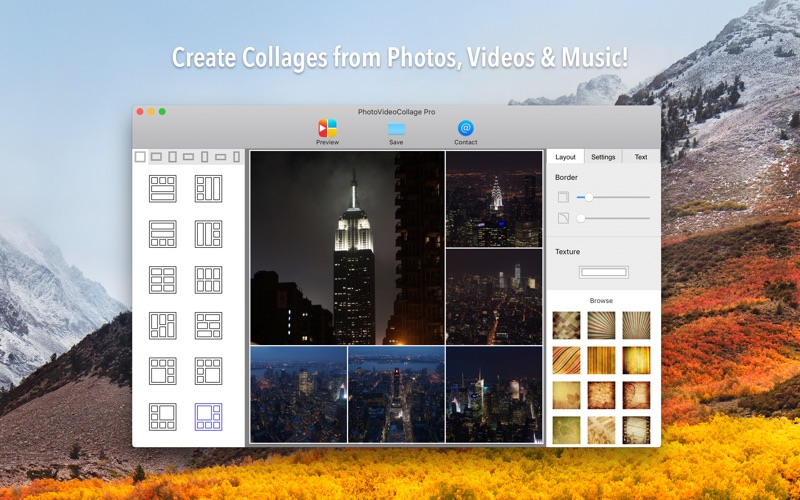
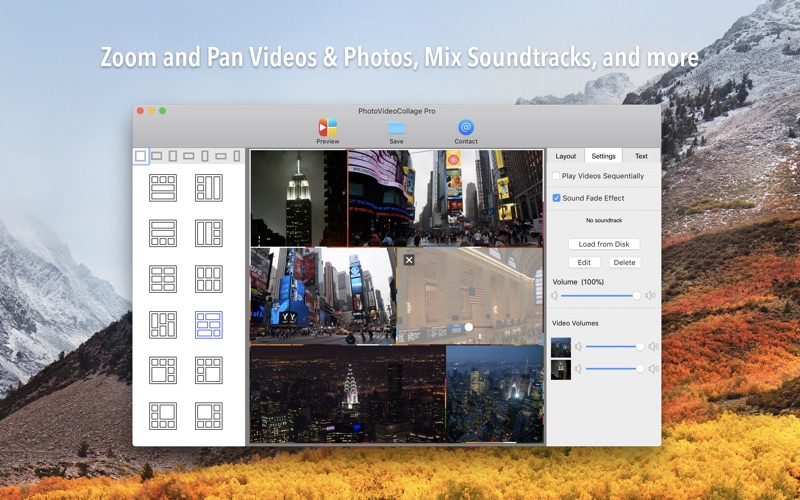
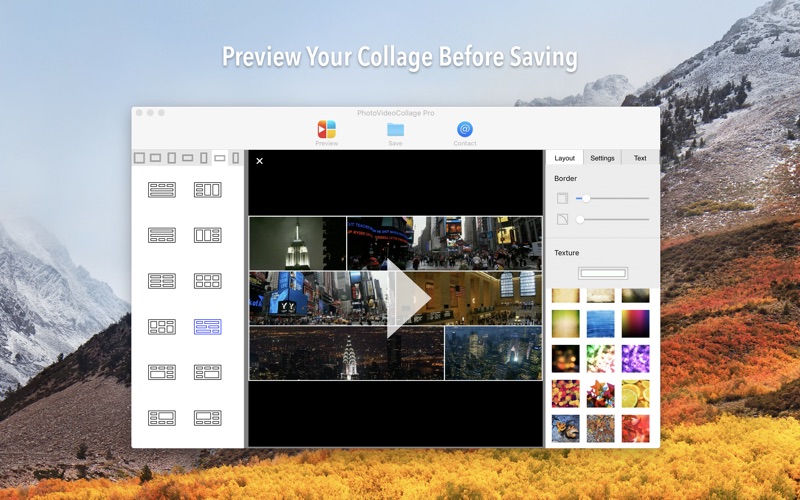
★★★★★ So much easier for doing side by side videos versus FCP, DaVinci Resolve, Premiere,. "Preview" button lets you move and crop your videos to exact position desired within your chosen collage style.
★★★★★ Recommended for small groups that need inexpensive and easy to use collage functionality over more advanced features.
Found by matching words and phrases in the reviews, not read by a person. A review can count toward more than one theme.
Latest reviews, Japan App Store.
I did a test video with the watermark that looked perfect, so I bought the app. Immediately exported the exact same video but the frame is glitching and look crazy. It’s unusable…
So much easier for doing side by side videos versus FCP, DaVinci Resolve, Premiere,. "Preview" button lets you move and crop your videos to exact position desired within your chosen collage style.
The left and right sides of the boders get cut-off in the final rendered video. I paid $9.99 for weird cut-off borders. Come on. Buyer beware.
Deleted.
It is very limiting.
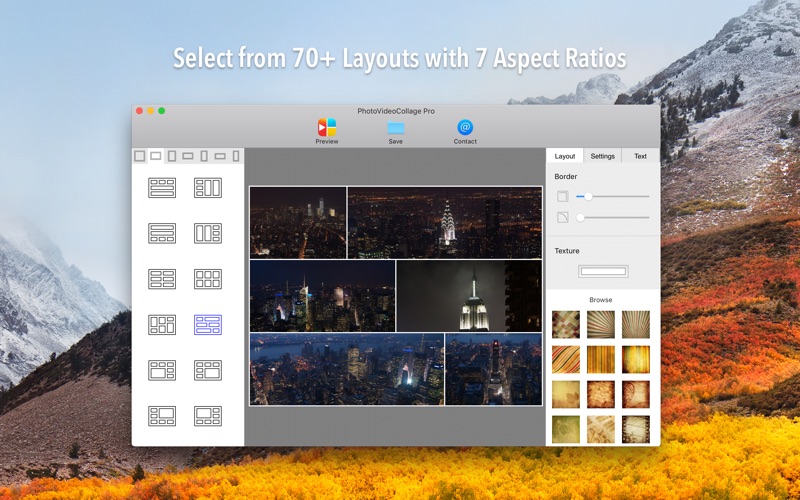
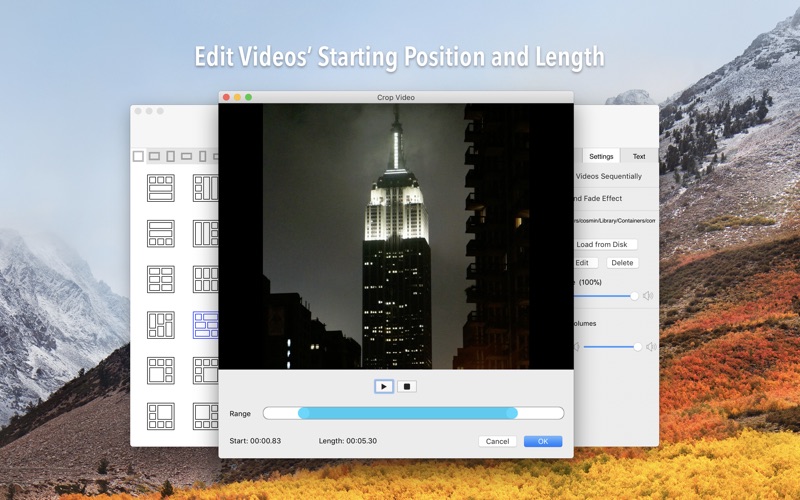
I used this to stiitch together seven voices for a virtual choir and once I got the hang of it, it worked great! Note that you'll need to make videos of a couple of people and then add those completed pieces to these layouts. While limited, VideoCollage lets one create video collages with 2-6 videos in a variety of predetermined aspect ratios and layouts. I'd encourage users to get all the videos perfectly timed out/created ahead of time before importing them here. It lets you import a separate audio track, or use audio from 0 or more of the individual tracks. Recommended for small groups that need inexpensive and easy to use collage functionality over more advanced features.
Apple Search Ads this app ran in the last 90 days, from Apple's public ad repository.
Where this app is buying and earning its users. Each link opens pre filtered.
Most repeated terms in the listing. Highlighted ones also appear in the title.
Released Feb 12, 2015. Current version shipped Apr 27, 2021.
Prices, ranks and reviews are per country. Revenue above is already worldwide.