ASO keywords
Most repeated terms in the listing. Highlighted ones also appear in the title.
1password141password safari6safari4accounts4security4desktop 1password3credit cards31password legal3passwords3unlock3loved2password2secrets2without2desktop2credit2cards2choose2see2data2share2business2add2vaults2
What's new in 8.12.42
- You can now use the Left and Right Arrow keys to move between a Login item's sign-in methods in the sign-in prompt. [[#FS-5916]]
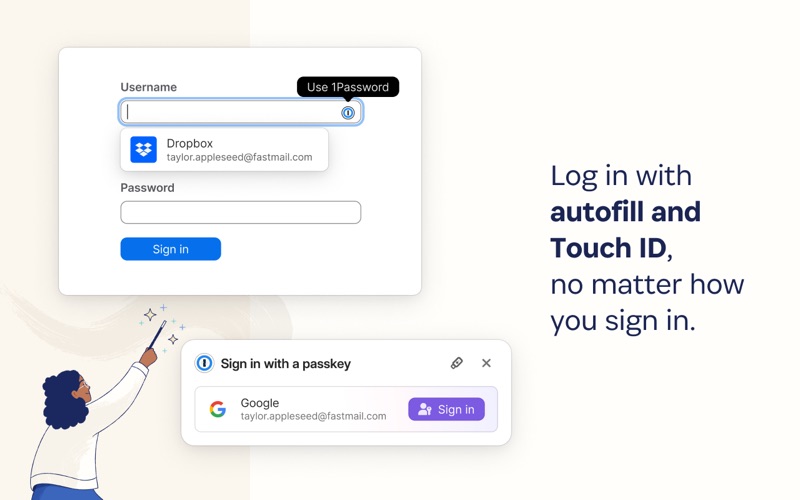
- The sign-in prompt now shows a search field, so it's clearer that you can type to filter relevant Login items. [[#FS-5922]] [[#FS-5921]]
- You'll now see a reminder if you need to switch to single sign-on, even if the 1Password browser extension isn't connected to the 1Password app. [[#AUTH-3081]]
- Diagnostic logs are now saved more efficiently. [[#BEE-1041]]
- The sign-in prompt now automatically offers passkeys instead of passwords when a Login item has a passkey saved. [[#FS-5946]]
- We've fixed an issue where a temporary connection problem could prompt you to set up a recovery code even if you already had one.
- We've fixed an issue where the inline 1Password icon in a field could overlap with the text in that field on some sites. [[#FILL-2544]]
- We've fixed an issue where 1Password could autosave the wrong username, like if you signed in to a site again in the same tab.
- We've fixed an issue where you might not be able to access a newly shared vault until you locked and unlocked 1Password. [[#BEE-927]] [[#BEE-1022]]
- We've fixed an issue where 1Password would fill birth dates in the wrong order on sites that show the date format in the field. [[#BEE-1053]]
- We've fixed an issue where you could see a "Disk space too low" notification when your device storage wasn't nearly full. [[#BEE-694]] [[#GA-13101]]
- We've fixed a visual issue with the edges of the "Other logins" tab in the sign-in prompt.
Released Jun 8, 2021. Current version shipped Oct 22, 2026.
Store description
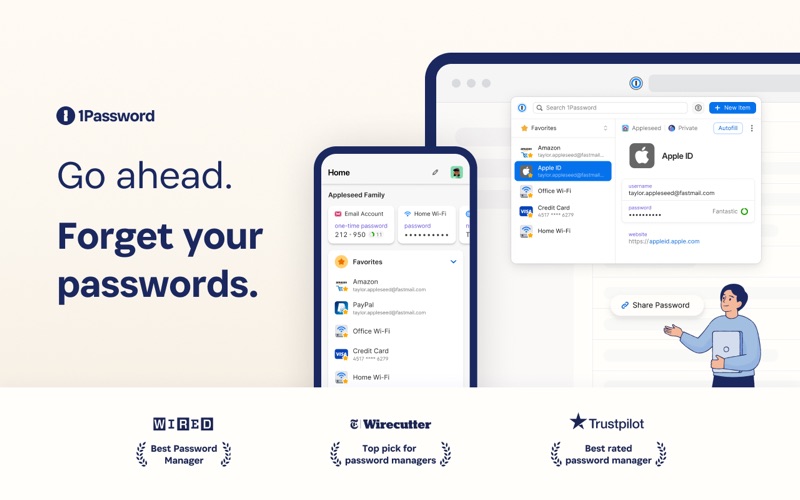
1Password is the world’s most loved password manager, trusted by millions of individuals and over 175,000 businesses to keep their secrets safe.
== A browser-first experience ==
You can now use 1Password in Safari without installing the desktop app! 1Password for Safari is a completely independent extension that provides full access to 1Password’s capabilities:
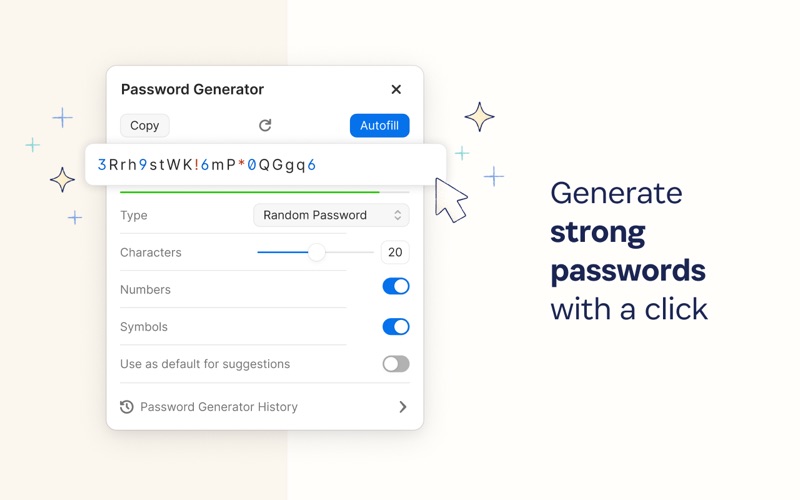
Create and store strong, unique passwords for all your accounts
Fill usernames & passwords, credit cards, and addresses on websites and online forms in seconds
Protect your private notes, sensitive documents, credit cards, medical records, software licenses, and more
If you choose to install the desktop app as well, 1Password for Safari integrates securely with it so you can use Touch ID on supported Macs to unlock in an instant. Best of all, when you unlock one, you unlock the other too!
== Secure by design ==
The information you store in 1Password is encrypted, and only you hold the keys to decrypt it. We can’t see your data, so we can’t use it, share it, or sell it.
Learn more about our security model at 1Password.com/security.
== Built for families and teams ==
1Password for Safari supports accounts for you, your family, and your business.
Add all your accounts and choose which vaults you want to see
Easily move items between accounts
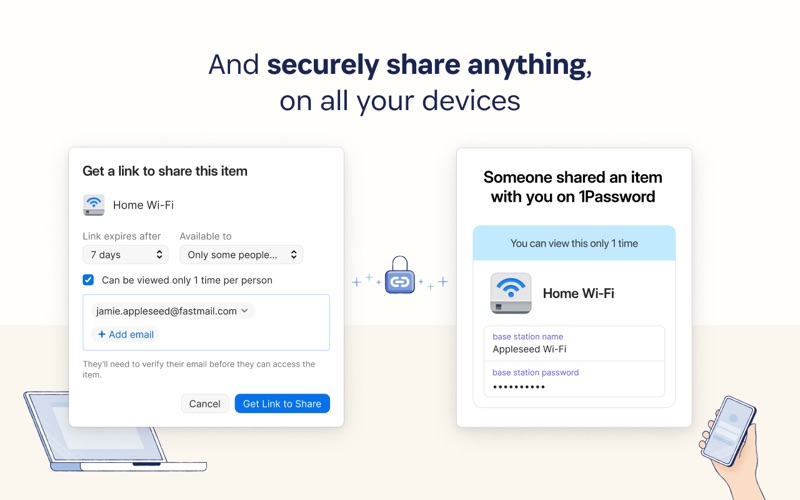
Use shared vaults to safely share secrets with your loved ones or team members
== Get automatic security alerts with Watchtower ==
Watchtower monitors your account for vulnerabilities so you can stay one step ahead of any problems.
Get notified if your login credentials have been exposed in a data breach
Highlight weak or reused passwords so you can change them
Identify sites that support multi-factor authentication to help you add another layer of security
==Get started for free ==
Try 1Password free for 14 days, then find the plan that’s right for you or your business. Use 1Password on as many devices as you need, with apps for every platform, unlimited password and item storage, and friendly 24/7 email support.
== The Nitty Gritty Fine Print ==
1Password can be used in read-only mode without an active 1Password membership.
Privacy policy: https://1password.com/legal/privacy/
Terms of Use: https://1password.com/legal/terms-of-service/
See this store page in another country
Prices, ranks and reviews are per country. Revenue above is already worldwide.