★★★★★Jun 4, 2026
I click “import” and nothing happens.Waste of time

Estimated from the grossing charts of Oct 23, 2026 in the 53 countries we track, and ratings growth on the App Store.
From our daily snapshots of every grossing chart.
| Sep 24, 2026 | not in a grossing chart |
| Sep 25, 2026 | not in a grossing chart |
| Sep 26, 2026 | not in a grossing chart |
| Sep 27, 2026 | not in a grossing chart |
| Sep 28, 2026 | not in a grossing chart |
| Sep 29, 2026 | not in a grossing chart |
| Sep 30, 2026 | not in a grossing chart |
| Oct 1, 2026 | not in a grossing chart |
| Oct 2, 2026 | not in a grossing chart |
| Oct 3, 2026 | not in a grossing chart |
| Oct 4, 2026 | not in a grossing chart |
| Oct 5, 2026 | not in a grossing chart |
| Oct 6, 2026 | not in a grossing chart |
| Oct 7, 2026 | not in a grossing chart |
| Oct 8, 2026 | not in a grossing chart |
| Oct 9, 2026 | not in a grossing chart |
| Oct 10, 2026 | not in a grossing chart |
| Oct 11, 2026 | not in a grossing chart |
| Oct 12, 2026 | not in a grossing chart |
| Oct 13, 2026 | not in a grossing chart |
| Oct 14, 2026 | not in a grossing chart |
| Oct 15, 2026 | not in a grossing chart |
| Oct 16, 2026 | not in a grossing chart |
| Oct 17, 2026 | not in a grossing chart |
| Oct 18, 2026 | not in a grossing chart |
| Oct 19, 2026 | not in a grossing chart |
| Oct 20, 2026 | not in a grossing chart |
| Oct 21, 2026 | not in a grossing chart |
| Oct 22, 2026 | not in a grossing chart |
| Oct 23, 2026 | not in a grossing chart |
Measured from the store, not estimated.
Latest reviews, United States App Store.
Waste of time
First off you have to pay before even trying the app. Second, the app constantly asks for reviews (that’s why I’m here!). Third It doesn’t cope well with contacts that have more than one e-mail address or telephone number. Fourth, it pulls numbers that are not in the contacts list from god knows where. Avoid and save you dime and time!
Opens subscribe to pro and cannnot get past it
エクスポート・バックアップ・復元の全てができる。欠点としてはインポートはvCard(vcfファイル)しかサポートしていない。実に残念でした。
Every attempt to export my contacts into any file type couldn’t be opened by any software package from excel to PDF… Don’t waste your time or money!!!


Apple Search Ads this app ran in the last 90 days, from Apple's public ad repository.


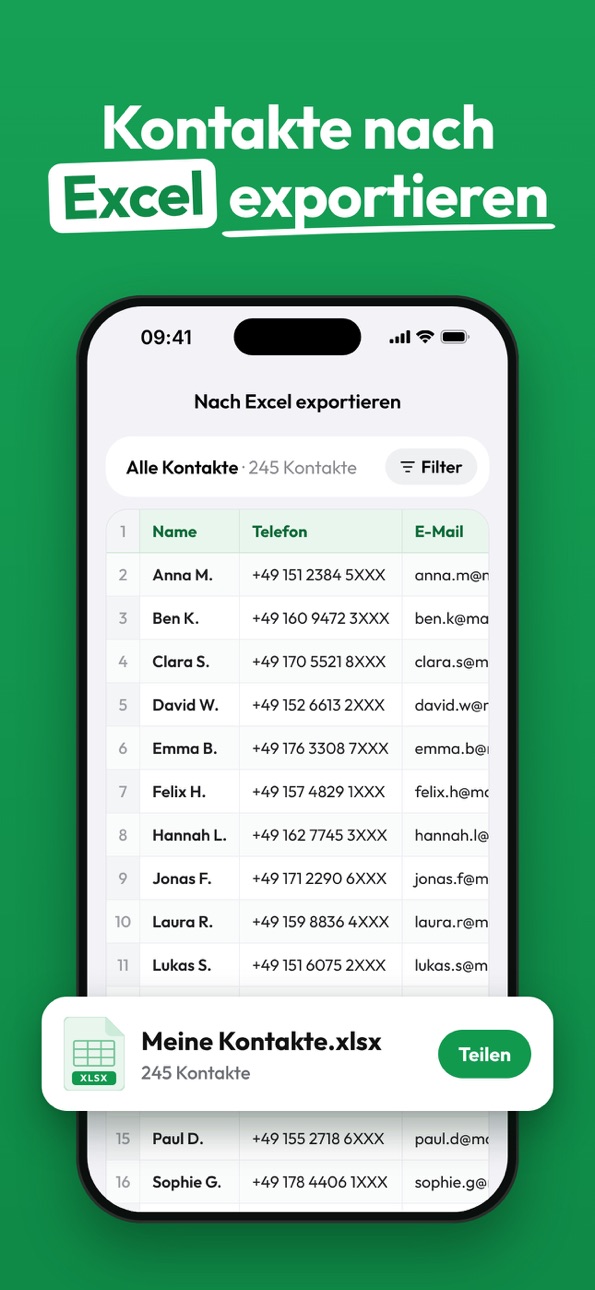


Apple only publishes ads shown in the EU (EU Digital Services Act), with a 7 day delay. An app that advertises only outside the EU shows nothing here.
Where this app is buying and earning its users. Each link opens pre filtered.
Most repeated terms in the listing. Highlighted ones also appear in the title.
Released Jan 2, 2021. Current version shipped Oct 22, 2026.
Prices, ranks and reviews are per country. Revenue above is already worldwide.


