ASO keywords
Most repeated terms in the listing. Highlighted ones also appear in the title.
widget9widgetworker5widgets5create5configurations5widget configurations5month4create widget3weather data3home screen3month year3automatic renewal3device3customize3inside3show3weather3choose3year3renewal3right2configuration2want2creating2
What's new in 1.2.8
New:
- When creating a new widget you can now optionally select from a list of templates. These can be used as a starting point or used as is.
If you would like to see your widget featured in the templates, please export the widget and send it to bastian@bastian.codes and I will try to include it.
Improved:
- Added some more configuration options to the calendar component and improved its UI
Fixes:
- Multiple code improvements and performance enhancements
Released Oct 8, 2020. Current version shipped Dec 1, 2020.
Store description
Now available for iPhone, iPad and Mac!
With WidgetWorker you get beautiful and unique widgets for your device that you can customize to your liking. Create your widget configurations inside the app and chose exactly the right configuration for your widgets. For each widget type you can create multiple configurations and swap them out inside the widget to show whatever you like, whenever you want.
WidgetWorker is a Photoshop like editor for creating totally custom widgets directly on your device. You can add
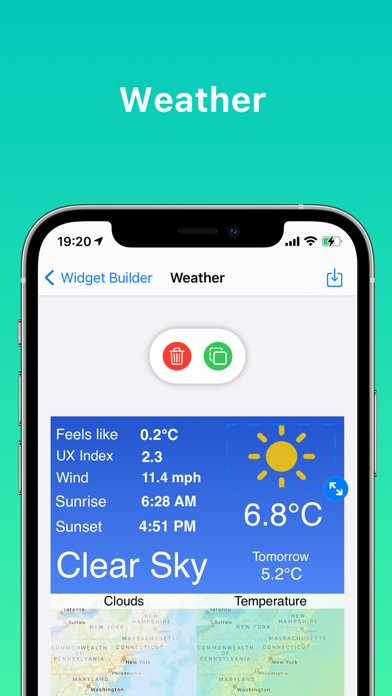
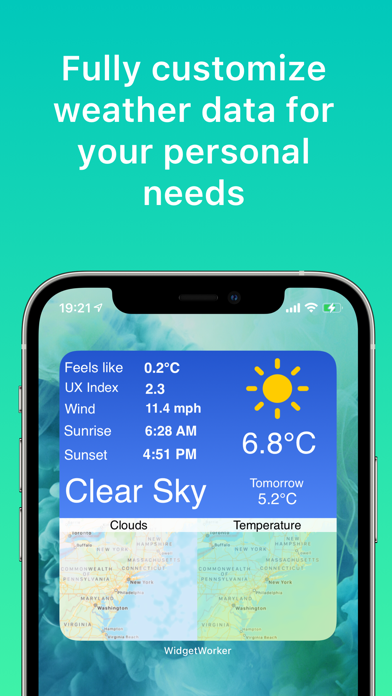
- Weather - Fully customize weather data for your personal needs.
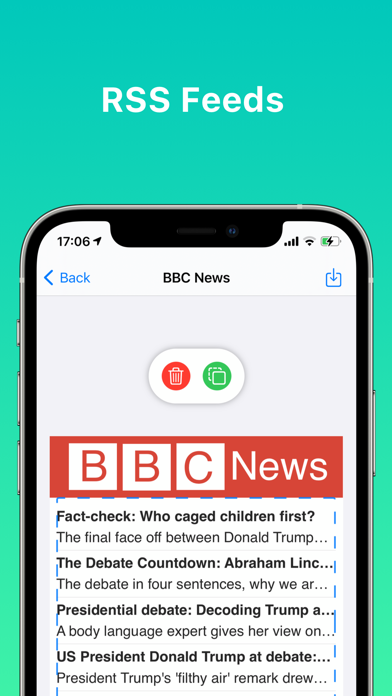
- RSS feeds - Create custom RSS feed widgets that keep you informed.
- Websites - Place your favorite websites on right on your home screen.
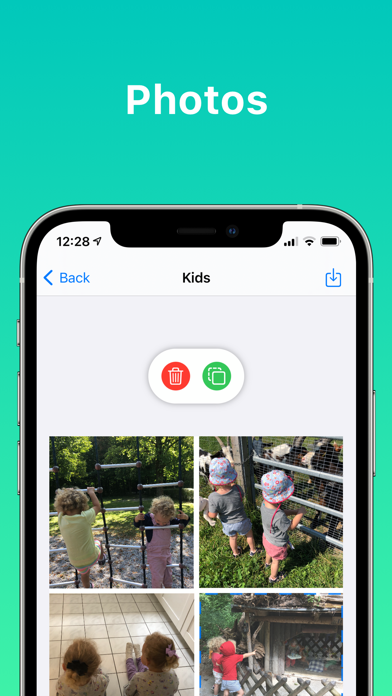
- Photos - Show off your favorite photos.
- Drawings - Customize your home screen with your own drawings.
- Dates and Calendars - Create great calendar widgets
- Maps: Show any location on the globe or map
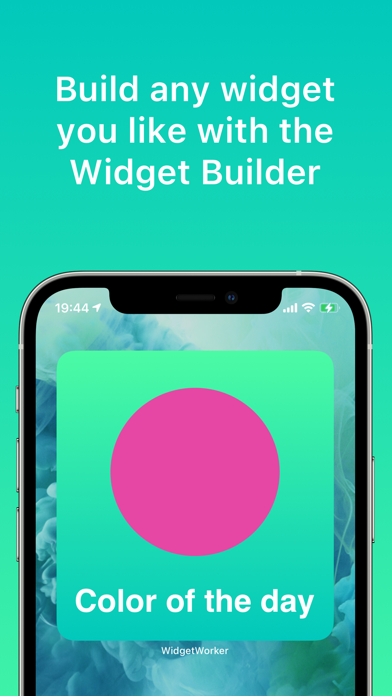
- Colors, Gradients and Text
to your widget and position and size them as you like. There are a bunch of fonts to choose from and a great color picker to find the exact color you like.
When creating your widget configuration in the app you get a live preview of the widget in all the different sizes so making the configurations is easy and fast without the need to try out changes in the actual widget itself.
Of course all your widget configurations are synced across your devices so you can access them wherever you like.
The use of WidgetWorker is free of charge. Within the app, you can sign up for „WidgetWorker Pro“ subscription if you need to create more than 5 widget configurations or want to consume weather data. If you choose to subscribe, you will pay the price set for your country as shown inside the app, which is US$0.99 per month or US$9.99 per year, or the equivalent in your currency. When you purchase a subscription, your iTunes account is immediately charged for the first month at confirmation of purchase. Each subscription automatically renews for another month or year unless you choose to disable automatic renewal (via the Account Settings of your OS device or via the Manage Your Subscriptions button in the Settings menu of the app) at least 24 hours before the end of the current subscription period. The cost of a renewal by one month or year is the same as the cost of the original subscription. If automatic renewal happens, your iTunes account will be charged for the next subscription period up to 24 hours prior to the current subscription period. No cancellation of the current subscription is allowed during the active subscription period. Any unused portion of the free trial period will be forfeited when purchasing the subscription.
Privacy Policy: https://www.widgetworker.app/privacy
Terms of Use: https://www.apple.com/legal/internet-services/itunes/dev/stdeula
See this store page in another country
Prices, ranks and reviews are per country. Revenue above is already worldwide.