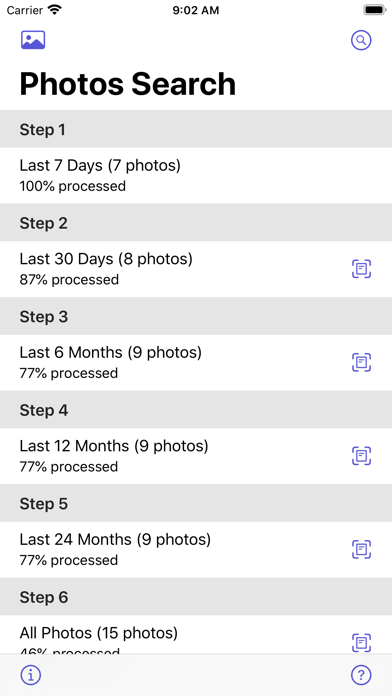
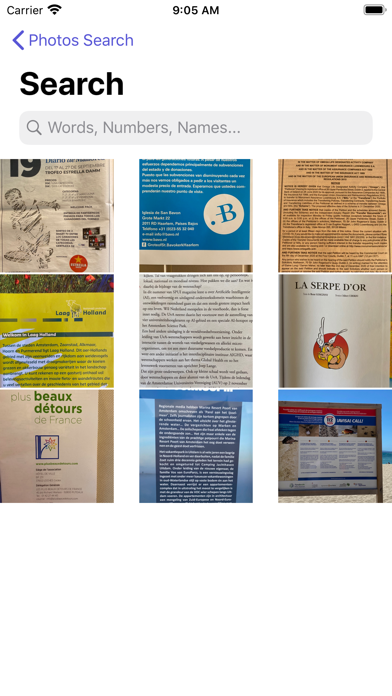
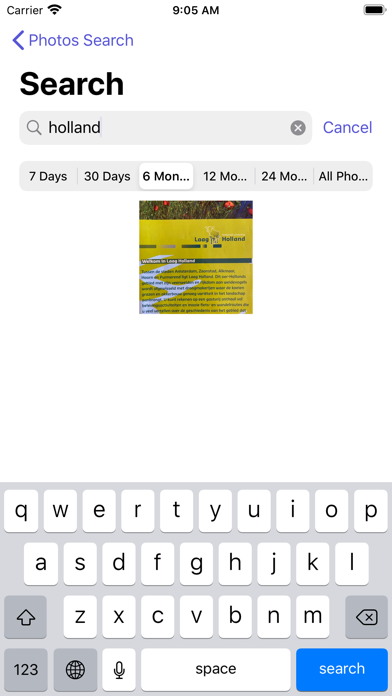
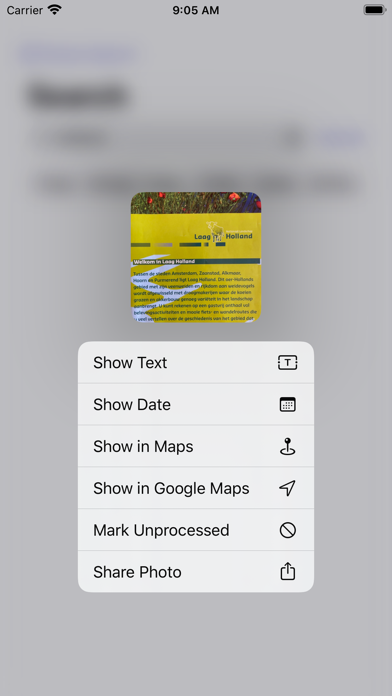
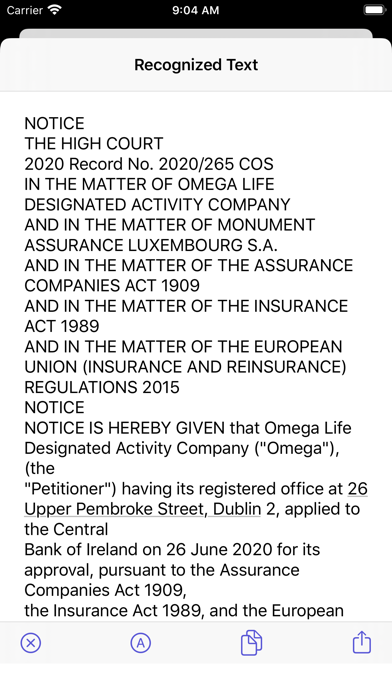
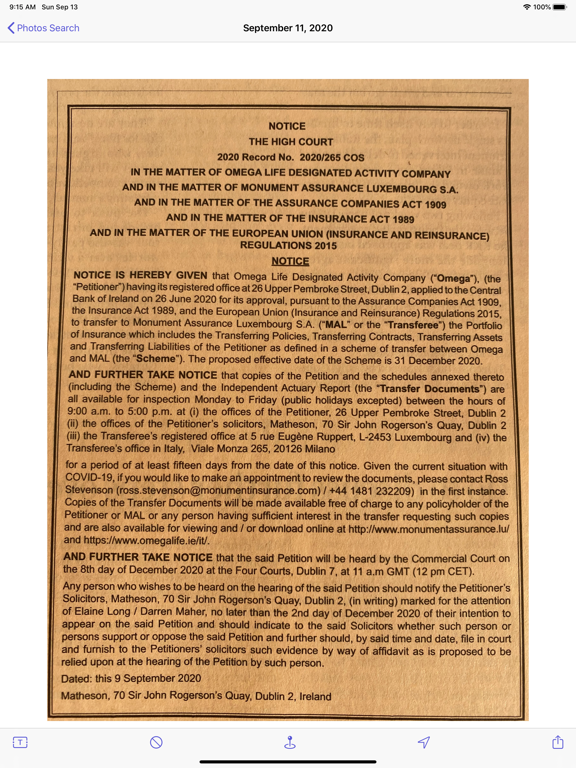
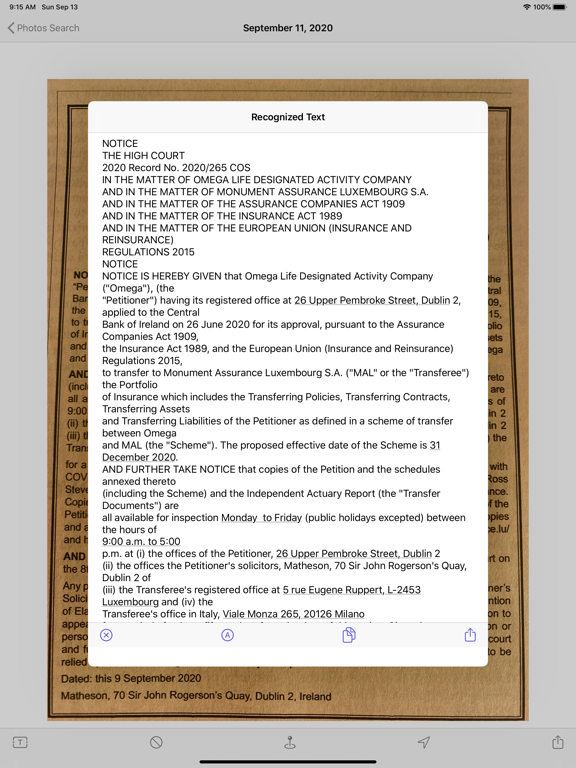
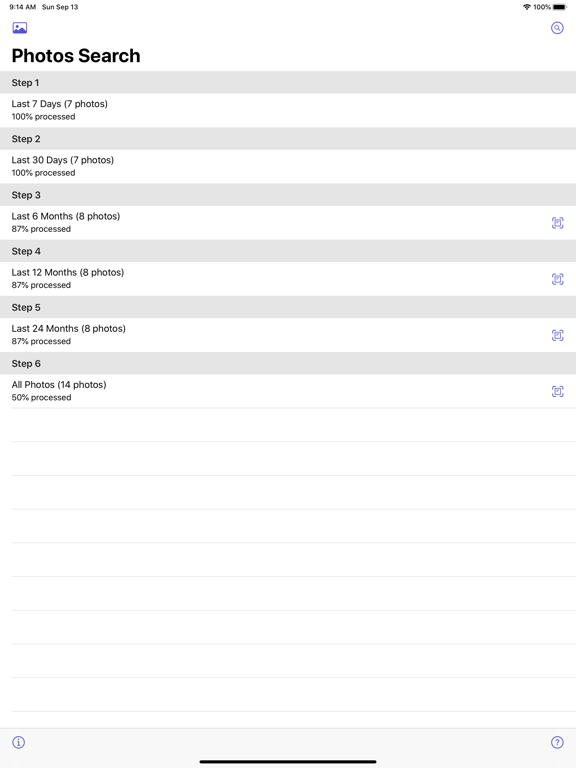
Yes, iOS 15 has text search built into Spotlight. But it pales in comparison to a dedicated search app. Photos Search is far faster to find the pics I want. I still recommend getting this app Old review: Being able to search through 35,000 photos for a document or a meme is one of those features that you might not have thought about, but you absolutely need it. And Photos Search is stellar for it. I take maybe 50 screenshots a month of passages in articles and studies. I scan all important documents and contracts. I used to save them in various albums. Now, you can just search for them by keywords. Total workflow gamechanger. I bought the iOS/Mac bundle and I couldn’t be happier. The developer responds to emails quickly, fixed a couple of bugs I found in just a few days. And I’ve tried a bunch of competitor apps before Photos Search. None of them are as good as this one. Even if you just want to find funny memes that you saved by searching for “dog” or “cat,” you will be very happy to have this app to do it.
← Back to charts
APP STORE
Photos Search
Alco Blom · Photo & Video · United States store
NOT IN TOP 100 HERE
Revenue a month, worldwide
Too small to estimate
Not enough chart or ratings data
New ratings
Tracking
Daily counts start building from today
Rating
4.3 of 5
6 ratings in this store
Countries it ranks in
0
was 0 on Oct 16, 2026
Revenue
Estimated from the grossing charts of Oct 23, 2026 in the 53 countries we track, and ratings growth on the App Store.
EST. REVENUE / MONTH · WORLDWIDE
Unranked
Not in any grossing chart, and too few ratings (6) to read its growth. Most apps at this stage earn little or nothing.
EST. LIFETIME DOWNLOADS
210 to 600
Estimated from ratings count
RATINGS
6
AVG RATING
4.33
PRICE
$17.99
AGE
6.2y
LAST UPDATE
431d ago
VERSION
3.4
SIZE
2 MB
AGE RATING
4+