ASO keywords
Most repeated terms in the listing. Highlighted ones also appear in the title.
website18browsing mode11mode9browsing7random6plash6zoom6show5wallpaper4display4support4shortcut4desktop wallpaper3add multiple3multiple websites3interact website3website browsing3show website3source unsplash3unsplash random3bing photo3photo day3mode right3right click3
What's new in 2.17.4
- Bug fixes.
Released Jan 8, 2020. Current version shipped Oct 8, 2026.
Store description
Make any website your desktop wallpaper.
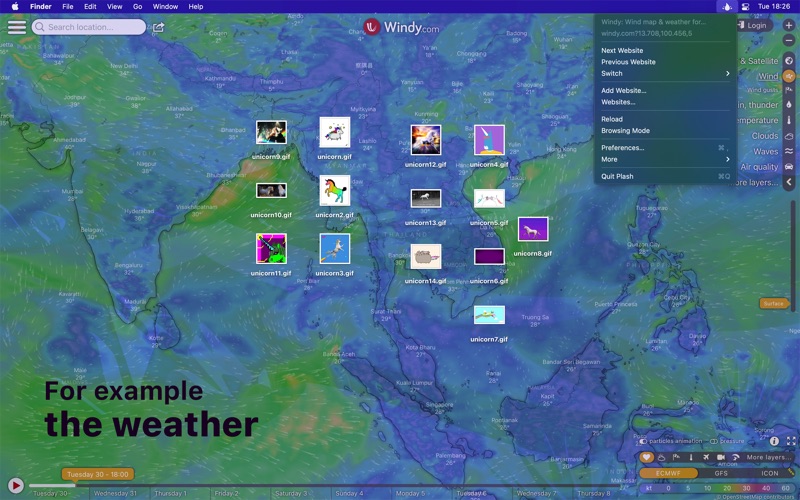
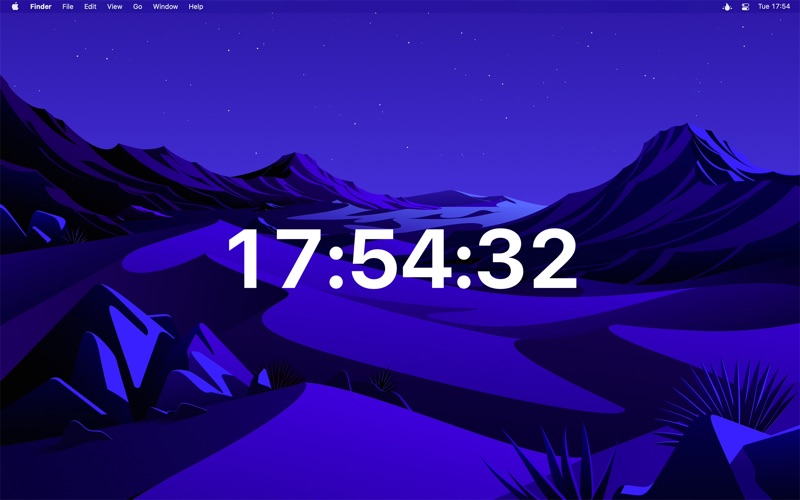
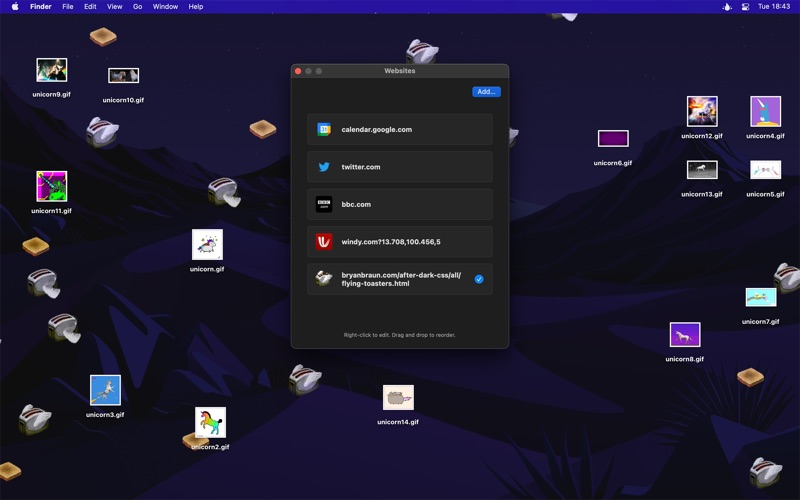
This enables you to have a highly dynamic desktop wallpaper. You could display your favorite news site, Facebook feed, or a random beautiful scenery photo. The use-cases are limitless. You could even set an animated GIF as wallpaper. You can even add multiple websites and easily switch between them.
■ Features
- Show a remote or local website
- Interact with the website (“Browsing Mode”)
- Automatically reload the website at a custom interval
- Add multiple websites
- Show the website on a different display
- Invert website colors (fake dark mode)
- Add custom CSS and JavaScript to the website
- Lower the opacity
- Transparent background
If the website doesn't have a background color, your system wallpaper will show through.
- Automatically deactivate while on battery
- Audio is muted
- Single image will be aspect-filled to your screen
- Hide menu bar icon
- Shortcuts support
- Scriptable (see the Plash website)
- Share extension
Note: Support for multiple displays is currently limited to the ability to choose which display to show the website on. Support for setting a separate website for each display is planned.
■ Example use-cases
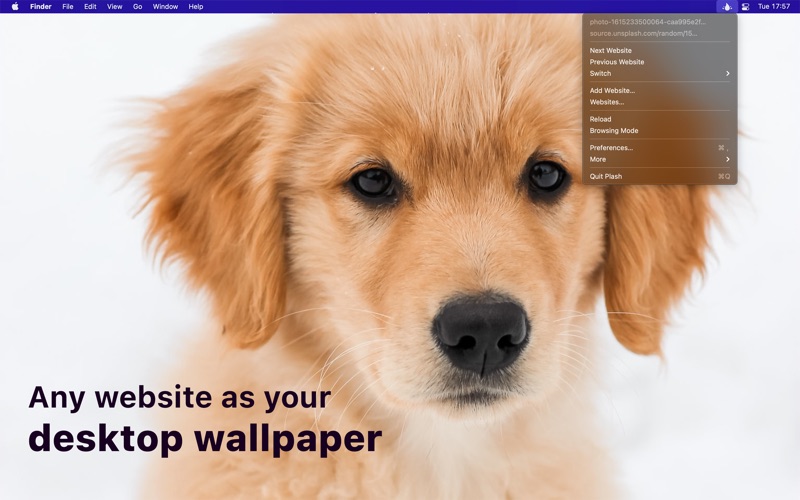
- Show a random puppy image
Example URL: https://source.unsplash.com/random/2880x1756?puppy
See the “Tips” on how to get exact screen size.
- Bing Photo of the Day
Read more: https://github.com/sindresorhus/plash-bing-photo-of-the-day
- Random street view image
https://randomstreetview.com/#slideshow
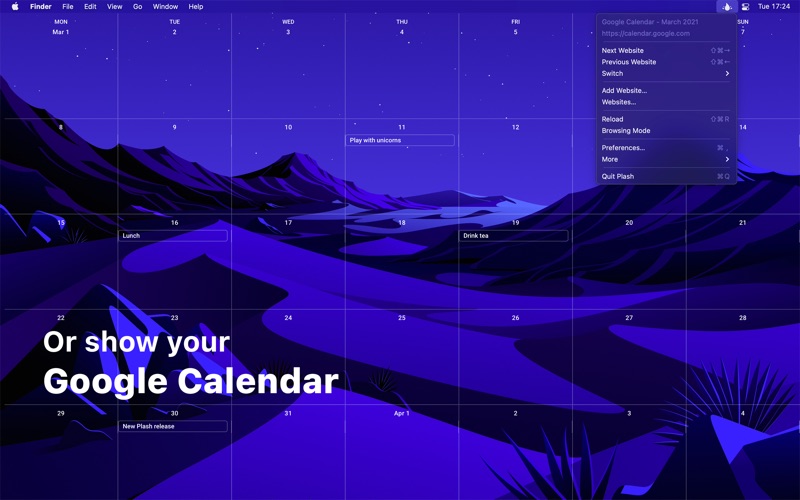
- Calendar
- Personal stats
- Random color
https://www.color.pizza
■ Tips
‣ Browsing mode
You can interact with the website by enabling “Browsing Mode”. When in this mode, you can right-click to be able to go back/forward, reload, and zoom in the page contents (the zoom level is saved). You can also pinch to magnify. This is different from zooming the page contents in that it will zoom in to a specific part of the page instead of just enlarging everything.
Plash injects a CSS class named “plash-is-browsing-mode” on the “html” element while browsing mode is active. You could use this class to customize the website for browsing mode.
If clicking a link opens it in a new window, you can hold the Option key while clicking the link to open it in the main Plash window.
‣ Zoom in website
To zoom in the website, activate “Browsing Mode”, right-click the website, and then select “Zoom In”.
‣ URL placeholders for screen width and height
Use `[[screenWidth]]` and `[[screenHeight]]` in any URL and Plash will substitute the right values for you. For example, `https://source.unsplash.com/random/[[screenWidth]]x[[screenHeight]]?puppy`.
If you have some cool use-case you want to share or some other feedback, please do send me an email through the “Send Feedback” button in the app.
■ FAQ
‣ How can I switch to a specific website with a keyboard shortcut?
Make a shortcut in the Shortcuts app that uses the “Set Current Website” action and then set a keyboard shortcut for the shortcut.
■ Support
Click the “Send Feedback” button in the app.
See this store page in another country
Prices, ranks and reviews are per country. Revenue above is already worldwide.