ASO keywords
Most repeated terms in the listing. Highlighted ones also appear in the title.
web14video14web video11videos8streaming8video caster8streaming device6device6caster5devices5chromecast5movies shows5streaming devices5tvs4media4support4including movies3live streams3news sports3stream videos3dlna devices3web browser3chromecast dlna3video cast3
What's new in 3.5
3.5
- Fixed image sizing in menus on macOS.
- Added download options for images and videos, plus an option to open images in a new tab.
- Improved video detection and playback options, including YT support.
- Improved compatibility with devices that support only rotation or zoom.
- Reduced false connection and VPN warnings.
- Fixed an occasional screenshot error.
Released Nov 19, 2018. Current version shipped Sep 29, 2026.
Store description
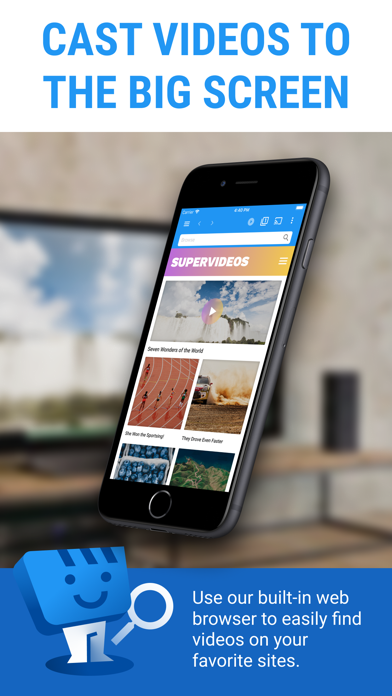
Web Video Caster® allows you to watch on your TV videos from your favorite websites including movies, TV shows, live streams of news, sports.
SUPPORTED STREAMING DEVICES
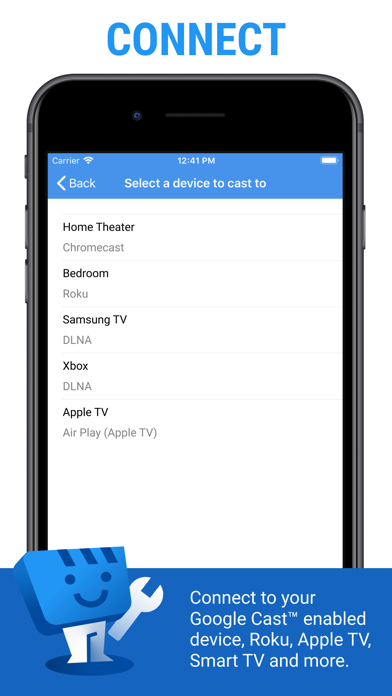
Web Video Caster® supports the most popular streaming devices, allowing your TV to stream videos directly from the web.
• Google Cast (Chromecast, Android TV, Chromecast built-in)
• DLNA devices like Xbox, Samsung TVs, LG TVs, etc.
• Roku, Roku stick and Roku TVs
• Apple TV 4
• Fire TV and Fire TV stick
• PlayStation 4 - by using its web browser
• Most web browsers by visiting http://cast2tv.app (PS4, Smart TVs, other consoles and set top boxes)
*If you experience a compatibility issues, contact us and include the brand and model number.
SUPPORTED MEDIA
• HLS live streams in M3U8 format (Chromecast, most DLNA devices lack support for it)
• Authenticated videos including movies and TV shows
• MP4 videos
• Live news and sports
• Any HTML5 videos*
*Your streaming device must be capable of decoding the video you are playing. Web Video Caster doesn't perform any video/audio decoding or transcoding.
HOW IT WORKS
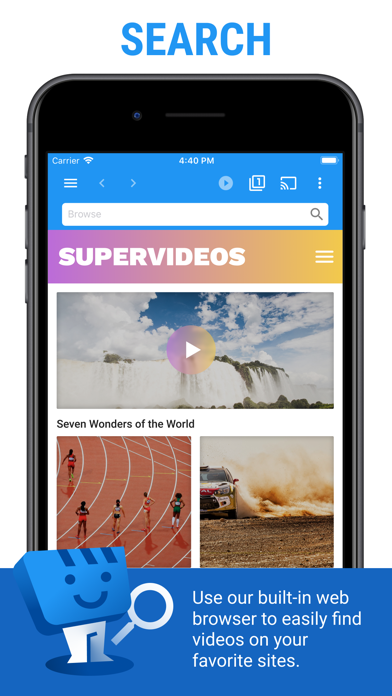
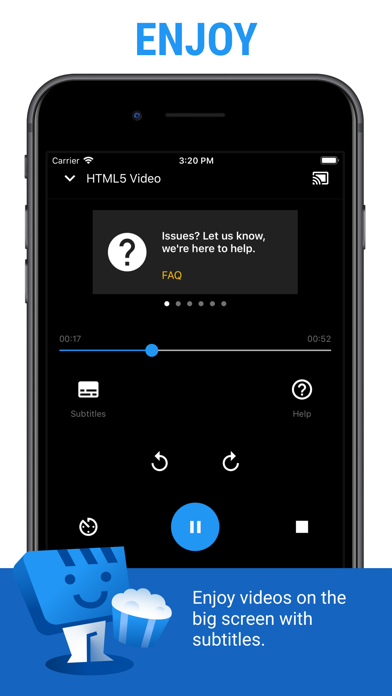
Web Video Cast™ is a browser, which allows you to stream videos of movies, TV shows, and other media from the internet to a streaming device or smart tv. Web Video Caster grabs the video URL inside the web page, sends it to the streaming device (i.e. Chromecast or DLNA device), and then plays the video directly from the content provider. This ultimately saves your mobile device’s battery. It also detects subtitles on the web page. Web Video Cast™ does not host these videos. This is not a mirroring app.
GET STARTED
Follow these simple step-by-step instructions to start streaming:
1. Find a video online that you want to watch.
2. Make sure this video can play on mobile browsers without Flash.
3. Connect to your streaming device.
4. Play the video as you normally would. Or, click the play button on the toolbar.
PREMIUM FEATURES**
• No in-app advertising
• Most visited sites
• Bookmarks
• Set homepage
**This functionality does not apply universally to all streaming devices.
LIMITATIONS & DISCLOSURES
As with all apps, there are some limitations we are aware of and want you to know about up front.
• We are in no way associated with any web media providers and we do not have control over the content they provide.
• Web Video Caster does not support nor play Flash or FLV videos.
• The app does not support tab casting, like the Chromecast extension for the PC web browser.
• We cannot do anything to fix issues that arise on the server side (media content provider) such as failure to play or buffering, which is especially common during heavy load times and weekends.
SHARE YOUR FEEDBACK
We are committed to open communication with our users. Please contact us first with any questions or support issues before leaving a review. We will respond and address your concern promptly. Contact us through our website http://www.webvideocaster.com/contactForm
See this store page in another country
Prices, ranks and reviews are per country. Revenue above is already worldwide.