ASO keywords
Most repeated terms in the listing. Highlighted ones also appear in the title.
sie16und15video14streaming ger13web video11web11die11ger11videos9streaming8video caster8unterst tzt8unterst7das7das video6auf6caster5von5oder5tzt5dem5mit5aus dem5ihrem4
What's new in 3.5
3.5
- Fixed image sizing in menus on macOS.
- Added download options for images and videos, plus an option to open images in a new tab.
- Improved video detection and playback options, including YT support.
- Improved compatibility with devices that support only rotation or zoom.
- Reduced false connection and VPN warnings.
- Fixed an occasional screenshot error.
Released Nov 19, 2018. Current version shipped Sep 29, 2026.
Store description
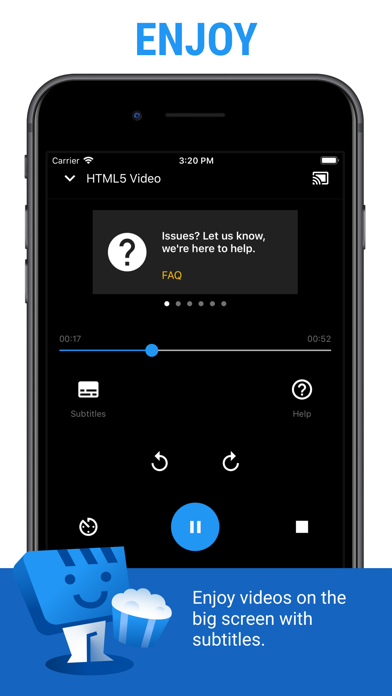
Web Video Caster® ermöglicht es Ihnen Videos von Ihren Lieblings-Websites, darunter Filme, TV-Shows, Live-Streams von Nachrichten, Sport auf Ihrem TV zu sehen. Weiterhin lässt es Sie auch lokale Videos, die auf Ihrem Smartphone oder Tablet gespeichert sind, übertragen. Fotos und Audiodateien werden ebenfalls unterstützt. Untertitel werden auf der Webseite erkannt. Sie können auch eigene Untertitel verwenden.
UNTERSTÜTZTE STREAMING-GERÄTE
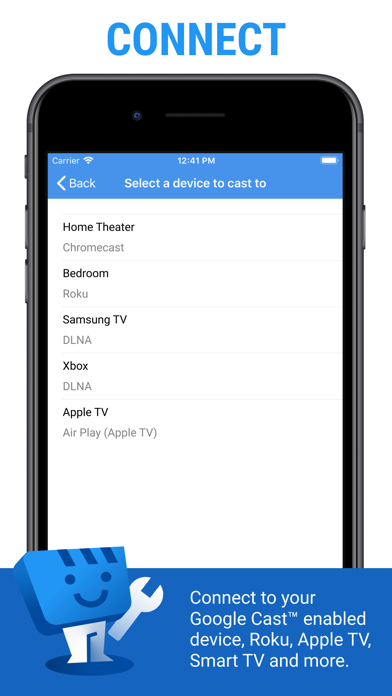
Web Video Caster® unterstützt die gängigsten Streaming-Geräte, so dass Ihr TV direkt Videos aus dem Web streamen kann.
• Google Cast (Chromecast, Android TV, integrierter Chromecast)
• DLNA-Geräte wie Xbox, Samsung-Fernseher, LG-Fernseher usw.
Roku, Roku Stick und Roku TVs
• Apple TV 4
• Fire TV und Fire TV Stick
• PlayStation 4 - über den Webbrowser
• Die meisten Webbrowser durch Besuch von http://cast2tv.app (PS4, Smart TVs, andere Konsolen und Set-Top-Boxen)
*Falls Kompatibilitätsprobleme auftreten, kontaktieren Sie uns und teilen Sie uns bitte die Marke und Modelnummer mit.
UNTERSTÜTZTE MEDIEN
• HLS-Livestreams im M3U8-Format, sofern von Ihrem Streaming-Gerät unterstützt
• Filme und TV-Serien
• MP4-Videos
• Live-Nachrichten und Sport
• HTML5-Videos *
• Fotos
• Audio-Dateien inklusive Musik
* Ihr Streaming-Gerät muss fähig sein, das Video zu decodieren, das Sie abspielen. Web Video Caster® führt keine Video-/Audio-Dekodierung oder Umcodierung durch.
So funktioniert's
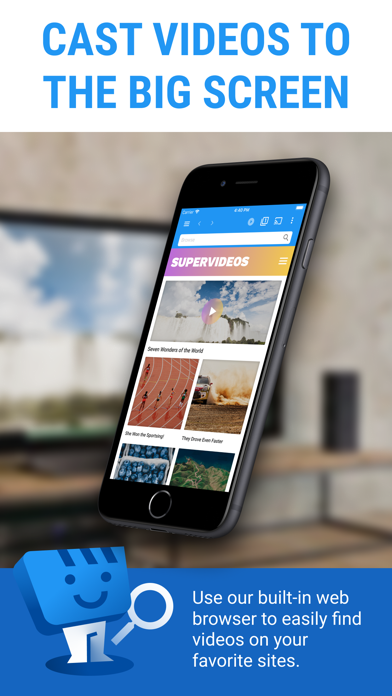
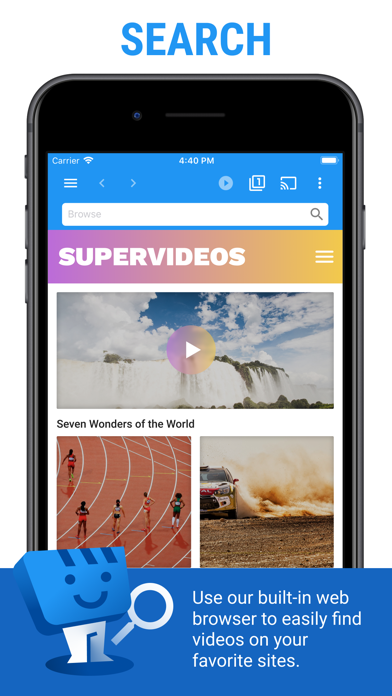
Web Video Cast™ ist ein Browser mit dem Sie Videos, Fernsehsendungen und andere Medien aus dem Internet an ein Streaming-Gerät oder Smart TV streamen können. Web Video Caster® kopiert die Video-URL von der Web-Seite und sendet sie an das Streaming-Gerät (d.h. Chromecast oder DLNA-Gerät), und spielt dann das Video direkt aus dem Content-Provider ab. Dies schont die Batterie Ihres mobilen Geräts. Er erkennt auch die Untertitel auf der Web-Seite. Web Video Cast ™ hostet diese Videos nicht. Dies ist keine Mirror-App.
ERSTE SCHRITTE
Folgen Sie diesen einfachen Schritt für Schritt Anweisungen um mit dem Streamen zu beginen:
1. Finden Sie ein Video das sie ansehen möchten.
2. Stellen Sie sicher, dass das Video auf Mobilgerät-Browsern ohne Flash abgespielt werden kann.
3. Stellen Sie eine Verbindung mit Ihrem Streaming-Gerät her.
4. Starten Sie das Video wie gewohnt. Alternativ können Sie auch auf den Play-Knopf in der Symbolleiste klicken.
Premium-Funktionen
• Keine In-App-Werbung
• Browser-Werbeblocker
• Meistbesuchte Seiten
• Lesezeichen
• Homepage festlegen
• Kürzliche angesehene Videos
** Diese Funktion gilt nicht allgemein für alle Streaming-Geräte.
EINSCHRÄNKUNGEN & HINWEISE
Wie bei allen Anwendungen, gibt es einige Einschränkungen, deren wir uns bewusst sind und möchten Sie vorab darüber informieren.
• Wir sind in keiner Weise mit irgend einem Web-Media-Anbieter verbunden und wir haben keine Kontrolle über die Inhalte, die sie zur Verfügung stellen.
• Web Video Caster® unterstützt nicht und spielt weder Flash noch FLV-Videos ab.
• Die App unterstützt kein Tab Casting (z.B. Chrome Erweiterung für Chrome-Browser).
• Serverseitige Probleme, die während stark ausgelasteter Zeiten und an Wochenenden auftreten (Media Content Provider), wie z. B. Abspielfehler oder Ladezeiten, können wir nicht beeinflussen.
See this store page in another country
Prices, ranks and reviews are per country. Revenue above is already worldwide.