← Back to charts
Camera for OBS Studio icon
APP STORE

Camera for OBS Studio

Loft Labs Interactive Inc · Productivity · United States store
NOT IN TOP 100 HERE
View on App Store ↗ Instagram card
Revenue a month, worldwide EST
$2.3K
Likely $757 to $6.8K
▼ 14.2% in 10 days
New ratings
+0
in 1 days, 7.1K in total
Rating
4.3 of 5
3.4K ratings in this store
Countries it ranks in
0
was 0 on Oct 19, 2026

Revenue

Estimated from the grossing charts of Oct 25, 2026 in the 53 countries we track, and ratings growth on the App Store.

EST. REVENUE / YEAR · WORLDWIDE
$27.3K
68 new ratings a month on average since launch
EST. LIFETIME DOWNLOADS
117.9K to 336.8K
Estimated from ratings count
WHERE ITS USERS ARE · SHARE OF RATINGS
  • United States 3.4K ratings48%
  • Brazil 1.3K ratings18%
  • United Kingdom 426 ratings6%
  • Canada 351 ratings5%
  • Germany 334 ratings5%
  • Mexico 267 ratings4%
  • France 215 ratings3%
  • Australia 148 ratings2%
HOW SURE ARE WE
Not in any grossing chart, so this comes from ratings growth (68 new ratings a month on average since launch): revenue grows with new ratings, more slowly for apps that collect ratings fast. Tested on 418 apps with verified revenue: typically off by about 2 times, and big earners tend to come out low. Countries we don't track (and Google Play in China, which doesn't exist) aren't included, and neither are ads or web payments. Gross revenue before store fees.
RATINGS
3.4K
AVG RATING
4.28
PRICE
Free
AGE
8.6y
LAST UPDATE
41d ago
VERSION
3.6.4
SIZE
24 MB
AGE RATING
4+

Last 30 days

From our daily snapshots of every grossing chart and daily ratings counts.

DAYS IN A GROSSING CHART
2 / 30
COUNTRIES NOW
0 (was 0)
NEW RATINGS, LAST 1 DAYS
+0
EST. REVENUE A MONTH, DAILY · APP STORE EST
Show daily values
Sep 27, 2026not in a grossing chart
Sep 28, 2026not in a grossing chart
Sep 29, 2026not in a grossing chart
Sep 30, 2026not in a grossing chart
Oct 1, 2026not in a grossing chart
Oct 2, 2026not in a grossing chart
Oct 3, 2026not in a grossing chart
Oct 4, 2026not in a grossing chart
Oct 5, 2026not in a grossing chart
Oct 6, 2026not in a grossing chart
Oct 7, 2026not in a grossing chart
Oct 8, 2026not in a grossing chart
Oct 9, 2026not in a grossing chart
Oct 10, 2026not in a grossing chart
Oct 11, 2026not in a grossing chart
Oct 12, 2026not in a grossing chart
Oct 13, 2026not in a grossing chart
Oct 14, 2026$8.2K a month
Oct 15, 2026not in a grossing chart
Oct 16, 2026not in a grossing chart
Oct 17, 2026not in a grossing chart
Oct 18, 2026not in a grossing chart
Oct 19, 2026not in a grossing chart
Oct 20, 2026not in a grossing chart
Oct 21, 2026not in a grossing chart
Oct 22, 2026not in a grossing chart
Oct 23, 2026not in a grossing chart
Oct 24, 2026$7K a month
Oct 25, 2026not in a grossing chart
Oct 26, 2026not in a grossing chart
The same estimate as the headline, saved every day. Best rank Sep 27, 2026: not ranked. Now: not ranked.
RATINGS IN THE CORE COUNTRIES, DAILY
Show daily values
Oct 24, 20267.1K ratings
Oct 25, 20267.1K ratings
7.1K on Oct 24, 2026, 7.1K on Oct 25, 2026. New ratings track new downloads, even outside the charts.

Money and momentum

Measured from the store, not estimated.

WHAT IT CHARGES
9 purchases listed
  • 1 month$10.99
  • 1 year$18.99
  • Lifetime$69.99
  • 1 year$34.99
  • Lifetime Premium$99.99
  • 1 month$4.99
  • 1 year$24.99
  • 1 month$11.99
Top in-app purchases as listed on the App Store, in local prices.
REVIEW MOMENTUM
Too few reviews
Fewer than 3 recent written reviews in this country.
RELEASE CADENCE
5 updates in 90 days
  • Typical gap between releases15 days
From the last 25 versions listed on the App Store.
RATING BREAKDOWN
3.4K ratings
5★75%
4★7%
3★3%
2★2%
1★13%

Apps like this

Same category, earning about as much.

Store screenshots

ScreenshotScreenshotScreenshotScreenshotScreenshotScreenshotScreenshotScreenshotScreenshotScreenshot

App Store ads

Apple Search Ads this app ran in the last 90 days, from Apple's public ad repository.

STATUS
Running now
FIRST SEEN
Aug 17, 2026
AD VARIATIONS
10
EU COUNTRIES
4
WHERE
Search results in DE, FR, NL, PL. Formats: Icon + Asset Ad, Icon Ad. Last impression Oct 21, 2026.
AD TEXT
  • Turn your device into a webcam
Ad creativeAd creativeAd creative

Apple only publishes ads shown in the EU (EU Digital Services Act), with a 7 day delay. An app that advertises only outside the EU shows nothing here.

Growth research

Where this app is buying and earning its users. Each link opens pre filtered.

ASO keywords

Most repeated terms in the listing. Highlighted ones also appear in the title.

camera14stream7obs7obs studio6video5wifi5usb5camera stream5obs camera5camera docs5studio4video audio3wired usb3usb connection3front camera3low latency3newtek ndi3ndi compatible3compatible receiver3multiple devices3automatic renewal3audio3connection3device3

What's new in 3.6.4

...continuing the trope - this update contains more bug fixes and performance improvements.

Released Mar 15, 2018. Current version shipped Sep 15, 2026.

Store description

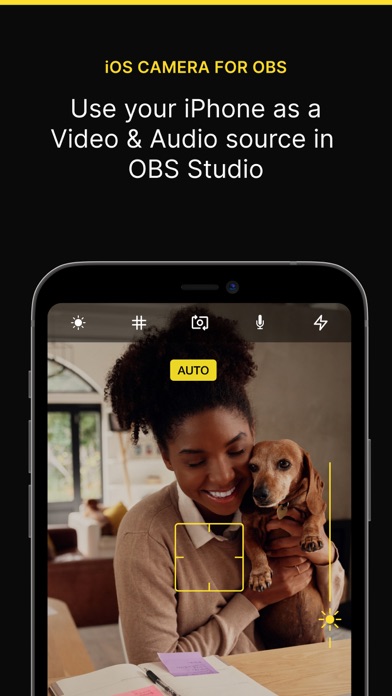
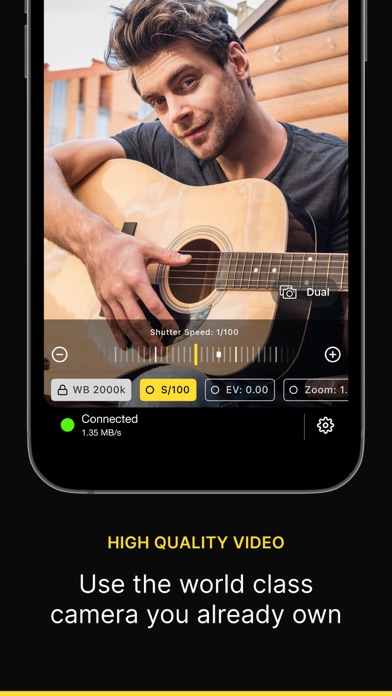
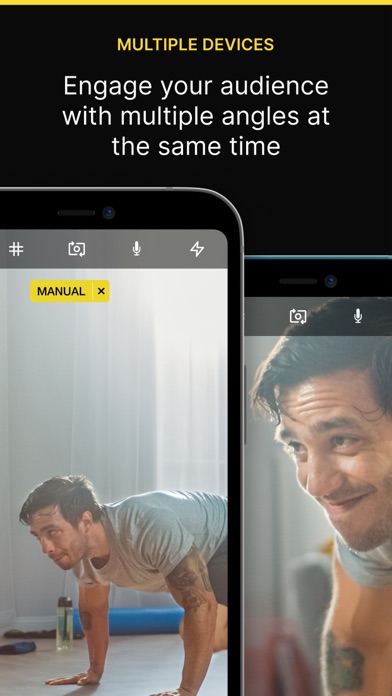
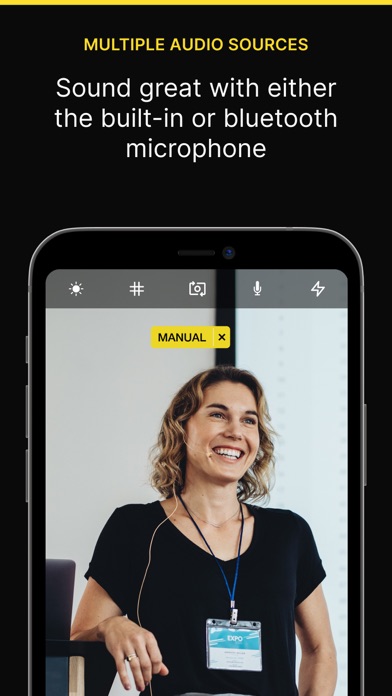
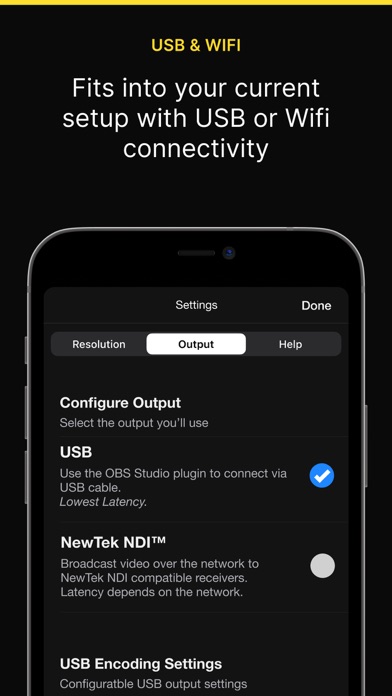
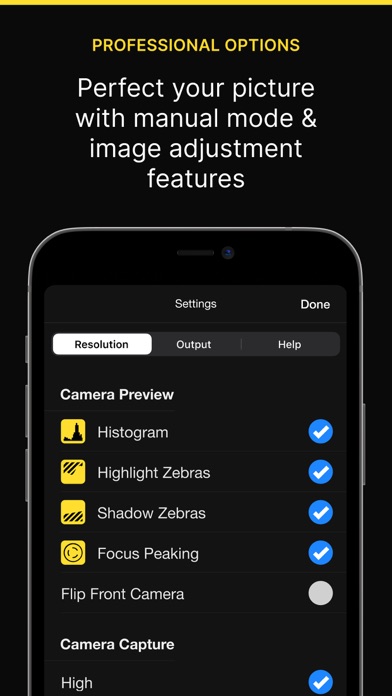
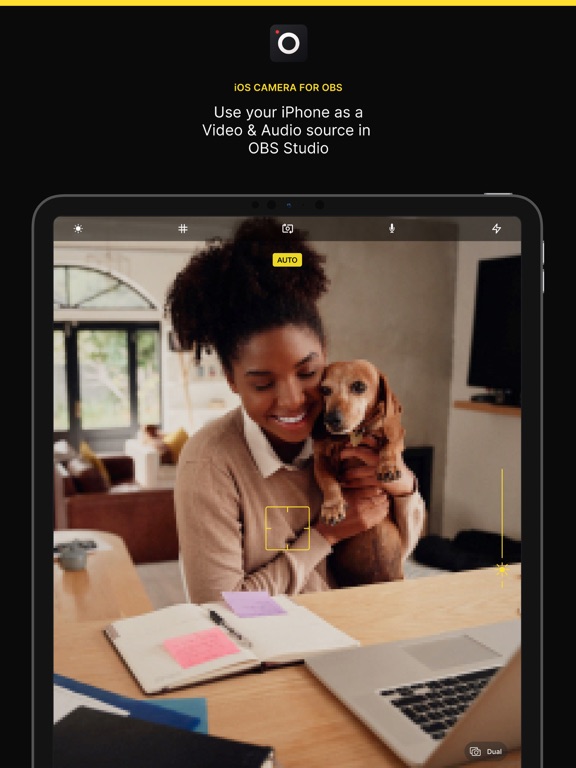
If you've ever wanted to use your iPhone camera as a video & audio input to stream using OBS Studio, we've got you covered. We've tried all the apps that let you do it over WiFi, but they're not fast enough, so we also allow you to use a wired USB connection. The original one. QUALITY VIDEO Your iPhone/iPad camera's are good, really good. In fact, there’s no comparison between the highly recommended streaming webcam, the Logitech C922 HD Pro and the iPhone 6 Camera. Stream Landscape or Portrait video. AUDIO If you don't have a separate mic for your streaming setup, you can now use the microphone on your iOS device to stream audio & video. FRONT CAMERA Stream a selfie with the front camera support. Switch anytime during the stream with the familiar camera switch button. TAP TO FOCUS, PINCH TO ZOOM Controls just like you're used to from the Camera app. MANUAL CONTROLS Take control of the focus, exposure, white balance as you would on a manual DSLR camera. LOW LATENCY Stream video over a wired USB connection. This avoids the issue of delay over wifi, as many other solutions suffer from. This is just as fast as a USB webcam! USB & WIFI Choose the connection type. If you want low latency, use USB, if you'd like portability then use WiFi. WiFi is done using the NewTek™ NDI® protocol, so you can use Camera for OBS Studio with any NewTek™ NDI® compatible receiver. REMOTE CONTROL Control the app from your web browser on your computer. No need to have access to the device anymore to line up that shot perfectly. MULTIPLE DEVICES If you're lucky enough to own multiple iOS devices, use them together and produce a multi-camera stream. MAC AND PC Supports OBS Studio running on macOS and Windows. You will need to install the OBS Studio iOS Camera Plugin from our website, or use an NDI compatible receiver to use this app. For the best possible experience make sure your device is listed on our website https://obs.camera/docs/faqs/#what-ios-hardware-do-i-need MORE Subscriptions will be charged to your iTunes account at confirmation of purchase. Your subscription will automatically renew unless automatic renewal is turned off at least 24 hours before the end of the current period. Your account will be charged for renewal within 24 hours prior to the end of the current period. You can manage your subscriptions and automatic renewal status in Account Settings after purchase. Any unused portion of the free trial period will be forfeited when you purchase a subscription. Price may vary by location. Terms & Conditions/EULA: https://obs.camera/docs/terms-and-conditions/ Privacy Policy: https://obs.camera/docs/privacy-policy/

See this store page in another country

Prices, ranks and reviews are per country. Revenue above is already worldwide.

More from Loft Labs Interactive Inc

Tides US
Navigation
20 ratingsAnalyze →
Telecast Camera: HD Webcam
Productivity
56 ratingsAnalyze →
OneTake: Captions & Teleprompt
Photo & Video
8 ratingsAnalyze →
Tides NZ
Navigation
20 ratingsAnalyze →