← Back to charts
Manga Viewer - CBZ(CBR) Reader icon
APP STORE

Manga Viewer - CBZ(CBR) Reader

kim juyoung · Book · Brazil store
NOT IN TOP 100 HERE
View on App Store ↗ Instagram card
Revenue a month, worldwide EST
$9.8K
Likely $3.3K to $29.5K
▲ 428.1% in 14 days
New ratings
+0
in 2 days, 4.2K in total
Rating
4.7 of 5
25 ratings in this store
Countries it ranks in
1
was 0 on Oct 20, 2026

Revenue

Estimated from the grossing charts of Oct 26, 2026 in the 53 countries we track, and ratings growth on the App Store.

EST. REVENUE / YEAR · WORLDWIDE
$118.1K
No Google Play version found
EST. LIFETIME DOWNLOADS
875 to 2.5K
Estimated from ratings count
WHERE IT EARNS · EST. / MONTH
  • South Korea #85 Books$9.8K · 100%
HOW SURE ARE WE
Small app: combines its grossing ranks with ratings growth (39 new ratings a month on average since launch). Tested on 418 apps with verified revenue: typically off by about 2.6 times, so the range is wide. Countries we don't track (and Google Play in China, which doesn't exist) aren't included, and neither are ads or web payments. Gross revenue before store fees.
RATINGS
25
AVG RATING
4.72
PRICE
Grátis
AGE
9.0y
LAST UPDATE
2d ago
VERSION
1.390
SIZE
95 MB
AGE RATING
+4

Last 30 days

From our daily snapshots of every grossing chart and daily ratings counts.

DAYS IN A GROSSING CHART
5 / 30
COUNTRIES NOW
0 (was 0)
NEW RATINGS, LAST 2 DAYS
+0
EST. REVENUE A MONTH, DAILY · APP STORE EST
Show daily values
Sep 28, 2026not in a grossing chart
Sep 29, 2026not in a grossing chart
Sep 30, 2026not in a grossing chart
Oct 1, 2026not in a grossing chart
Oct 2, 2026not in a grossing chart
Oct 3, 2026not in a grossing chart
Oct 4, 2026$35.3K a month
Oct 5, 2026not in a grossing chart
Oct 6, 2026not in a grossing chart
Oct 7, 2026$1.9K a month
Oct 8, 2026not in a grossing chart
Oct 9, 2026not in a grossing chart
Oct 10, 2026not in a grossing chart
Oct 11, 2026not in a grossing chart
Oct 12, 2026$1.9K a month
Oct 13, 2026not in a grossing chart
Oct 14, 2026not in a grossing chart
Oct 15, 2026not in a grossing chart
Oct 16, 2026not in a grossing chart
Oct 17, 2026not in a grossing chart
Oct 18, 2026not in a grossing chart
Oct 19, 2026not in a grossing chart
Oct 20, 2026not in a grossing chart
Oct 21, 2026not in a grossing chart
Oct 22, 2026not in a grossing chart
Oct 23, 2026not in a grossing chart
Oct 24, 2026not in a grossing chart
Oct 25, 2026$39.6K a month
Oct 26, 2026$9.8K a month
Oct 27, 2026not in a grossing chart
The same estimate as the headline, saved every day. Best rank Sep 28, 2026: not ranked. Now: not ranked.
RATINGS IN THE CORE COUNTRIES, DAILY
Show daily values
Oct 25, 20264.2K ratings
Oct 26, 20264.2K ratings
Oct 27, 20264.2K ratings
4.2K on Oct 25, 2026, 4.2K on Oct 27, 2026. New ratings track new downloads, even outside the charts.

Money and momentum

Measured from the store, not estimated.

WHAT IT CHARGES
No in-app purchases
Earns from its upfront price, ads or payments outside the store.
REVIEW MOMENTUM
0.1 reviews / week
  • Trendrising
  • Recent reviews average4.2 stars
  • Recent 1 and 2 star share11%
From the latest 37 written reviews, covering 2861 days.
RELEASE CADENCE
10 updates in 90 days
  • Typical gap between releases8 days
From the last 25 versions listed on the App Store.
RATING BREAKDOWN
25 ratings
5★84%
4★12%
3★0%
2★0%
1★4%

What users want

From the latest 37 reviews on the Brazil App Store, Dec 27, 2018 to Sep 30, 2026: 11% are 1 or 2 stars. Open a theme to read what people wrote.

WHAT THEY COMPLAIN ABOUT · SHARE OF BAD REVIEWS

Only 4 of the latest 37 reviews are 1 or 2 stars, too few to find patterns. Users are mostly happy.

WHAT THEY ASK FOR
  • Please add an option to reverse the progress bar or hide it altogether 5★, Sep 9, 2023
  • However, when I'm in the “Files” tab, I wish that i can have the option to decide either to view my manga/comics in grid view or list view (both with file name and progress status). 5★, Apr 20, 2023
  • when in "vertical mode (webtoon mode)", I wish I can see the image in actual size or in smaller size for ipad. 4★, Aug 22, 2021
  • I wish I can reduce the image size when it's in vertical mode. 4★, Aug 22, 2021
  • Would be great if that was fixed so that each file had its own unique thumbnail. 4★, Apr 19, 2020
WORDS THAT KEEP COMING UP IN BAD REVIEWS

Nothing stands out.

WHAT THEY LOVE · SHARE OF GOOD REVIEWS
Looks great17%

5 of the 4 and 5 star reviews.

★★★★★ If a bit more work was put into the UI it would be perfect.
★★★★★ hella settings and good ui
★★★★★ My only UI request would be: adding the thumbnail options from the 'Recent' tab to the 'File” (and subsequent folders) tab.
Worth the money17%

5 of the 4 and 5 star reviews.

★★★★★ free cbz viewer without popup ads.
★★★★★ I like to upload my own comic to read it when I have free time.
★★★★★ This application has a lot of features for a free manga reader and that's amazing.
Easy to use13%

4 of the 4 and 5 star reviews.

★★★★★ Simple and easy to set up and read.
★★★★★ Honestly when I used other manga reader apps or whatever they where kinda of complicated and very weird, however this one is very simple and easy to use, and I love the fact that you can have even more features for…
★★★★★ Fast, easy to put manga, never has failed me, plenty of options.
Fast7%

2 of the 4 and 5 star reviews.

★★★★★ Fast, easy to put manga, never has failed me, plenty of options.
Great support7%

2 of the 4 and 5 star reviews.

★★★★★ also hey pay for apps and support devs
★★★★★ I also like that the app continues to get support from the developers unlike other similar apps.

Found by matching words and phrases in the reviews, not read by a person. A review can count toward more than one theme.

What users say

Latest reviews, Brazil App Store.

★★★★★Sep 30, 2026
tsym

thank you so much for this!!! free cbz viewer without popup ads. very easy to use.

★★★★★Jul 1, 2026
Wonderful app for comic reading offline

Wonderful app for comic reading offline ‘ v’)b Download multiple file in the same time. Simple and easy to set up and read. Fast and light. Free with ad. Or $1 for happy forever. Read almost comic file, but not mobi.

★★★★★Jun 4, 2026
it has ads, but the premium price is palatable!

-this is perfect to have a digital backlog of your library [ifykyk] -good customizable settings like dark mode, scroll, swipe, etc this has been my definitive way of reading comics and manga

★★★★★Nov 30, 2025
The app is great but

I love the app but there’s no way to navigate back to the file screen while in the manga. I have to close the entire application and reopen to get back to the home page.

★★★★★Apr 21, 2025
I didn’t like it

Tem propaganda na tela de leitura, e não deixa você ler direto do smb3, tem que fazer download manualmente de um por um e manter uma cópia do arquivo localmente.

★★★★★Apr 3, 2025
Great app BUT!

How can it not have a background color changer? The plain white hurts!

Apps like this

Same category, earning about as much.
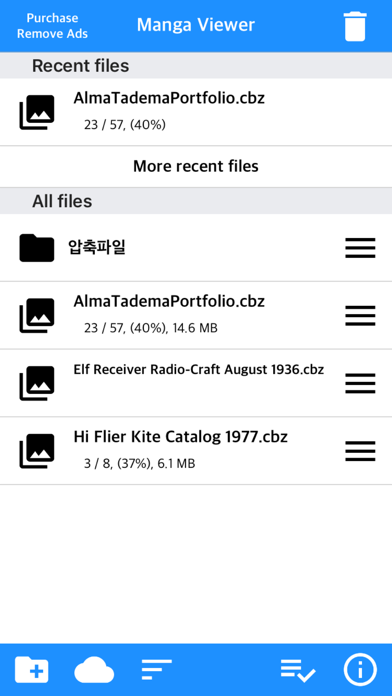
Store screenshots

ScreenshotScreenshotScreenshotScreenshotScreenshotScreenshotScreenshotScreenshotScreenshotScreenshot

App Store ads

Apple Search Ads this app ran in the last 90 days, from Apple's public ad repository.

Apple's ad repository couldn't be reached right now. Try again later.

Growth research

Where this app is buying and earning its users. Each link opens pre filtered.

ASO keywords

Most repeated terms in the listing. Highlighted ones also appear in the title.

image10page10mode8support7file7screen7change6required6next5book5off5color5next book5night mode5files4supported4pdf4view4automatically4brightness4background4mac silicon3zip rar3tif tiff3

What's new in 1.390

- Fixed reported crashes and applied specific updates for iPhone Duo models

Released Nov 9, 2017. Current version shipped Oct 25, 2026.

Store description

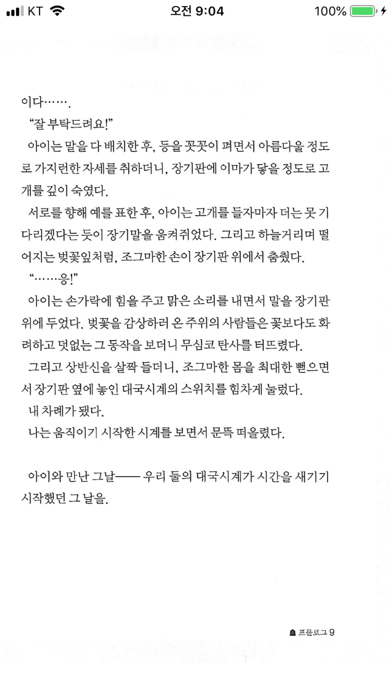
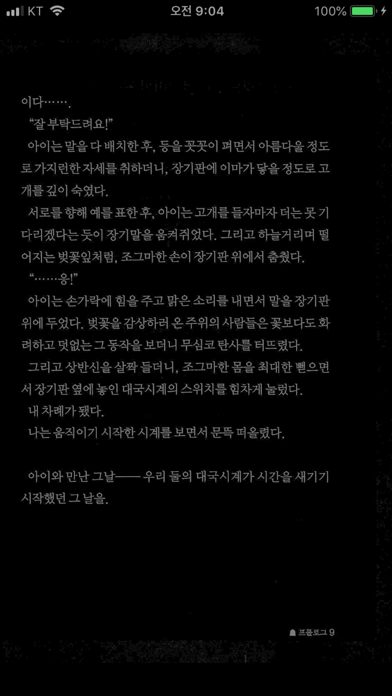
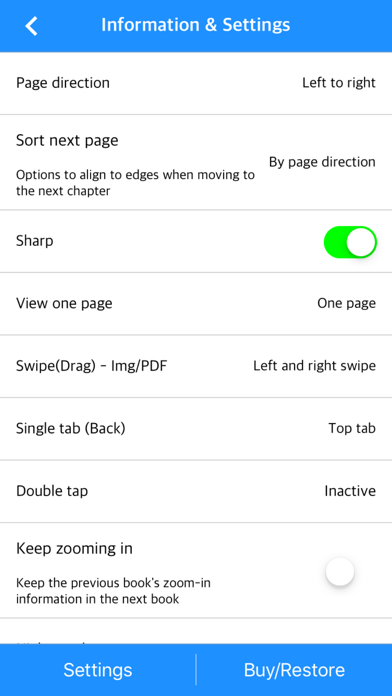
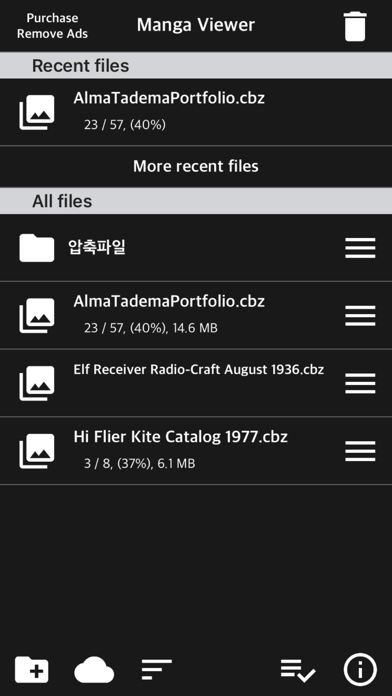
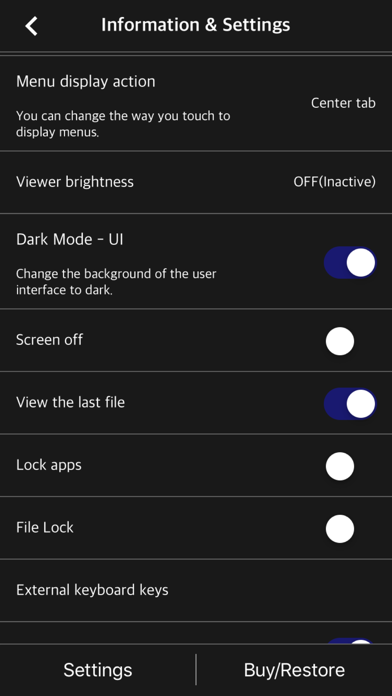
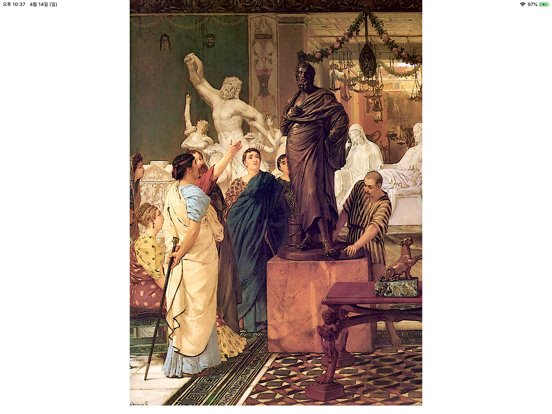
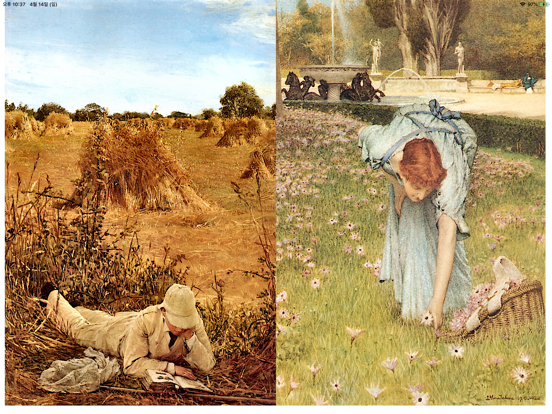
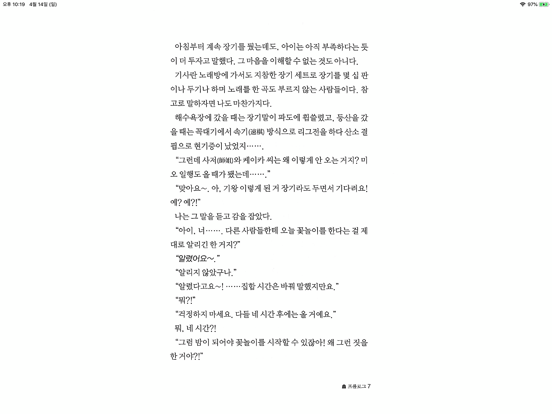
The simplest viewer app for viewing comic, fictional image archives Such as a cartoon or a novel, on a smartphone You can see it anywhere. Now that you've installed the app Try transferring files on your PC with WiFi * Some functions may not be supported on Mac(Apple Silicon) ** Characteristic ** - zip, rar, 7z, cbz, cbr, cb7 compressed files are supported (png, jpeg, jpg, gif, bmp, tif, tiff, jxl(iOS 26+), heif(iOS 18+) extension images are included, webp format is supported from iOS14) - Support for locked files (zip, rar, 7z, pdf) - PDF file support - TIF/TIFF file support (like PDF file, change in settings) - Upload via PC web browser (WIFI) - Import files from cloud apps such as iCloud, dropbox, circle drive, and Box - FTP support: browse, download - SSHFTP support - Secure FTP not supported - Cloud apps support file copy from mail attachments - one page view, two page view - Sharpen image filter - IPhone, iPad, Mac(Apple Silicon) support - Rotate the screen both horizontally and vertically - Image next page Zoom-in keep-alive function: Apply the previous book's zoom-in status in the following book. Please change your settings. - Screen off option: When set to ON, the screen automatically turns off at the time the device turns off. - Last file view, On / Off in setting - Next book auto-switching options: If you automatically change the next book switching option in Settings, tabs on the last page will automatically switch to the next book. (Default manual) - iCloud Sync : Synchronize the information (read location) of the read file and open the same file on another device (signed in with the same iCloud account) so that you can see it again. - Two pages in landscape mode: Two pages in landscape rotation, one page in vertical rotation, iPad only -Vertical scroll mode (= webtoon mode): scrolls vertically like webtoons, one-page mode is fixed, and some options are fixed and not applied. - Image / PDF Night mode: Invert color / Image brightness (1 to 3 steps), in-app purchase required - Night Mode - Invert Color: Invert the white background to black (gray) and black to white. This mode is suitable for viewing novels. - Night Mode - Image Brightness: You can change the brightness of the image in three steps without changing the screen brightness of the device. - Bluetooth keyboard: Supports page switching and screen closing function, direction key (asdw) page switch, ESC key viewer screen close (in-app purchase required) - A function that changes to the next page when the volume is changed. (The sound size will change as well. Please be careful. ON / OFF in setting. Need an in-app purchase or reward view.) - Blink: Recognizes eye blinks to switch pages (iPhone only, iOS 18+, in-app purchase required) - Automatic Image Crop: Automatically crops the empty space on all four sides of images with a white background. (iOS 16+, in-app purchase required) - Content Color: You can change and unify the content (pictures or text) within the image to a single color. A background color is applied to the image background excluding the content (In-app purchase required) - Select text: Long-click to select text within a page and copy, search, translate, or share (iOS 18+, in-app purchase required) Please send bugs or suggestions to junhuloveapple@gmail.com at the top right of the setting screen.

See this store page in another country

Prices, ranks and reviews are per country. Revenue above is already worldwide.

More from kim juyoung

Text Viewer - txt file viewer
Book
3 ratingsAnalyze →
Offle - MP3 & MP4 Repeat Play
Education
1 ratingsAnalyze →
WatchMPlay - Mp3 Music Player
Music
1 ratingsAnalyze →
WebToon Reader - WebComic File
Book
0 ratingsAnalyze →
Hangul Study - Basic Korean
Education
0 ratingsAnalyze →
QR Password - QR, password
Utilities
0 ratingsAnalyze →
LinkYPlayer - Link Player
Music
0 ratingsAnalyze →
EBook Viewer - ePub Novel File
Book
0 ratingsAnalyze →
Photo2PDF - Zip, Photo to PDF
Utilities
0 ratingsAnalyze →