ASO keywords
Most repeated terms in the listing. Highlighted ones also appear in the title.
gps12map9compass7waypoints7location7tracks6import6background6speed5support5export5gps tracks5import export5export waypoints5waypoints tracks5offline4video4recording4target4share4mode4video recording3target waypoint3coordinates converter3
What's new in 5.9
■ Offline maps
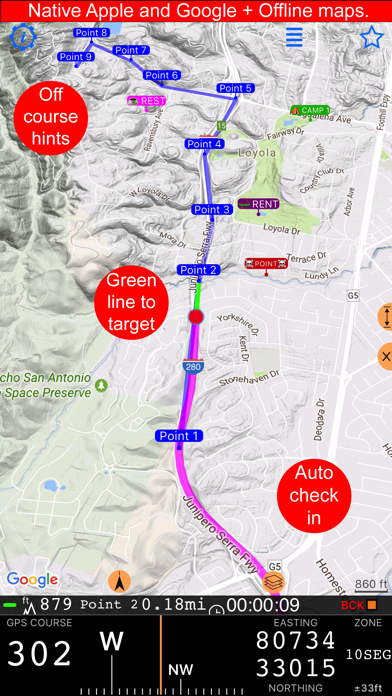
‣ Download Retina-quality maps for offline use directly from Blocoware Open Street Map. Compact WebP tiles keep downloads small and save data; map detail reaches zoom 17, with house numbers visible from zoom 16.
■ Motion recording and video overlays
‣ Turn any finished track, including older ones, into overlay videos for your video editor: on the track details screen, choose More > Overlay videos > Export. Speed and Map come from the track itself, so no extra recording is needed.
‣ To add Pitch & Roll and G-Cross, open MENU > Settings > GPS Tracking > Motion and audio data and enable Include motion and audio before you record a track. No phone video is recorded, so you can pair the overlays with footage from another camera, synced by a short clap or the track audio.
‣ On tracks with motion data, choose More > View options > Map + pitch & roll + chart to scrub the chart with the map and pitch-and-roll instrument in sync.
‣ Export individual overlays from your recorded videos for use in other video projects, including transparent clips for your video editor.
‣ From a saved video, choose Export > Overlay videos to export its overlays.
■ Camera and Video
‣ Record video even in complete darkness: in video mode, tap the flashlight button to turn on the Video light. To set its brightness from 25% to 100%, open Settings > Viewfinder controls on the camera screen.
‣ In the viewfinder, tap the zoom readout to choose a lens, or drag it to zoom.
‣ Lock focus, set it by hand, or save a focus position per lens. Use a shutter delay for steadier shots, and let the camera remember your last lens and zoom.
‣ For clearer low-light photos, open Settings > Photo capture settings on the camera screen and enable Prioritize quality in low light; hold steady during capture.
‣ Assign taps or holds in Viewfinder controls to capture photos or start/stop video; set Double tap to Black screen to hide the viewfinder during recording.
■ Video transcripts and captions
‣ On iOS 26 or later, open a saved video and choose More > Transcribe audio to transcribe its audio on-device in a language supported by your device.
‣ Find recordings by spoken words and jump straight to the moment you need.
‣ Correct, copy, or share the transcript, and import or export SRT subtitles.
‣ Follow speech with captions during replay and include them in stamped exports.
■ Points and boundaries
‣ Everyday edits stay simple. In the point editor, open More and choose Advanced under View to compare point/photo values, resolve conflicts, and sync supported metadata.
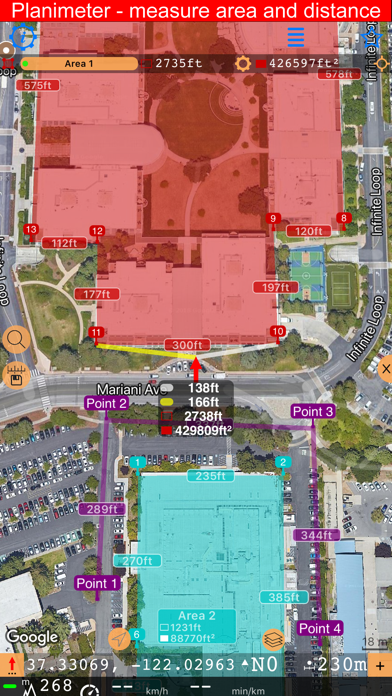
‣ See each area corner’s inner angle, including reflex angles above 180°, to read complex boundaries more clearly. Enable Show angle annotations in Maps > Common settings > Routes and areas annotations > Annotations.
Released Sep 23, 2016. Current version shipped Sep 17, 2026.
Store description
Compass 55 is an offline-capable GPS map and navigation toolkit for hiking, off-road travel, fieldwork, aviation, and marine use—with a compass, waypoints, routes, coordinate tools, and video recording.
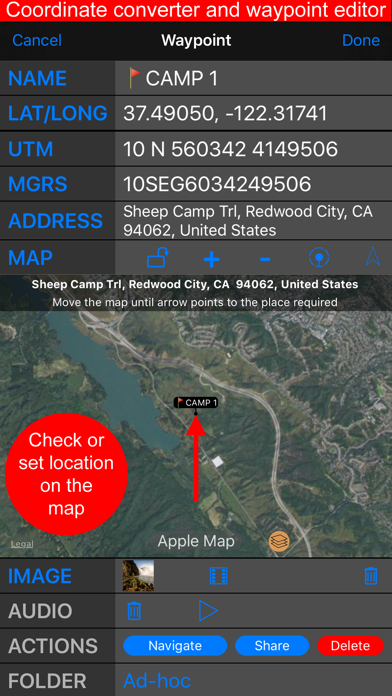
+ Advanced target/waypoint editor. Can be also used as a coordinates converter. You can use map to check or set waypoint location and add photo or audio note.
+ Share your location via email, text message, Facebook or Twitter. This includes UTM, MGRS and Latitude/Longitude (MENU>Share my location).
+ You can use UTM, MGRS or Lat/Long, just pick your preference in settings (Coordinate Format).
+ Speedometer. Shows you the speed and pace. Speedometer also gives you options to control average and max speed and pace counters (MENU > RESET and PAUSE/RESUME counters).
+ Compass. Instant reaction compass, no delays. Automatically pickups the direction based on magnetic or GPS course. If you mostly walk or drive, you can change this automatic mode in app settings > Compass or GPS course. NATO mils? Same place in settings to set.
+ Magnetic declination δ for the current location and any location on the map (via World Magnetic Model, WMM, no need for data/internet).
+ Sunset and sunrise. So you can plan your travel better.
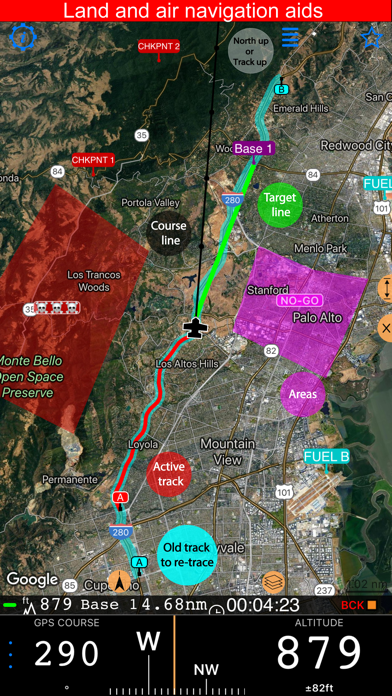
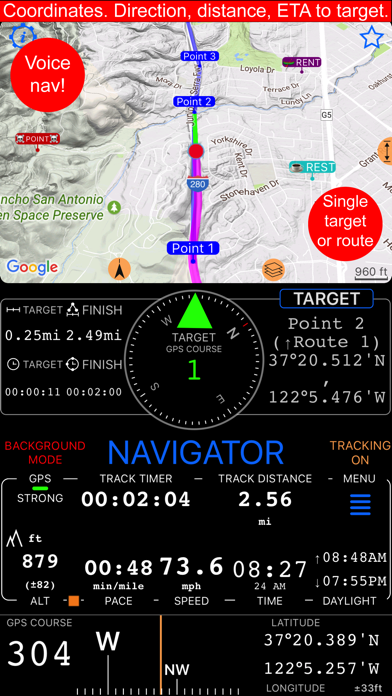
+ Arrow pointing to your target waypoint. Distance and bearing to it.
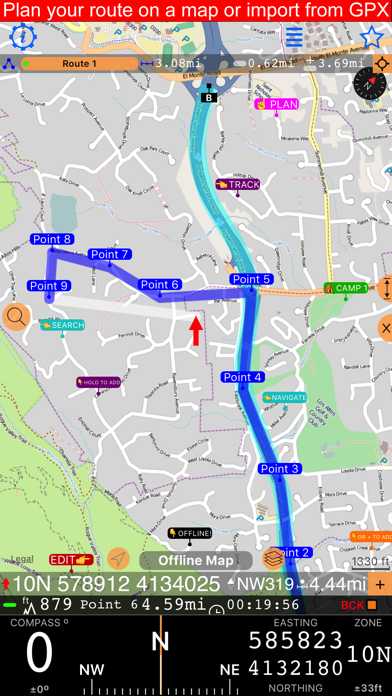
+ Create/measure routes and areas.
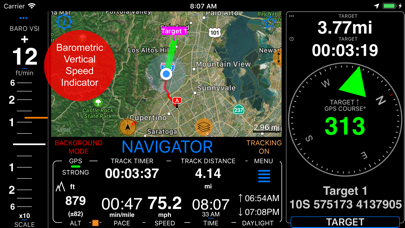
+ Barometric Vertical Speed Indicator (VSI, IVSI) in both scale and graph forms.
+ Integration of bluetooth sensors: Cycling cadence, Heart rate, Cycling speed.
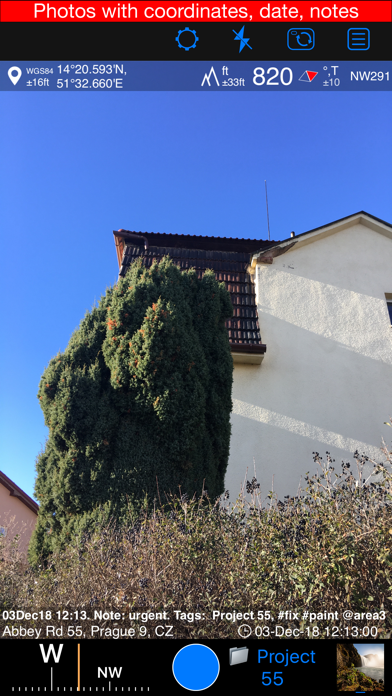
+ Video recording for action and fieldwork. Add real-time G-Cross, map, QR code, and pitch & roll overlays as needed, then replay your recordings. The basic version stores one video and exports a branded 15-second clip.
All above belong to a basic version. PRO Pack upgrade will add following capabilities:
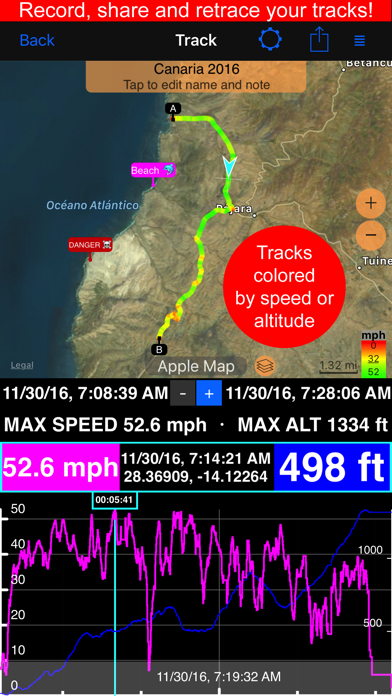
+ Recording and sharing GPS tracks.
+ Moving waypoints between folders.
+ Showing ETA to a target as this requires GPS tracking.
+ Native Google map with fantastic terrain map, amazing 3D and real night mode.
+ Adding own/custom tile map servers.
+ Downloading offline maps. Offline maps import in .sqlitedb, rmaps, mbtiles formats. Support for overzoom and underzoom - offline map is shown even for zoom levels that are not downloaded.
+ GPX import and export for waypoints, tracks and routes.
+ Google Earth KML support for waypoints and tracks import/export. KMZ support for waypoints and tracks export, waypoints import.
+ Ground overlays. Import KMZ ground overlay or draw your own on the map in the app and share as kmz files!
+ CSV import/export for waypoints.
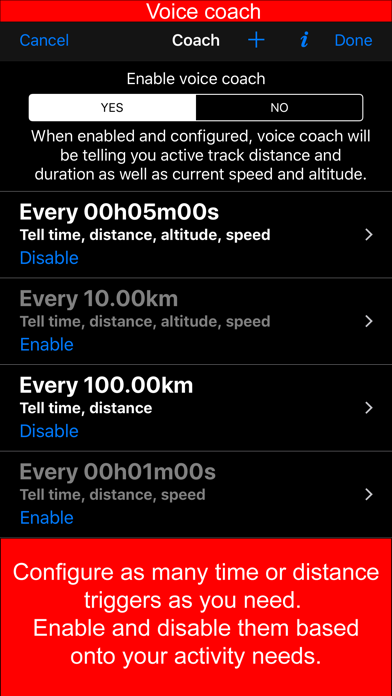
+ Voice coach to tell you active track distance and duration, current speed and altitude without need to open the app.
+ Support for Siri shortcuts in IOS 12 for starting and stopping GPS tracks.
+ From version 4.2 - support for OSGB (including grid shifts) and SK 42 in the coordinates converter.
+ Unlimited saved videos and full-length exports of stamped or original video.
+ BACKGROUND MODE. App will work in background automatically when tracking. You can use other apps while Compass 55 does its job in the background!
+ PRIVACY. Compass 55 never shares your location data with 3rd parties or ad agencies. Location data is used solely for telling you direction to a target and recording GPS tracks and never leave the app unless you decide to share by means of a track export. It always lets you know when background mode is on and never runs in background unless the track is being recorded.
! You can use this app on your iPhone as well as on any cellular iPad. **App will not work properly on iPods and wifi only iPads as they don't have GPS (external GPS module is required). As quite a lot of us are using external GPS modules, app is available for wifi only iPads and iPods.
! Please note that as with all GPS apps, continued use of GPS running in the background can dramatically decrease battery life.
Terms of Use: https://www.apple.com/legal/internet-services/itunes/dev/stdeula/
See this store page in another country
Prices, ranks and reviews are per country. Revenue above is already worldwide.