← Back to charts
Teleprompter for Video icon
GOOGLE PLAY

Teleprompter for Video

Teleprompter for Video Ltd · Productivity · Japan store
NOT IN TOP 100 HERE
View on Google Play ↗ App Store version →
Revenue a month, worldwide EST
$33.1K
Likely $11K to $99.3K
▲ 24.2% in 27 days
New ratings
Tracking
Daily counts start building from today
Rating
4.5 of 5
29.5K ratings in this store
Countries it ranks in
2
was 1 on Oct 15, 2026

Revenue

Estimated from the grossing charts of Oct 21, 2026 in the 53 countries we track, and ratings growth on the App Store.

EST. REVENUE / MONTH · WORLDWIDE · BOTH STORES
$33.1K
Range $11K to $99.3K
EST. REVENUE / YEAR · WORLDWIDE
$397.2K
Both stores combined. Small app estimate, so no split per store
LIFETIME INSTALLS (GOOGLE)
4.2M
About 62.2K per month on average since launch
WHERE IT EARNS · EST. / MONTH
  • Brazil #44 Productivity (Play), #90 Productivity (iOS)$18.2K · 55%
  • United Kingdom #87 Productivity (Play)$10.9K · 33%
  • Singapore #100 Productivity (iOS)$1.5K · 4%
  • Nigeria #15 Productivity (iOS)$1.2K · 4%
  • Ireland #80 Productivity (iOS)$880 · 3%
  • Czechia #80 Productivity (iOS)$463 · 1%
HOW SURE ARE WE
Small app: combines its grossing ranks with ratings growth (242 new ratings a month on average since launch). Tested on 418 apps with verified revenue: typically off by about 2.4 times, so the range is wide. Countries we don't track (and Google Play in China, which doesn't exist) aren't included, and neither are ads or web payments. Gross revenue before store fees.
RATINGS
29.5K
AVG RATING
4.52
PRICE
Free
IN APP PURCHASES
¥760 - ¥3,020 per item
CONTAINS ADS
No
LAST UPDATE
113d ago
RELEASED
Mar 31, 2021
CONTENT RATING
Rated for 3+

Last 29 days

From our daily snapshots of every grossing chart.

DAYS IN A GROSSING CHART
29 / 29
COUNTRIES NOW
2 (was 2)
EST. REVENUE A MONTH, DAILY · BOTH STORES EST
Show daily values
Sep 24, 2026$223.8K a month
Sep 25, 2026$99.6K a month
Sep 26, 2026$110.8K a month
Sep 27, 2026$109.7K a month
Sep 28, 2026$116.4K a month
Sep 29, 2026$113.3K a month
Sep 30, 2026$115.6K a month
Oct 1, 2026$110.8K a month
Oct 2, 2026$111.8K a month
Oct 3, 2026$99K a month
Oct 4, 2026$100.7K a month
Oct 5, 2026$101.6K a month
Oct 6, 2026$104.4K a month
Oct 7, 2026$110.1K a month
Oct 8, 2026$108.7K a month
Oct 9, 2026$112.9K a month
Oct 10, 2026$111.1K a month
Oct 11, 2026$112.6K a month
Oct 12, 2026$117.6K a month
Oct 13, 2026$116.8K a month
Oct 14, 2026$103.1K a month
Oct 15, 2026$125.7K a month
Oct 16, 2026$209.3K a month
Oct 17, 2026$106.6K a month
Oct 18, 2026$199.2K a month
Oct 19, 2026$206.1K a month
Oct 20, 2026$110.4K a month
Oct 21, 2026$278K a month
Oct 22, 2026not in a grossing chart
The same estimate as the headline, saved every day. Best rank Sep 24, 2026: #50 Productivity · BR. Now: #49 Productivity · BR.

Money and momentum

Measured from the store, not estimated.

WHAT IT CHARGES
¥760 - ¥3,020 per item
Google Play only shows the price range per item.
REVIEW MOMENTUM
6.9 reviews / week
  • Trendsteady
  • Recent reviews average3.8 stars
  • Recent 1 and 2 star share26%
From the latest 500 written reviews, covering 510 days. The store only returns this many, so this is the most recent slice.
RATING BREAKDOWN
29.5K ratings
5★82%
4★6%
3★3%
2★0%
1★9%

What users say

Latest reviews, Japan Google Play.

★★★★★Oct 17, 2026

very nice

★★★★★Oct 16, 2026

the app was so amazing the good thing about it is that even when u wrote your script to read while recording u can drag it up and down and even hold it during the record I'm so happy with the app.

★★★★★Oct 15, 2026

This is what I need to make my announcement videos for comic con appearances! 🔥

★★★★★Oct 14, 2026

hi, the app is great and recommended, however I had the subscription through my work and accidently downloaded and used a new login and after 3 days trial i have been charged for 1 full year. i would appreciate refund.

★★★★★Oct 14, 2026

The app is helpful, but I accidentally purchased the annual subscription and was charged ₱1,200 without intending to do so. As a student, this amount is a big part of my school allowance, which I need for my daily expenses and other school-related needs. I am requesting a refund , and I sincerely hope the developer can consider my situation and kindly approve the refund. I would be very grateful for your understanding and assistance. Thank you so much for your time and consideration

★★★★★Oct 13, 2026

best app

Apps like this

Same category, earning about as much.

Store screenshots

ScreenshotScreenshotScreenshotScreenshotScreenshotScreenshotScreenshotScreenshotScreenshotScreenshot

App Store ads

Apple Search Ads this app ran in the last 90 days, from Apple's public ad repository.

STATUS
Stopped
FIRST SEEN
Jul 14, 2026
AD VARIATIONS
23
EU COUNTRIES
3
WHERE
Search results in DE, FR, NL. Formats: Icon + Asset Ad, Icon Ad. Last impression Oct 16, 2026.
AD TEXT
  • Mirror Text & Script for Video
Ad creativeAd creativeAd creativeAd creativeAd creativeAd creative

Apple only publishes ads shown in the EU (EU Digital Services Act), with a 7 day delay. An app that advertises only outside the EU shows nothing here. Shown for the App Store version (Teleprompter).

Growth research

Where this app is buying and earning its users. Each link opens pre filtered.

ASO keywords

Most repeated terms in the listing. Highlighted ones also appear in the title or short description.

video15teleprompter9videos9script7scripts7recording6record5add5control4teleprompter video3teleprompter script3video recording3add logo3export srt3srt file3social media3video landscape3landscape portrait3remote control3teleprompter scripts3logo videos3read3logo3automatically3

What's new in 3.11.1

This update adds a new “Save all recordings” button, lets you remap remote control buttons, and choose H.265/HEVC or H.264 exports. We also now remember logo settings, fixed Eye Contact Enhancement + trimming compatibility, resolved a policy-accept error when signed out, and added AppCheck headers. Enjoy :)

Store description

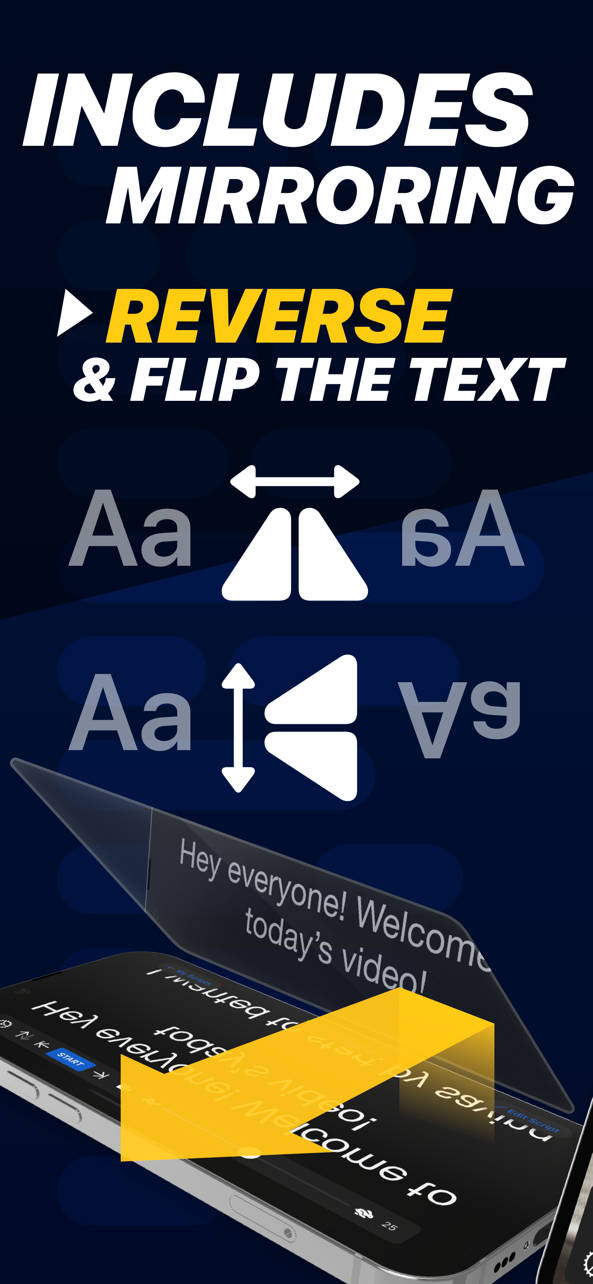
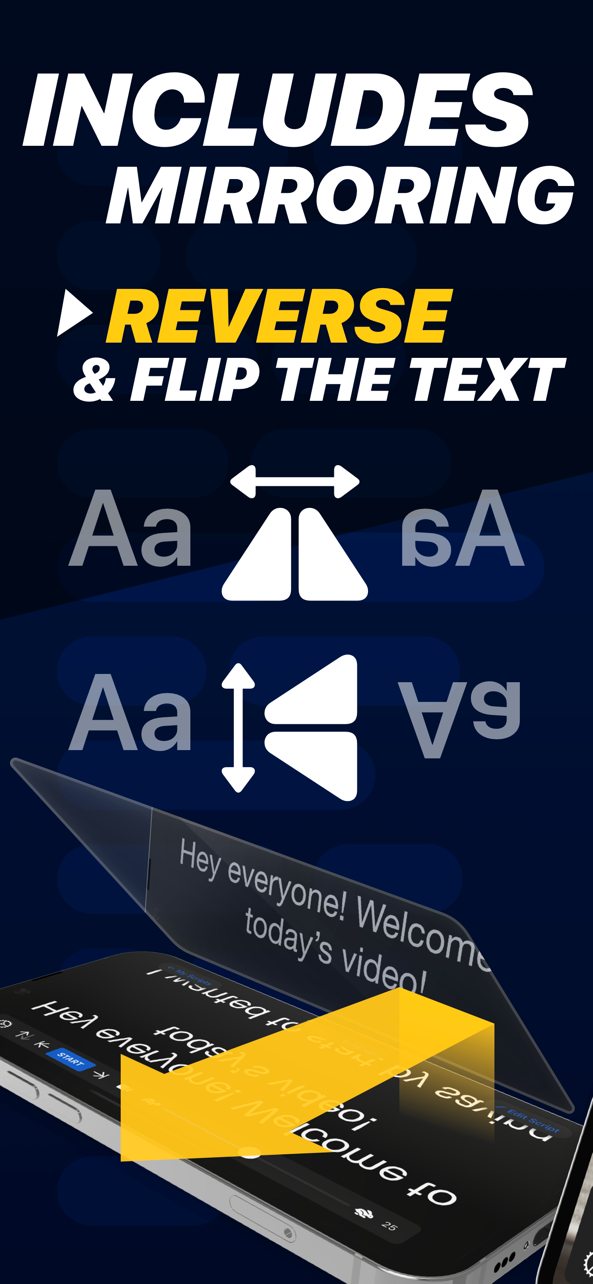
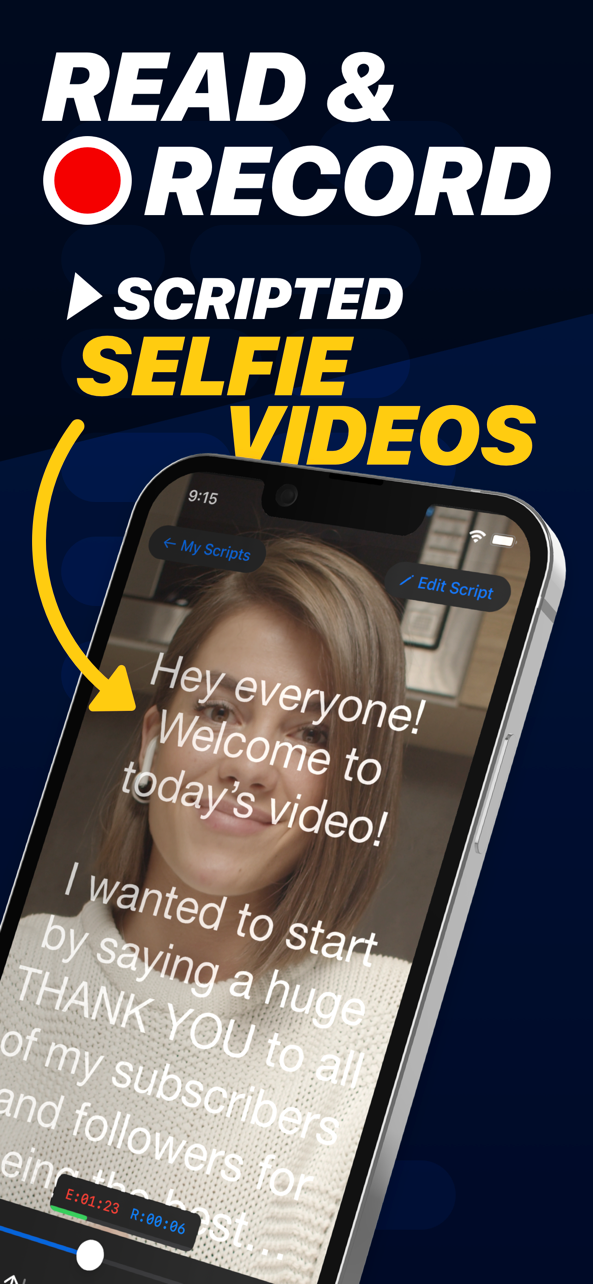
Teleprompter for Video makes it easy to create professional-looking videos on your smartphone. It's perfect for anyone wanting to record a vlog, practise a speech or give a business communication. The app helps actors film self-tape auditions, religious leaders give sermons, job seekers create video resumes and much more. Used by over 1 million people worldwide! Here's how it works... Read from a prompt while filming yourself in high definition. The teleprompter script (or autocue) scrolls next to the camera lens, helping you make eye contact with your audience. They won't know you're reading from a prompt! Then, edit your video after recording. Add a logo and automatically caption the video using the timings from your recording (or export a .srt file for uploading captions on social media). Use the floating mode to overlay your script on other video apps, allowing you to read from a script while live streaming, video conferencing, or using other specialist video apps. Here's a summary of all the features: RECORD PRO VIDEOS WITHOUT EXPENSIVE EQUIPMENT * Record videos using the front and rear-facing cameras. * Record your video in landscape or portrait. * Choose your camera resolution and frame rate based on what your device supports. * Record sound using in-built and external microphones. * Long tap to set AE/AF Lock. * Pinch the screen to zoom. * Display a 3x3 grid to help you position yourself. A SIMPLE-TO-USE TELEPROMPTER * Set a countdown to get into position and a countdown to automatically end recording when the teleprompter script reaches the end. * Control the teleprompter app with a Bluetooth remote control, wireless keyboard or foot pedal. Using a remote control, you can start and stop the video recording as well as control the scrolling script (start / pause / resume / adjust speed). * Mirror the script for use in a pro teleprompter rig device. * Adjust the font size, scrolling speed and many other settings. EASILY MANAGE SCRIPTS ON MULTIPLE DEVICES * Import your scripts from Dropbox, Google Drive, OneDrive or iCloud in .doc, .docx, .txt, .rtf, and .pdf formats. * Share teleprompter scripts across different devices. * Format your scripts in Rich Text to make them easier to read. EDIT VIDEOS AFTER RECORDING * All videos are saved in the app for editing later. * Automatically add captions / subtitles to your videos or export a .srt file to import your captions into YouTube, Facebook or other video platforms. * Add an image or logo to your videos (in-app purchase required). * Add text to your video. * Change the video background after recording using the smart green screen / chroma key filter. * Resize the video to landscape, portrait or square. Perfect for uploading to social media. PREMIUM SUBSCRIPTION AVAILABLE Teleprompter for Video is free for scripts of up to 750 characters. That's around 1 minute of video with no watermarks. The Premium version allows you to: * Write longer teleprompter scripts. * Add a logo to your videos. * Play royalty-free music to your videos. * Float the script on top of other apps. * Rewrite your scripts using AI.

See this store page in another country

Prices, ranks and reviews are per country. Revenue above is already worldwide.