ASO keywords
Most repeated terms in the listing. Highlighted ones also appear in the title.
quiver education22quiver22education18pages15coloring11coloring pages10augmented reality6quivervision education6educational6content6quivervision6page6experience5educational content5quiver coloring5augmented4reality4colored4life4focus educational3physical coloring3reality technology3print pages3comes life3
What's new in 3.3
- New AR coloring page: Off-Highway Driving from California State Parks
- Bug fixes and general updates
- If you notice anything not working as expected, please contact us at support@quivervision.com
Released Aug 26, 2015. Current version shipped May 2, 2020.
Store description
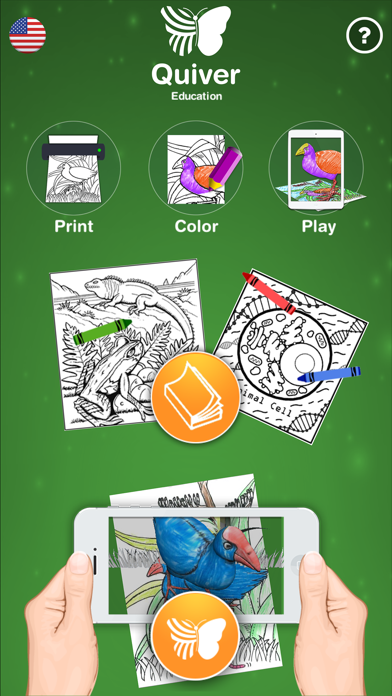
Responding to popular demand, we are thrilled to introduce Quiver Education! The same magical augmented reality colouring experience, but with a focus on educational content and a one time purchase for a lifetime of content!
Designed with educators in mind, Quiver Education has a greater focus on educational content than the standard Quiver App, with specific pages designed around topics as diverse as biology, geometry, and the planets. The team at Quiver is committed to providing regular content updates to the Quiver Education App, and we’d like to hear from you what pages you’d like to see! You can contact us on info@quivervision.com .
Instead of in-app purchases, Quiver Education has a one time purchase price, and is compatible with the volume purchasing program and educational discounts for schools too! We’ve packed the app with a range of top coloring pages already, and new educational content will become available regularly and free of further charge through app updates.
-----------
Coloring pages have never been so much fun! The Quiver Education App combines physical coloring from “back in the day” with state of the art augmented reality technology to bring students an extraordinarily magical and educational experience.
You can find our free pages in the app and on our website (http://www.QuiverVision.com/Education). Save and print the pages directly from the Quiver Education App or from a computer to start enjoying the fun. By using our unmatchable expertise in augmented reality, the Quiver Education App enables students to unleash their inner creativity while learning about a range of subjects.
Every colored page comes to life in its uniquely colored way, giving the artist an immediate and special sense of ownership and pride! Not only is the app incredibly fun, but it is also a great tool for developing skills and knowledge on various topics. Try it out yourself and we are sure you will agree.
Available Quiver Education coloring pages include:
- Quiver characters (Murphy the Sheep, Penfold the Penguin and Ruby the Rabbit).
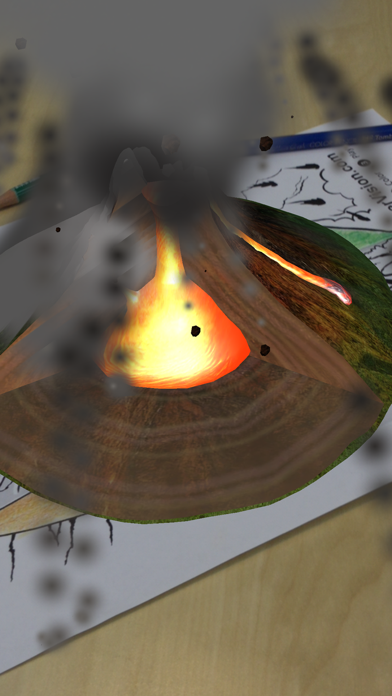
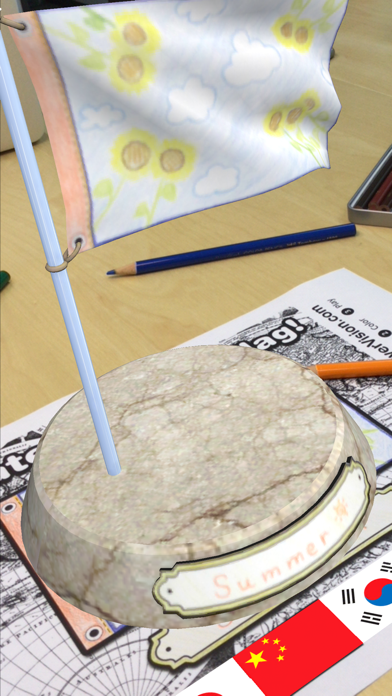
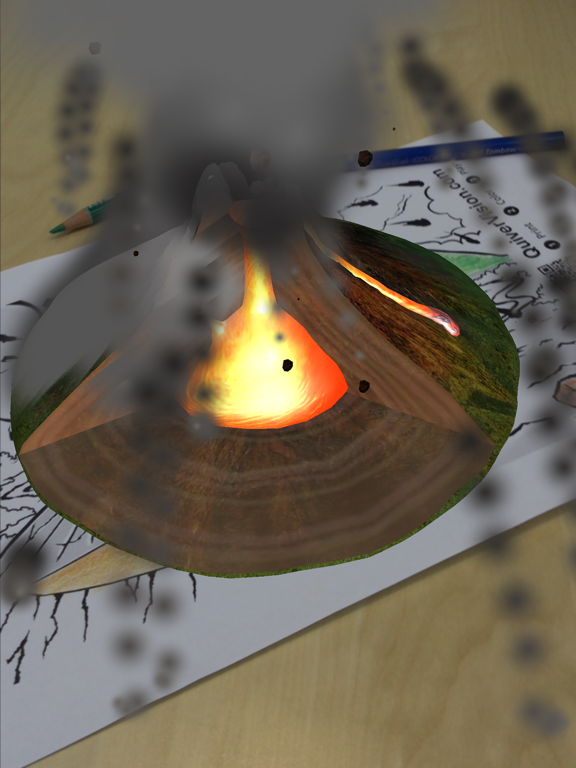
- Quiver education pages (Earth, Volcano, Flag, and Animal and Plant Cells).
- Amazing Animals of New Zealand (Kea, Hectors Dolphin, Yellow-Eyed Penguin, Kiwi, Giant Weta and the Tuatara).
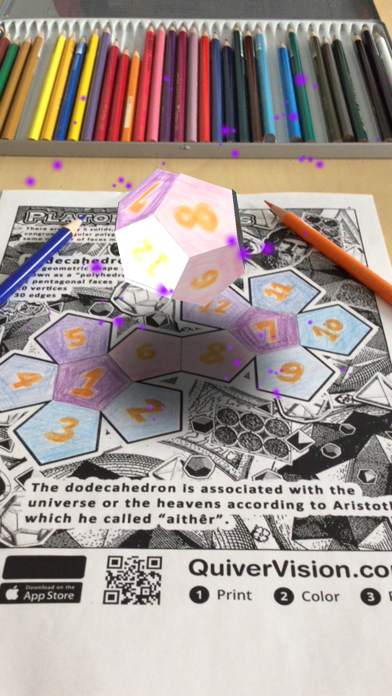
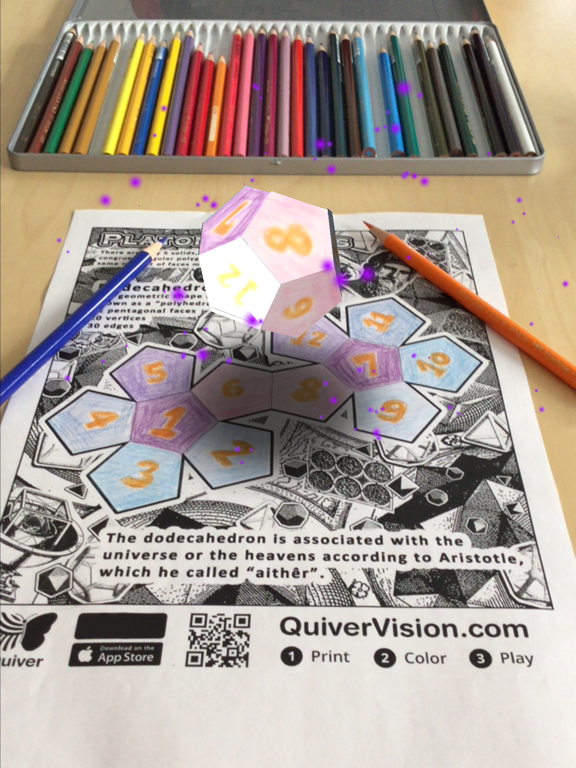
- The Platonic Solids (all five of the platonic solids, plus a bonus page).
- Original Quiver Content (dozens of pages, including a dragon, airplane, firetruck and more!)
Features:
- Enjoy a traditional physical coloring experience combined with the latest augmented reality technology.
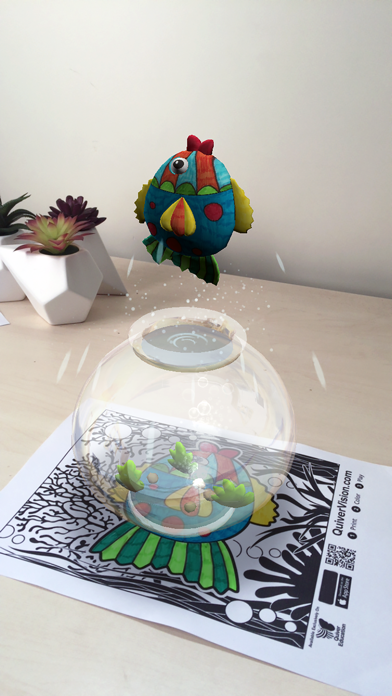
- Watch your artwork magically come to life on your smart device screen.
- View the animation from any angle.
- Interact and play games with the animated characters by touching the screen.
- Educational pages include a quiz to test the user’s knowledge.
- Capture photos and videos of your coloring creations
- Zoom functionality.
- Play and pause the animation when it comes to life.
- Different sound effects associated with each page.
Follow these simple steps to enjoy the magical Quiver Education App experience:
- Visit http://www.QuiverVision.com/Education to find and print out the Quiver Education coloring pages.
- Color in the Quiver coloring pages using your favourite colors.
- Open the Quiver Education App and tap the play button (the button with the Quiver Butterfly logo on it) to open the viewer.
- Look at the colored Quiver coloring page with your smart device camera. Make sure you can see the entire page - it will turn blue to confirm.
- The Quiver coloring page will come to life just the way you colored it.
Please Note:
- The Quiver Education App needs physically printed coloring pages to enjoy the full experience.
- For more information and to print out pages, visit http://www.QuiverVision.com/Education.
- The Quiver Education App only works with QuiverVision Education pages.
- For assistance please contact us at support@QuiverVision.com.
See this store page in another country
Prices, ranks and reviews are per country. Revenue above is already worldwide.