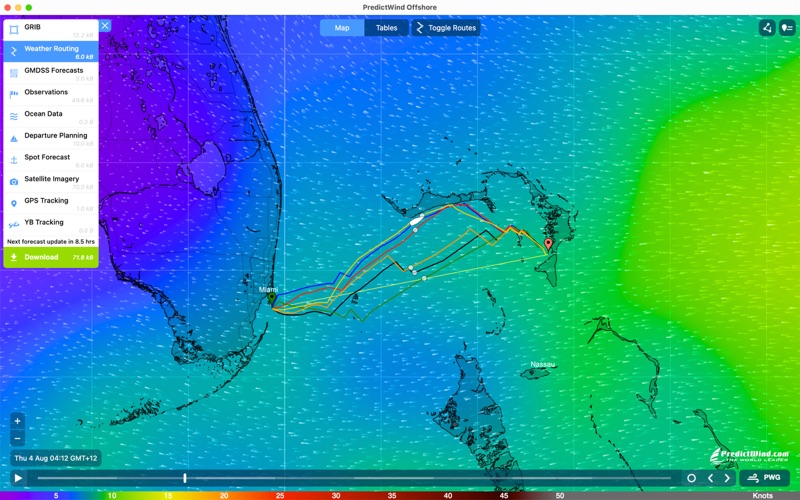
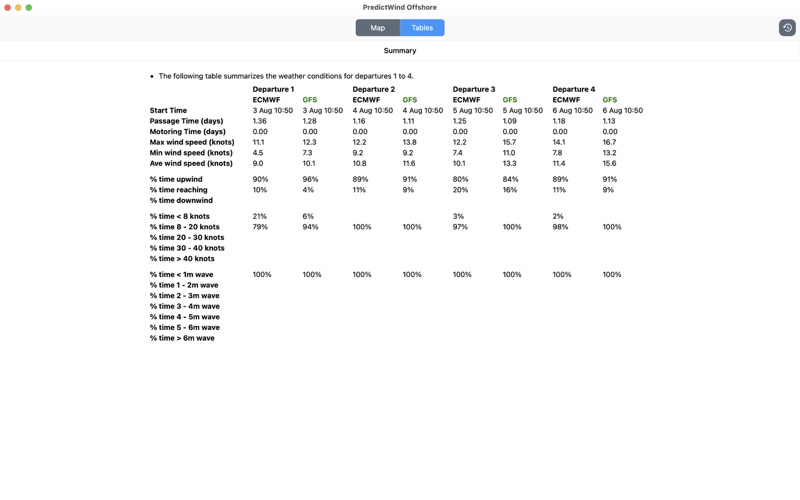
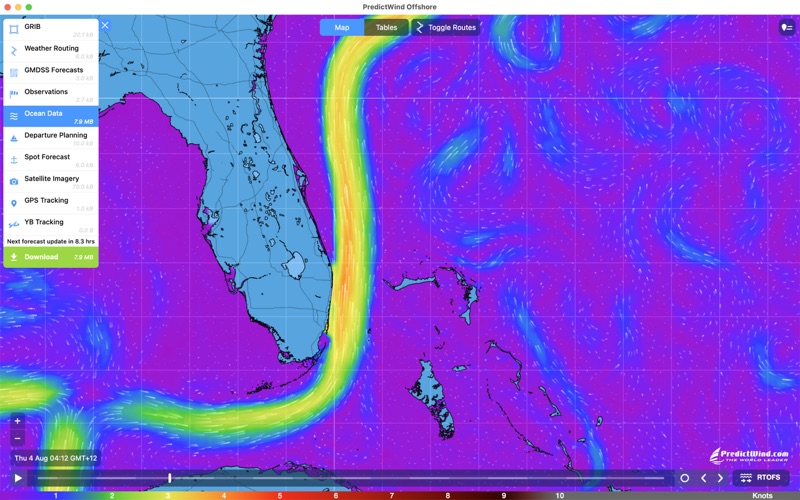
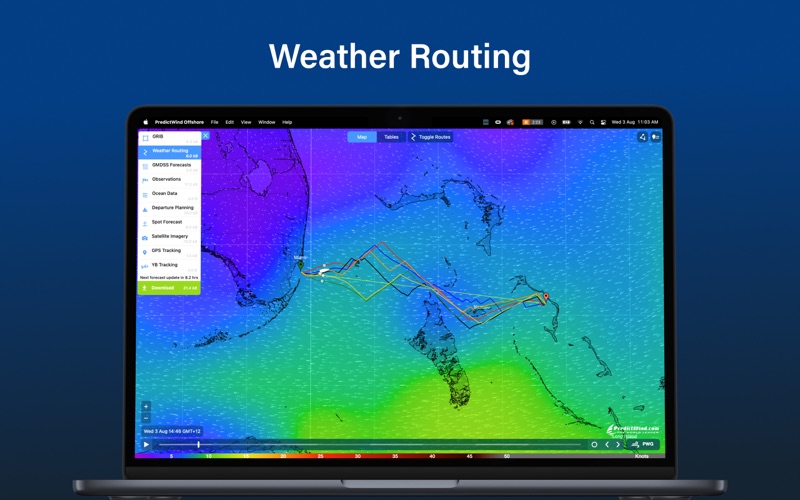
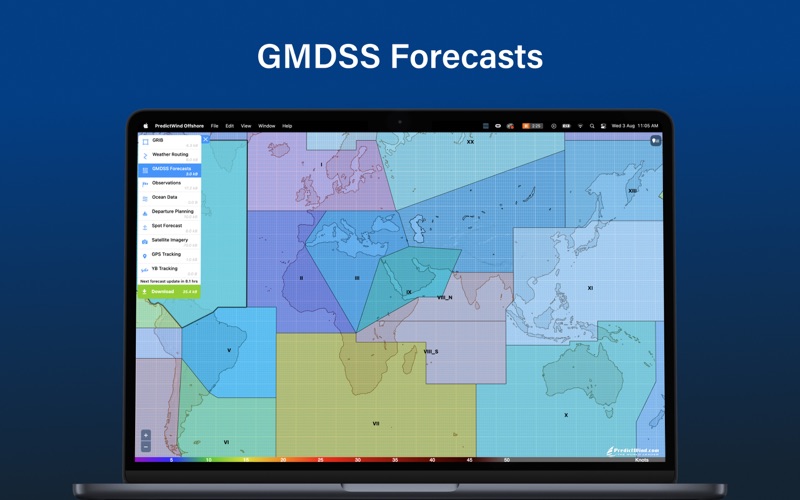
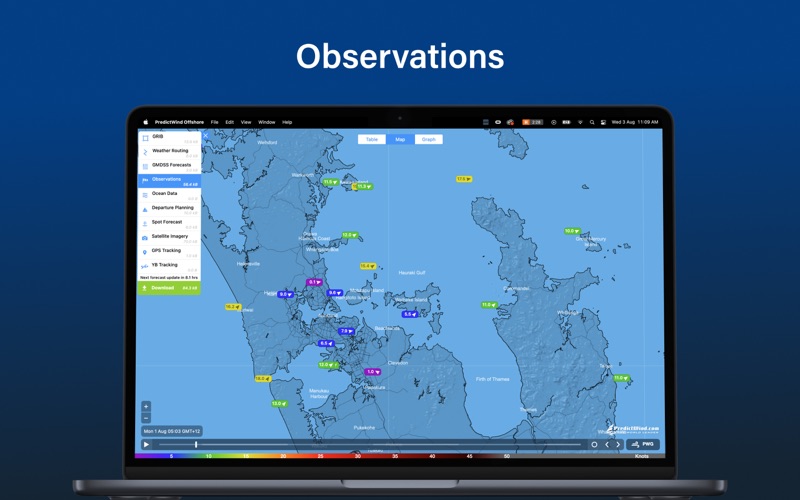
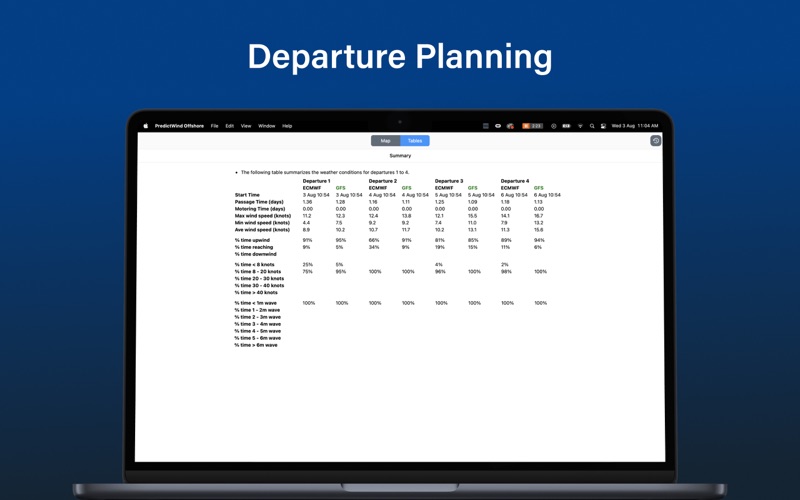
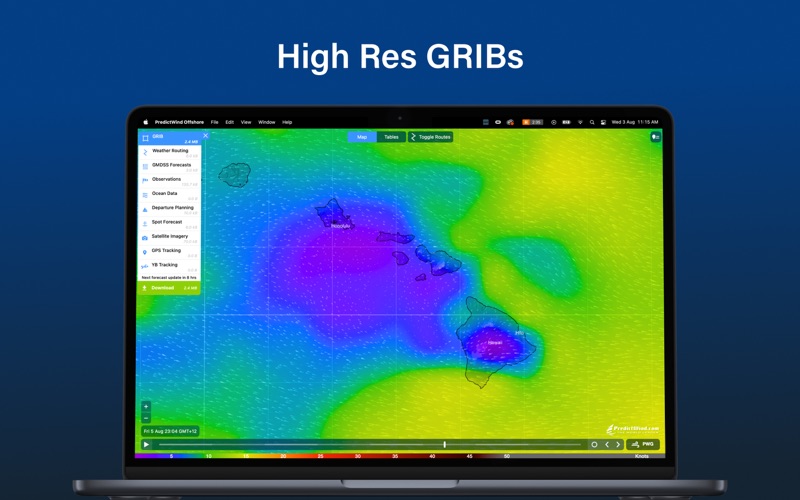
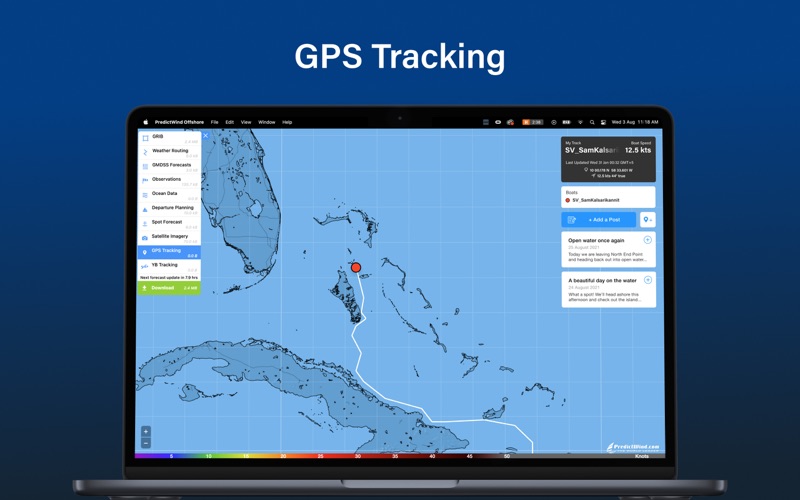
Despite watching the instructional videos many times, I have not found this app particularly intuitive. Firstly, it took me a long time to realise that you have to pay for a upgraded account to get any gribs to display. This really should be explained better! There is also nowhere in the app to check the status of your account. You have to log into the Predictwind website to do this. I have uploaded the polar of my boat to the predictwind website, but I am not convinced that the offshore app is using it, because the app calculates different routes and speeds. Maybe the app is slow to sync with the website? I have found it very difficult to switch between the departure planning and weather routing modes. It takes a lot of random clicking and reloading to get it to switch between modes. There needs to be a “clear” button in the download box to clear out all the old downloads and start afresh. There needs to be an onscreeen key to explain the meanings of the colours of the different routes (whether D1, D2 etc, or which grib model is used etc). It would be very useful if, when running a route, there is a display of the BSP, TWA, TWS experienced by the boat as it moves along the route. It would be useful in the route summary to display the percent of time motoring (if the option is set to motor when below a certain windspeed) On the subject of the motoring settings, it would be better if the option was “motor at x Knots if sailing boatspeed is less than y knots”. Finally, the map zoom does not work as it should on a Mac. There is no pinch zoom - you have to either use the +- buttons, or two finger swipe like on Google Maps. The zoom is also too fast making it difficult to focus on the area of interest. I hope that they will develop this app to rectify these problems, as it could be very useful once the problems are rectified.
← Back to charts

APP STORE
PredictWind Offshore Weather
PredictWind Limited · Weather · United Kingdom store
NOT IN TOP 100 HERE
Revenue a month, worldwide
Too small to estimate
Not enough chart or ratings data
New ratings
Tracking
Daily counts start building from today
Rating
0.0 of 5
0 ratings in this store
Countries it ranks in
0
was 0 on Oct 15, 2026
Revenue
Estimated from the grossing charts of Oct 21, 2026 in the 53 countries we track, and ratings growth on the App Store.
EST. REVENUE / MONTH · WORLDWIDE
Unranked
Not in any grossing chart, and it sells nothing in the store (no in-app purchases, free download). Any revenue comes from ads or payments outside the store, which we can't see.
EST. LIFETIME DOWNLOADS
n/a
Estimated from ratings count
RATINGS
0
AVG RATING
n/a
PRICE
Free
AGE
12.2y
LAST UPDATE
20d ago
VERSION
8.0.2
SIZE
377 MB
AGE RATING
4+