← Back to charts
Passwords & Codes-Safe icon
APP STORE

Passwords & Codes-Safe

SAFEINCLOUD SAS · Productivity · United States store
NOT IN TOP 100 HERE
View on App Store ↗
Revenue a month, worldwide
Too small to estimate
Not enough chart or ratings data
New ratings
Tracking
Daily counts start building from today
Rating
0.0 of 5
0 ratings in this store
Countries it ranks in
0
was 0 on Oct 14, 2026

Revenue

Estimated from the grossing charts of Oct 21, 2026 in the 53 countries we track, and ratings growth on the App Store.

EST. REVENUE / MONTH · WORLDWIDE
Unranked
Not in any grossing chart, and it sells nothing in the store (no in-app purchases, free download). Any revenue comes from ads or payments outside the store, which we can't see.
EST. LIFETIME DOWNLOADS
n/a
Estimated from ratings count
RATINGS
0
AVG RATING
n/a
PRICE
Free
AGE
12.3y
LAST UPDATE
336d ago
VERSION
25.3.5
SIZE
10 MB
AGE RATING
4+

Last 28 days

From our daily snapshots of every grossing chart.

DAYS IN A GROSSING CHART
0 / 28
COUNTRIES NOW
0 (was 0)
EST. REVENUE FROM CHARTS, DAILY · APP STORE ONLY EST
Show daily values
Sep 24, 2026not in a grossing chart
Sep 25, 2026not in a grossing chart
Sep 26, 2026not in a grossing chart
Sep 27, 2026not in a grossing chart
Sep 28, 2026not in a grossing chart
Sep 29, 2026not in a grossing chart
Sep 30, 2026not in a grossing chart
Oct 1, 2026not in a grossing chart
Oct 2, 2026not in a grossing chart
Oct 3, 2026not in a grossing chart
Oct 4, 2026not in a grossing chart
Oct 5, 2026not in a grossing chart
Oct 6, 2026not in a grossing chart
Oct 7, 2026not in a grossing chart
Oct 8, 2026not in a grossing chart
Oct 9, 2026not in a grossing chart
Oct 10, 2026not in a grossing chart
Oct 11, 2026not in a grossing chart
Oct 12, 2026not in a grossing chart
Oct 13, 2026not in a grossing chart
Oct 14, 2026not in a grossing chart
Oct 15, 2026not in a grossing chart
Oct 16, 2026not in a grossing chart
Oct 17, 2026not in a grossing chart
Oct 18, 2026not in a grossing chart
Oct 19, 2026not in a grossing chart
Oct 20, 2026not in a grossing chart
Oct 21, 2026not in a grossing chart
Best rank Sep 24, 2026: not ranked. Now: not ranked. Days at zero are days outside every grossing chart.

Money and momentum

Measured from the store, not estimated.

WHAT IT CHARGES
No in-app purchases
Earns from its upfront price, ads or payments outside the store.
REVIEW MOMENTUM
0.4 reviews / week
  • Trendfalling
  • Recent reviews average4.7 stars
  • Recent 1 and 2 star share7%
From the latest 282 written reviews, covering 4471 days.
RELEASE CADENCE
0 updates in 90 days
  • Typical gap between releases38 days
From the last 25 versions listed on the App Store.

What users say

Latest reviews, United States App Store.

★★★★★Sep 9, 2026
Love this app and it’s safe.

I use it to keep passwords and other permanent things like travel points membership numbers. IIRC, the data is encrypted with your root password as the seed, decrypted locally. Even the software company couldn’t get your data if they they wanted to.

★★★★★Sep 9, 2026
Best App ever

I have been using this app for over 13 years. It is easy to use, easy to setup and easy to sync between devices.

★★★★★May 21, 2026
Great app.

I’ve used this app for years. It makes the task of remembering all my different passwords easy. It syncs easily between devices. Easy to use. You can also use the app to save any kind of info you want to keep safe.

★★★★★Apr 21, 2026
Great password manager

Love this , easy to use, very flexible

★★★★★Apr 14, 2026
Simple and...

The best password manager I’ve found so far

★★★★★Apr 5, 2026
Love it!

Use it for almost 10 years now 🫶

Store screenshots

ScreenshotScreenshotScreenshotScreenshotScreenshot

App Store ads

Apple Search Ads this app ran in the last 90 days, from Apple's public ad repository.

Apple's ad repository couldn't be reached right now. Try again later.

Growth research

Where this app is buying and earning its users. Each link opens pre filtered.

ASO keywords

Most repeated terms in the listing. Highlighted ones also appear in the title.

password11passwords112fa authenticator6safeincloud6cloud6data52fa5authenticator5password manager5password generator5need4strong4encryption4browser4safeincloud password3need separate3strong encryption3bit advanced3advanced encryption3encryption standard3cloud synchronization3login touch3browser integration3password strength3

What's new in 25.3.5

- Critical bug fix for Safari extension on macOS Tahoe 26

Released Jun 22, 2014. Current version shipped Nov 19, 2025.

Store description

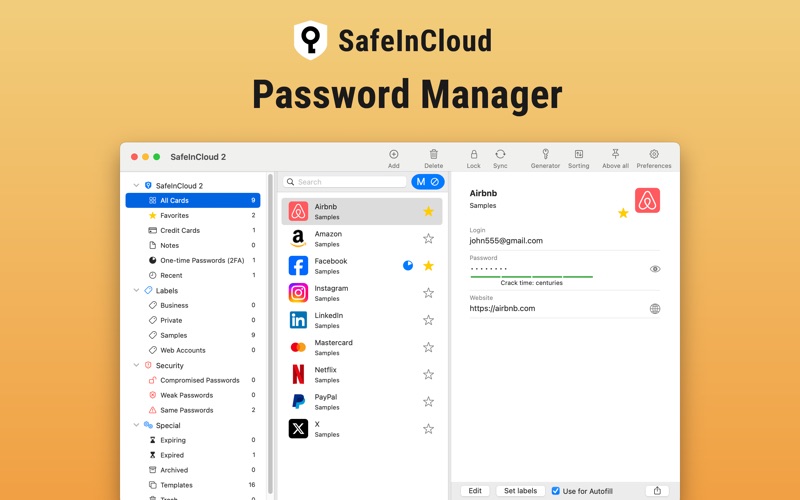
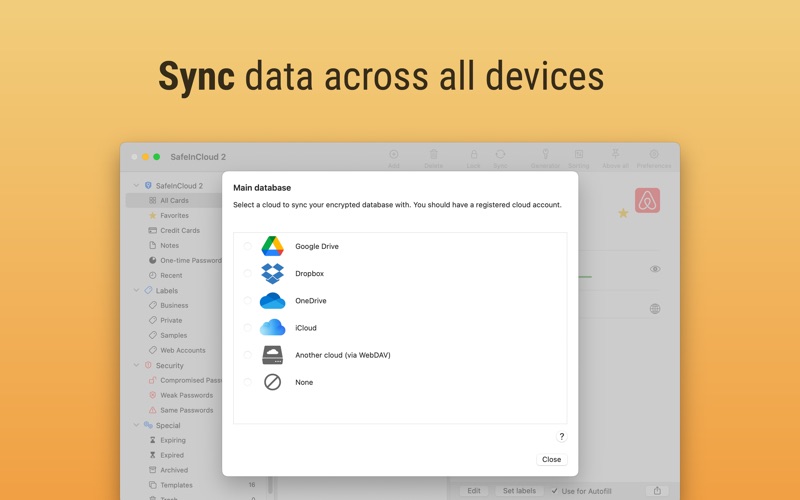
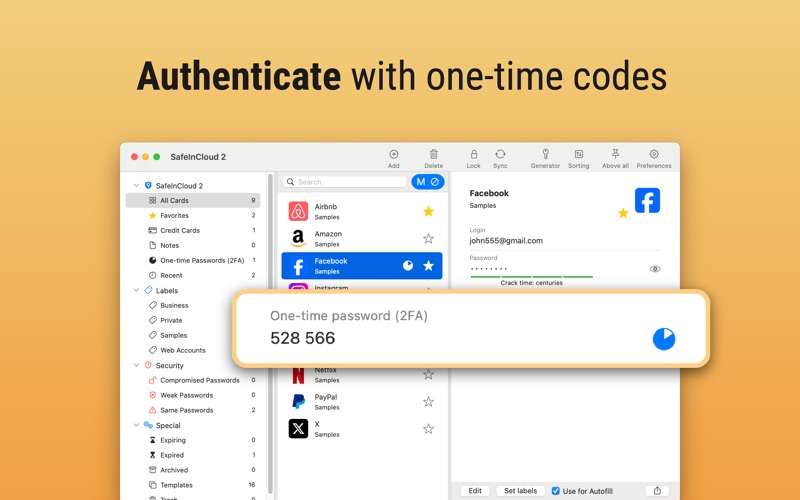
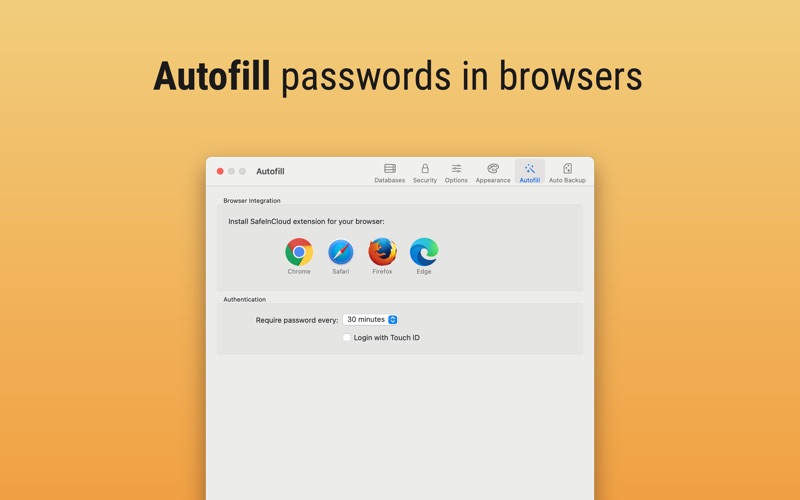
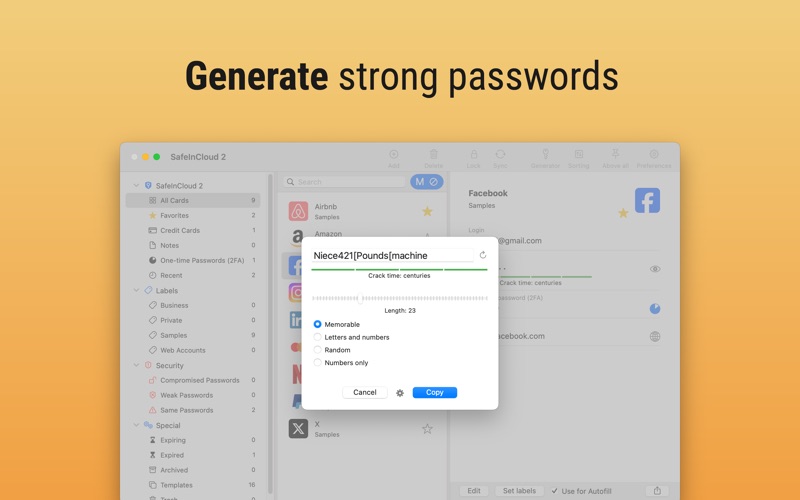
SafeInCloud Password Manager allows you to keep your logins, passwords, and other private info safe and secure in an encrypted database. You can synchronize your data with another phone, tablet, Mac or PC via your own cloud account. SafeInCloud is not just a password vault, but also a 2FA authenticator that generates one-time codes for any website. This means you won't need a separate 2FA authenticator app. ALL-IN-ONE PASSWORD MANAGER ◆ Easy to Use ◆ Strong Encryption (256-bit Advanced Encryption Standard) ◆ Cloud Synchronization (iCloud, Google Drive, Dropbox, Microsoft OneDrive, NAS, WebDAV) ◆ Login with Touch ID ◆ Multiple Databases ◆ Browser Integration (Safari, Google Chrome, Firefox) ◆ Password Strength Analysis ◆ Password Generator ◆ 2FA Authenticator (MFA, TOTP, OTP) ◆ Check for Compromised Passwords ◆ Automatic Data Import ◆ Cross-Platform EASY TO USE Try it yourself and enjoy an easy-to-use yet powerful user interface. STRONG ENCRYPTION Your data is always encrypted on a device and in a cloud with a strong 256-bit Advanced Encryption Standard (AES). CLOUD SYNCHRONIZATION Your database is automatically synchronized with your own cloud account. Thus you can easily restore your entire database from a cloud to a new phone or computer (in case of a loss or an upgrade). LOGIN WITH TOUCH ID You can instantly unlock SafeInCloud with a fingerprint on devices with Touch ID. BROWSER INTEGRATION The Desktop application integrates with a browser. This allows you to paste passwords directly into web pages. You don't need to manually copy and paste passwords from SafeInCloud into a browser. PASSWORD STRENGTH ANALYSIS SafeInCloud analyses your password strengths and shows a strength indicator next to each password. PASSWORD GENERATOR The password generator helps you generating random and secure passwords. There is also an option to generate memorable, but still strong passwords. 2FA AUTHENTICATOR SafeInCloud supports two factor authentication (2FA, MFA, TOTP, OTP), providing an additional layer of security without the need for a separate verification app like Microsoft authenticator. CHECK FOR COMPROMISED PASSWORDS Hundreds of millions of real world passwords have previously been exposed in data breaches. Safely and anonymously check your passwords for being compromised. AUTOMATIC DATA IMPORT The Desktop application can automatically import your passwords from another password manager like 1password or LastPass. You don't need to manually reenter all your passwords.

See this store page in another country

Prices, ranks and reviews are per country. Revenue above is already worldwide.

More from SAFEINCLOUD SAS

Password Manager: Safe
Productivity
2.7K ratingsAnalyze →
SafeInCloud 1
Productivity
2.3K ratingsAnalyze →