← Back to charts
Processing & p5.js iCompiler icon
APP STORE

Processing & p5.js iCompiler

riedel.wtf apps S.L. · Developer Tools · United Kingdom store
NOT IN TOP 100 HERE
View on App Store ↗
Revenue a month, worldwide EST
$270
Likely $90 to $811
New ratings
Tracking
Daily counts start building from today
Rating
3.9 of 5
15 ratings in this store
Countries it ranks in
21
was 24 on Oct 15, 2026

Revenue

Estimated from the grossing charts of Oct 21, 2026 in the 53 countries we track, and ratings growth on the App Store.

EST. REVENUE / MONTH · WORLDWIDE · FROM RATINGS GROWTH
$270
Range $90 to $811
EST. REVENUE / YEAR · WORLDWIDE
$3.2K
1.8 new ratings a month on average since launch
EST. LIFETIME DOWNLOADS
525 to 1.5K
Estimated from ratings count
WHERE ITS USERS ARE · SHARE OF RATINGS
  • United States 83 ratings29%
  • Germany 45 ratings15%
  • Japan 39 ratings13%
  • Canada 20 ratings7%
  • France 16 ratings5%
  • United Kingdom 15 ratings5%
  • Italy 12 ratings4%
  • Netherlands 10 ratings3%
HOW SURE ARE WE
Not in any grossing chart, so this comes from ratings growth (1.8 new ratings a month on average since launch): about $100 a month per new rating a month. Tested on 418 apps with verified revenue: typically off by about 2 times, and big earners tend to come out low. Countries we don't track (and Google Play in China, which doesn't exist) aren't included, and neither are ads or web payments. Gross revenue before store fees.
RATINGS
15
AVG RATING
3.93
PRICE
Free
AGE
13.4y
LAST UPDATE
10d ago
VERSION
3.0
SIZE
10 MB
AGE RATING
4+

Last 29 days

From our daily snapshots of every grossing chart.

DAYS IN A GROSSING CHART
29 / 29
COUNTRIES NOW
21 (was 5)
EST. REVENUE A MONTH, DAILY · APP STORE EST
Show daily values
Sep 24, 2026not in a grossing chart
Sep 25, 2026not in a grossing chart
Sep 26, 2026not in a grossing chart
Sep 27, 2026not in a grossing chart
Sep 28, 2026not in a grossing chart
Sep 29, 2026not in a grossing chart
Sep 30, 2026not in a grossing chart
Oct 1, 2026not in a grossing chart
Oct 2, 2026not in a grossing chart
Oct 3, 2026not in a grossing chart
Oct 4, 2026not in a grossing chart
Oct 5, 2026not in a grossing chart
Oct 6, 2026not in a grossing chart
Oct 7, 2026not in a grossing chart
Oct 8, 2026not in a grossing chart
Oct 9, 2026not in a grossing chart
Oct 10, 2026$197.2K a month
Oct 11, 2026not in a grossing chart
Oct 12, 2026not in a grossing chart
Oct 13, 2026not in a grossing chart
Oct 14, 2026not in a grossing chart
Oct 15, 2026not in a grossing chart
Oct 16, 2026not in a grossing chart
Oct 17, 2026not in a grossing chart
Oct 18, 2026not in a grossing chart
Oct 19, 2026not in a grossing chart
Oct 20, 2026not in a grossing chart
Oct 21, 2026not in a grossing chart
Oct 22, 2026not in a grossing chart
The same estimate as the headline, saved every day. Best rank Sep 24, 2026: #90 Developer Tools · IT. Now: #43 Developer Tools · IE.

Money and momentum

Measured from the store, not estimated.

WHAT IT CHARGES
5 purchases listed
  • Processing Pro (Annual)£9.99
  • Processing Pro (Monthly)£2.99
  • Processing Pro Lifetime Unlock£24.99
  • Processing for iOS Tip£4.99
  • Processing for iOS Tip£99.99
Top in-app purchases as listed on the App Store, in local prices.
REVIEW MOMENTUM
0.0 reviews / week
  • Recent reviews average3.4 stars
  • Recent 1 and 2 star share23%
From the latest 13 written reviews, covering 4831 days.
RELEASE CADENCE
1 update in 90 days
  • Typical gap between releases55 days
From the last 25 versions listed on the App Store.
RATING BREAKDOWN
15 ratings
5★53%
4★20%
3★7%
2★7%
1★13%

What users say

Latest reviews, United Kingdom App Store.

★★★★★Nov 27, 2021
Very simplistic

Doesn’t support StringList, which is the basis of what I want. Not much use to me. Waste of money.

★★★★★Nov 17, 2021
Not finished

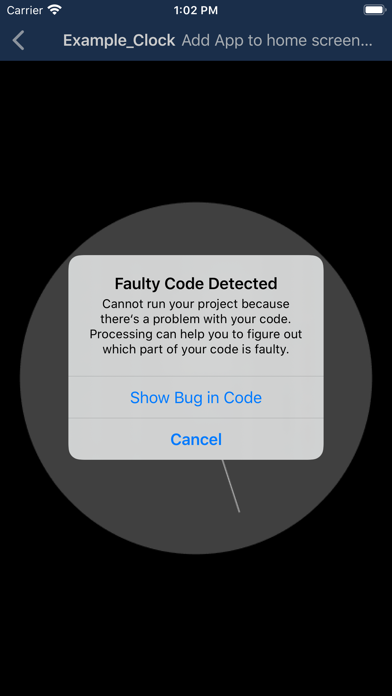
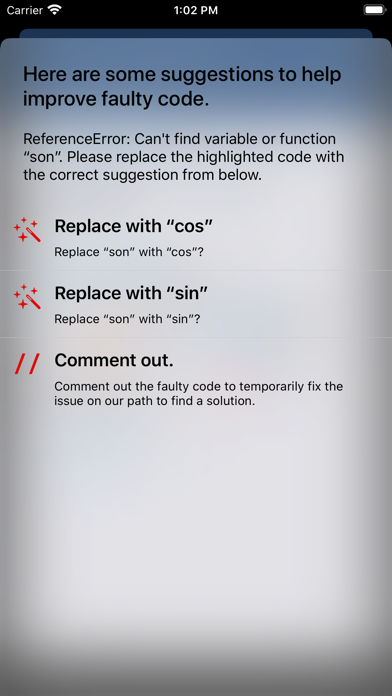
While I really appreciate having access to this on the iPad, this version isn’t in great shape. The interface is lacking important functionality and feels like an early-access build rather than a finished product. I’ve paid for a subscription, which is supposed to allow highlighting of errors. The app does not highlight errors consistently and often sketches don’t run despite the absence of any errors. When it does highlight errors it just tells me to “//“ which isn’t exactly helpful. It’s quite frustrating to have the sketch not run, and to then have to comb through the code with no highlighted errors to help, only to find that actually the program simply isn’t working and is just displaying a blank screen even when you start a fresh sketch. So not only have I paid for functionality that isn’t there, but I’ve also paid for an app that doesn’t work consistently. That said I’m happy to pay just support the devs, but I do expect it to be properly supported in the future if your taking money for this. A few things I would like to see: 1. Little to no errors in running sketches 2. Proper highlighting of errors or the removal of this feature as a paid option 3. A more logical file organisation system with folders and all of the file management functionality that you would expect. (Thumbnails would also be neat) 4. A built-in referencing feature for identifying the arguments and information inside the sketch window, rather than being pointed to an external webpage.

★★★★★May 21, 2020
I’m in love with this app

I only recently discovered the world of creative coding and generative art, I hope theres plenty in store for the future of this app. There are a couple things I’d recommend adding, for example I can’t find any clear way of renaming a file and I have seen some JavaScript libraries that allow conversion from Processing to JavaScript to easily make your creations web-compatible, that would be a great feature to look forward to. Thank you for this great app, I can’t recommend it enough.

★★★★★Oct 9, 2019
Not too shabby

Pretty decent for a lightweight version of Processing, ideal for beginners or for if you are using basic commands My only gripe is that you are unable to use any of the Processing libraries, would live to see this feature in future updates!!!

★★★★★Jan 20, 2019
Great, but needs work

This is a great app and it helps a lot with testing out little sketches and things like that, but it does not work for running larger things, no matter how simple. The main reason for this is the lack of error messages, which would make the app a whole lot more usable. The app could also do with some formatting help, like auto-indentation after curly brackets for example, as well as supporting PVectors, which make programming with objects much easier. Overall a great app, but one that could do with some work.

★★★★★Dec 6, 2018
Great but please make the font smaller!

Or add an option to change the font size

Apps like this

Same category, earning about as much.
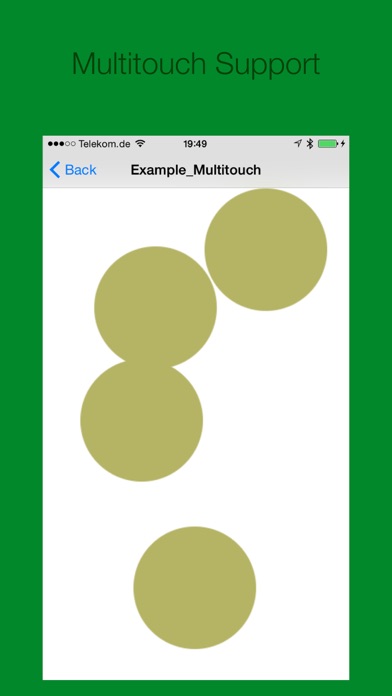
Store screenshots

ScreenshotScreenshotScreenshotScreenshotScreenshotScreenshotScreenshotScreenshotScreenshotScreenshot

App Store ads

Apple Search Ads this app ran in the last 90 days, from Apple's public ad repository.

Apple's ad repository couldn't be reached right now. Try again later.

Growth research

Where this app is buying and earning its users. Each link opens pre filtered.

ASO keywords

Most repeated terms in the listing. Highlighted ones also appear in the title.

processing8processing projects3home screen3processing pro3processing org3projects2home2screen2code2pro2sketches2org2

What's new in 3.0

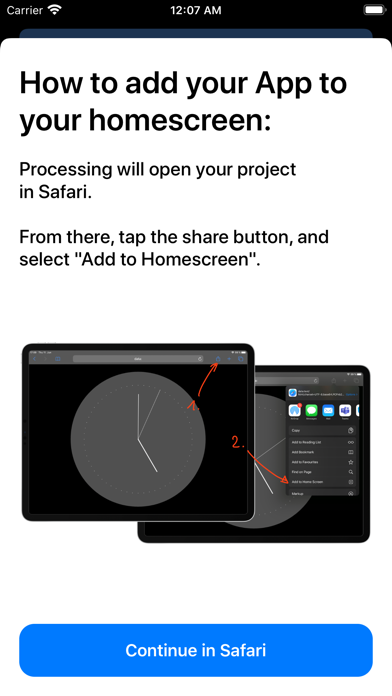
Processing 3.0 is now completely free for everyone! All features are included, with no in-app purchases or subscriptions. A better place to create • Sharper rendering (retina quality!). • Add a front or back camera to your sketches with CameraView, and explore more device sensors. • Save your drawings as PNG or JPEG images. More comfortable coding • Write with improved syntax highlighting, code completion, find and replace, undo and redo, and adjustable text size. • Keep your work protected with autosave and help resolving conflicting edits. • Find problems faster with clearer error messages and a console for printed output. • Run your sketches repeatedly with improved reliability. Easier project management • Import complete projects or choose individual sample projects to try again. • Rename and duplicate projects and files. • Open project folders from Files, including supported iCloud Drive locations, and share whole projects. Learn and explore • Browse a searchable offline reference with examples you can copy. • Add compatible JavaScript libraries to p5.js projects and choose their load order. • Enjoy expanded Processing compatibility, including StringList, circle, and square. The old Add to Home Screen feature has been removed because it no longer works reliably unfortunately.

Released May 20, 2013. Current version shipped Oct 12, 2026.

Store description

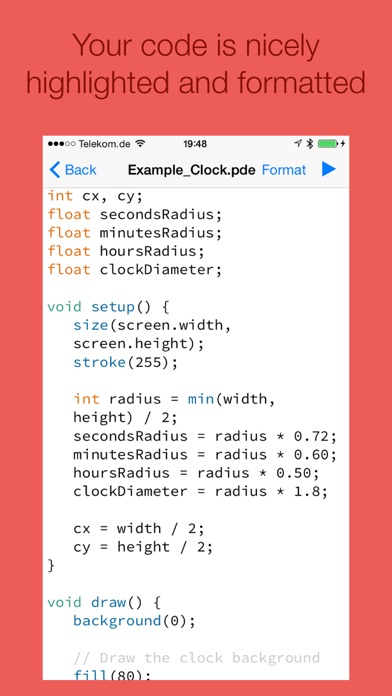
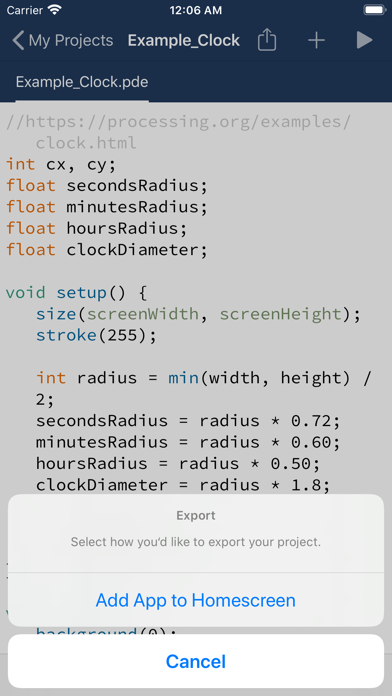
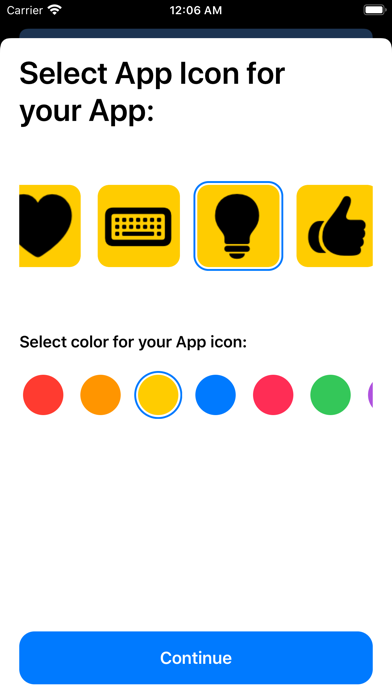
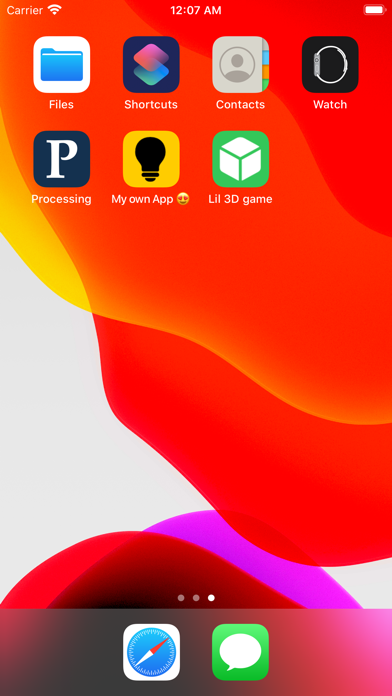
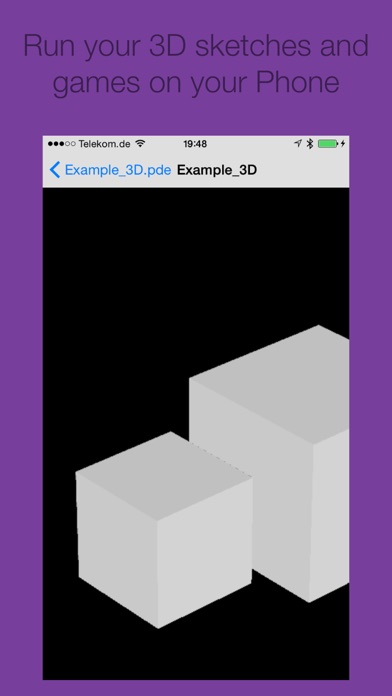
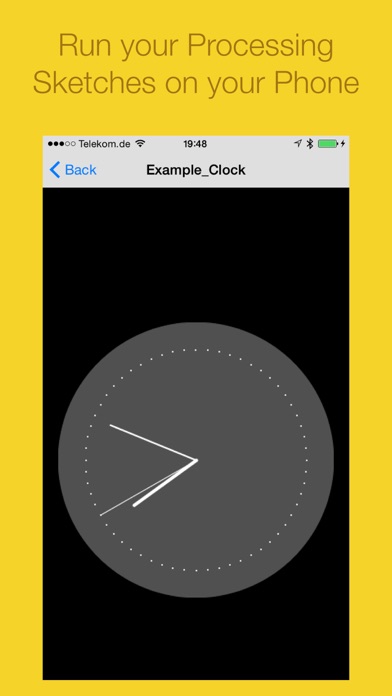
Compose and compile your Processing & p5.js projects right on your phone or iPad, wherever your are! Export your Processing projects as App on your home screen: 1. Select an App icon for your Processing project. 2. Add it to your home screen. You can now use the app offline, just like any other app! This app is already being used in high schools and universities to teach and learn Processing & p5.js. Your code is highlighted and formatted for excellent reading-comfort. Processing Pro allows you to see which parts of your code are causing problems. 3D sketches and games are supported. This is not an official app by processing.org or p5.js Available subscription: Processing Pro, offers additional functionalities, such as exporting your sketches as apps. Trailer Music: Circle of Alchemists Privacy and Terms: http://processing-app.org/terms/

See this store page in another country

Prices, ranks and reviews are per country. Revenue above is already worldwide.

More from riedel.wtf apps S.L.

one sec | screen time + focus
Productivity
7.1K ratingsAnalyze →
Redpoint: Bouldering, Climbing
Sports
150 ratingsAnalyze →
iRedstone
Education
73 ratingsAnalyze →
Minimal Launcher – on point
Productivity
0 ratingsAnalyze →
Homie—Menu Bar App for HomeKit
Utilities
0 ratingsAnalyze →
iRedstone for Minecraft
Education
0 ratingsAnalyze →
PhotoCalc—Image Calculator
Utilities
1 ratingsAnalyze →
Reflective Journal & Tracker
Health & Fitness
6 ratingsAnalyze →
ScreenTime+ | Focus App Block
Productivity
1 ratingsAnalyze →