← Back to charts
DWG FastView Pro-CAD viewer icon
APP STORE

DWG FastView Pro-CAD viewer

Gstarsoft Co., Ltd · Productivity · United States store
NOT IN TOP 100 HERE
View on App Store ↗ Google Play version →
Revenue a month, worldwide EST
$14.5K
Likely $4.8K to $43.5K
New ratings
Tracking
Daily counts start building from today
Rating
3.5 of 5
16 ratings in this store
Countries it ranks in
0
was 0 on Oct 14, 2026

Revenue

Estimated from the grossing charts of Oct 21, 2026 in the 53 countries we track, and ratings growth on the App Store.

EST. REVENUE / MONTH · WORLDWIDE · BOTH STORES
$14.5K
Range $4.8K to $43.5K
EST. REVENUE / YEAR · WORLDWIDE
$173.9K
Both stores combined. Small app estimate, so no split per store
EST. LIFETIME DOWNLOADS
560 to 1.6K
Estimated from ratings count
WHERE IT EARNS · EST. / MONTH
  • South Korea #22 Productivity (Play)$7.6K · 52%
  • Taiwan #21 Productivity (Play)$1.2K · 8%
  • India #22 Productivity (Play)$947 · 7%
  • Turkey #16 Productivity (Play)$603 · 4%
  • Mexico #37 Productivity (Play)$550 · 4%
  • United Kingdom #79 Productivity (Play)$512 · 4%
  • Saudi Arabia #28 Productivity (Play)$481 · 3%
  • Brazil #58 Productivity (Play)$452 · 3%
28 more countries
  • Indonesia #66 Productivity (Play)$233 · 2%
  • Poland #24 Productivity (Play)$210 · 1%
  • Thailand #33 Productivity (Play)$194 · 1%
  • Malaysia #40 Productivity (Play)$166 · 1%
  • Vietnam #61 Productivity (Play)$166 · 1%
  • Hong Kong #58 Productivity (Play)$124 · 1%
  • Colombia #31 Productivity (Play)$121 · 1%
  • Chile #37 Productivity (Play)$105 · 1%
  • Pakistan #61 Productivity (Play)$86 · 1%
  • Kazakhstan #61 Productivity (Play)$67 · 0%
  • Ukraine #60 Productivity (Play)$64 · 0%
  • Peru #32 Productivity (Play)$63 · 0%
  • Belgium #61 Productivity (Play)$56 · 0%
  • New Zealand #61 Productivity (Play)$49 · 0%
  • Norway #61 Productivity (Play)$49 · 0%
  • Austria #61 Productivity (Play)$48 · 0%
  • Kuwait #61 Productivity (Play)$45 · 0%
  • Egypt #61 Productivity (Play)$44 · 0%
  • Bangladesh #59 Productivity (Play)$43 · 0%
  • Romania #61 Productivity (Play)$40 · 0%
  • Czechia #61 Productivity (Play)$37 · 0%
  • Denmark #61 Productivity (Play)$36 · 0%
  • Portugal #61 Productivity (Play)$36 · 0%
  • Finland #61 Productivity (Play)$27 · 0%
  • Ireland #61 Productivity (Play)$27 · 0%
  • Qatar #61 Productivity (Play)$25 · 0%
  • Greece #61 Productivity (Play)$25 · 0%
  • Nigeria #45 Productivity (Play)$22 · 0%
HOW SURE ARE WE
Small app: combines its grossing ranks with ratings growth (0.9 new ratings a month on average since launch). Tested on 418 apps with verified revenue: typically off by about 2.4 times, so the range is wide. Countries we don't track (and Google Play in China, which doesn't exist) aren't included, and neither are ads or web payments. Gross revenue before store fees.
RATINGS
16
AVG RATING
3.50
PRICE
$9.99
AGE
14.1y
LAST UPDATE
2698d ago
VERSION
2.5.0
SIZE
148 MB
AGE RATING
4+

Last 28 days

From our daily snapshots of every grossing chart.

DAYS IN A GROSSING CHART
0 / 28
COUNTRIES NOW
0 (was 0)
EST. REVENUE FROM CHARTS, DAILY · BOTH STORES ONLY EST
Show daily values
Sep 24, 2026not in a grossing chart
Sep 25, 2026not in a grossing chart
Sep 26, 2026not in a grossing chart
Sep 27, 2026not in a grossing chart
Sep 28, 2026not in a grossing chart
Sep 29, 2026not in a grossing chart
Sep 30, 2026not in a grossing chart
Oct 1, 2026not in a grossing chart
Oct 2, 2026not in a grossing chart
Oct 3, 2026not in a grossing chart
Oct 4, 2026not in a grossing chart
Oct 5, 2026not in a grossing chart
Oct 6, 2026not in a grossing chart
Oct 7, 2026not in a grossing chart
Oct 8, 2026not in a grossing chart
Oct 9, 2026not in a grossing chart
Oct 10, 2026not in a grossing chart
Oct 11, 2026not in a grossing chart
Oct 12, 2026not in a grossing chart
Oct 13, 2026not in a grossing chart
Oct 14, 2026not in a grossing chart
Oct 15, 2026not in a grossing chart
Oct 16, 2026not in a grossing chart
Oct 17, 2026not in a grossing chart
Oct 18, 2026not in a grossing chart
Oct 19, 2026not in a grossing chart
Oct 20, 2026not in a grossing chart
Oct 21, 2026not in a grossing chart
Best rank Sep 24, 2026: not ranked. Now: not ranked. Days at zero are days outside every grossing chart. Small app: scaled like the revenue estimate above, so the line shows the trend on the same scale.

Money and momentum

Measured from the store, not estimated.

WHAT IT CHARGES
No in-app purchases
Earns from its upfront price, ads or payments outside the store.
REVIEW MOMENTUM
0.0 reviews / week
  • Recent reviews average2.3 stars
  • Recent 1 and 2 star share60%
From the latest 15 written reviews, covering 4995 days.
RELEASE CADENCE
0 updates in 90 days
  • Typical gap between releases50 days
From the last 25 versions listed on the App Store.
RATING BREAKDOWN
16 ratings
5★50%
4★6%
3★13%
2★6%
1★25%

What users say

Latest reviews, United States App Store.

★★★★★Dec 12, 2025
Good as a viewer

I have this on my tablet to show projects I’m working on. For drawing, I use my desktop then transfer to the tablet. I wish it could import raster images.

★★★★★Apr 13, 2021
Paid for app. Can’t even creat a account to use it

Do not waste your $$

★★★★★Nov 7, 2018
Disappointing

Bought this apps a few days ago and have sent in query on how to us the dimension unit. And received no reply from the developer. The measurement unit is fixed with imperial unit and you can’t change to metric measurement. It’s a very disappointing apps.

★★★★★Jan 6, 2018
Need update

we need update to support 2018formation

★★★★★Jun 15, 2017
Disappointing!!

I wanted a simple cad program to do some basic design work. This program seemed to be possibly the right one. I paid the ten dollars and then found the program to be all in metric with no way to change.

★★★★★Feb 9, 2017
Crashes

When I try to install fonts it won't connect to my dropbox file to import instead goes to white screen and then nothing can be done. I half to uninstall then reinstall and go through the same process and still have the same problem. needs a lot of fixes. I followed the instructions for adding fonts and it doesn't work.
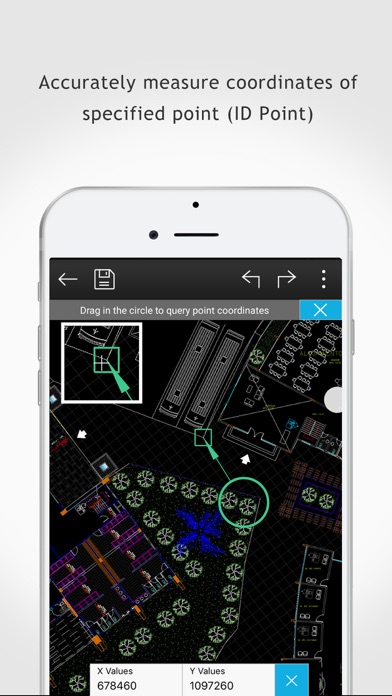
Store screenshots

ScreenshotScreenshotScreenshotScreenshotScreenshotScreenshotScreenshotScreenshotScreenshotScreenshot

App Store ads

Apple Search Ads this app ran in the last 90 days, from Apple's public ad repository.

Apple's ad repository couldn't be reached right now. Try again later.

Growth research

Where this app is buying and earning its users. Each link opens pre filtered.

ASO keywords

Most repeated terms in the listing. Highlighted ones also appear in the title.

dwg8drawings7dwg fastview6cad5view5fastview4support4mode4dwg drawings3bmp jpg3jpg png3cad drawings3view mode3edit mode3view dwg3technical support3format3technical3facebook3twitter3linkedin3open2gstarcad2let2

What's new in 2.5.0

Add entrance that users can use advanced features in DWG FastView

Released Sep 18, 2012. Current version shipped Jun 3, 2019.

Store description

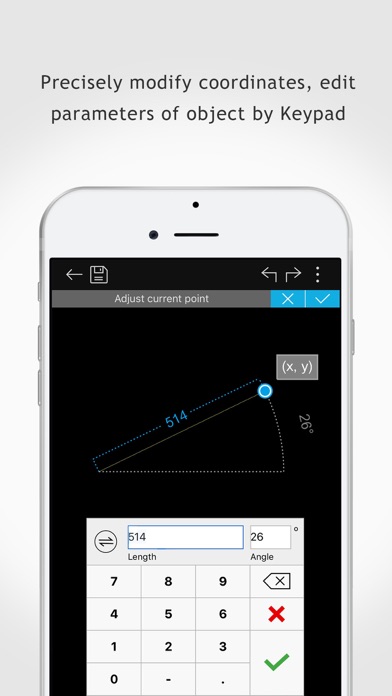
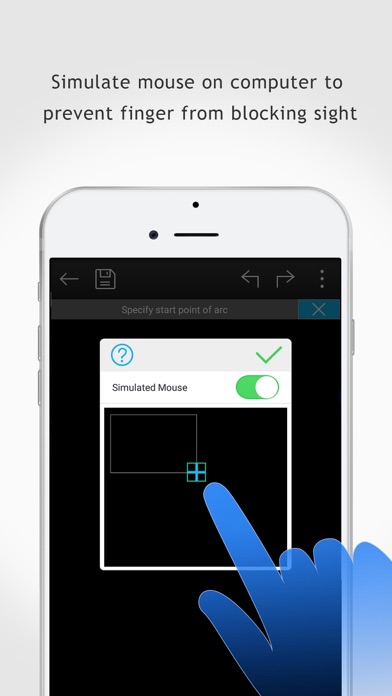
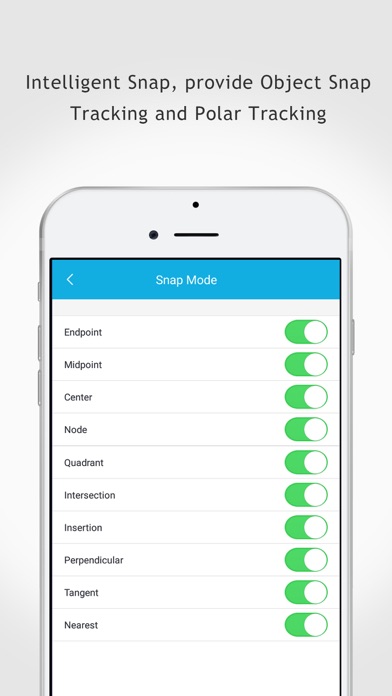
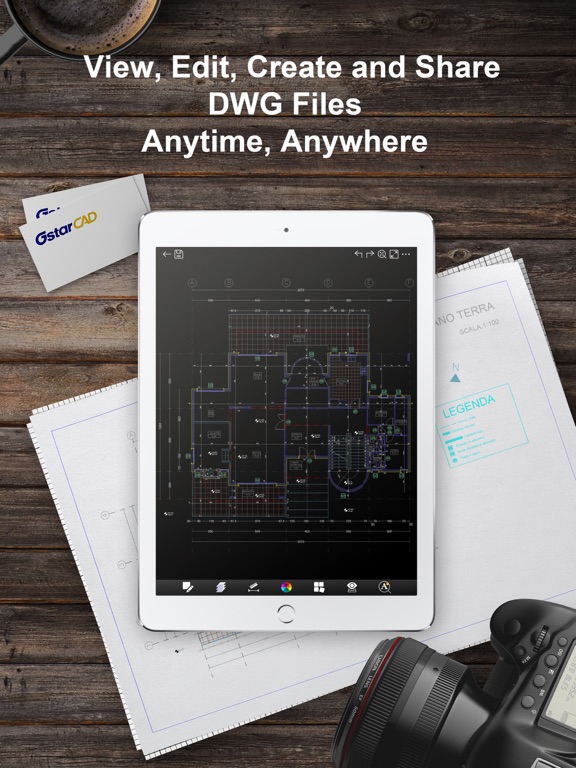
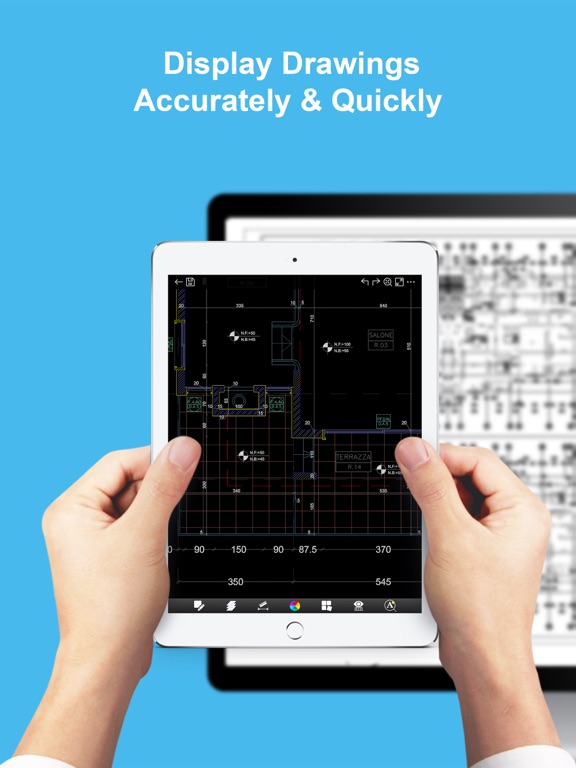
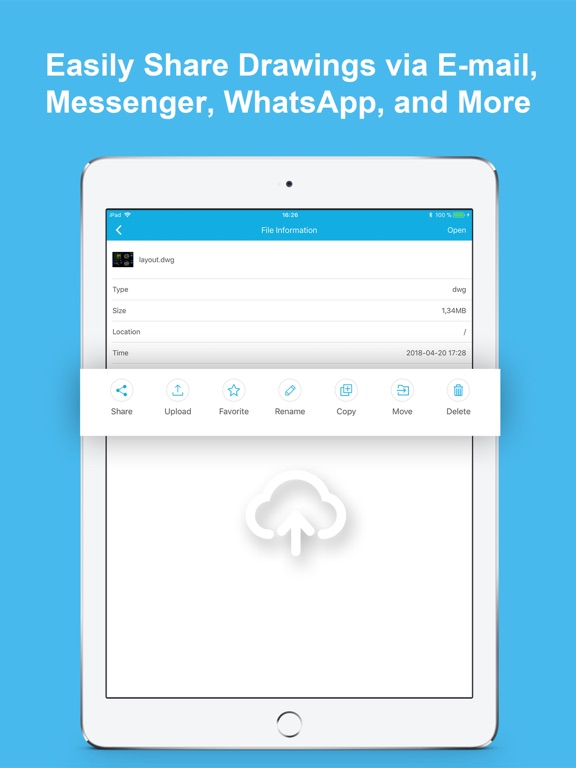
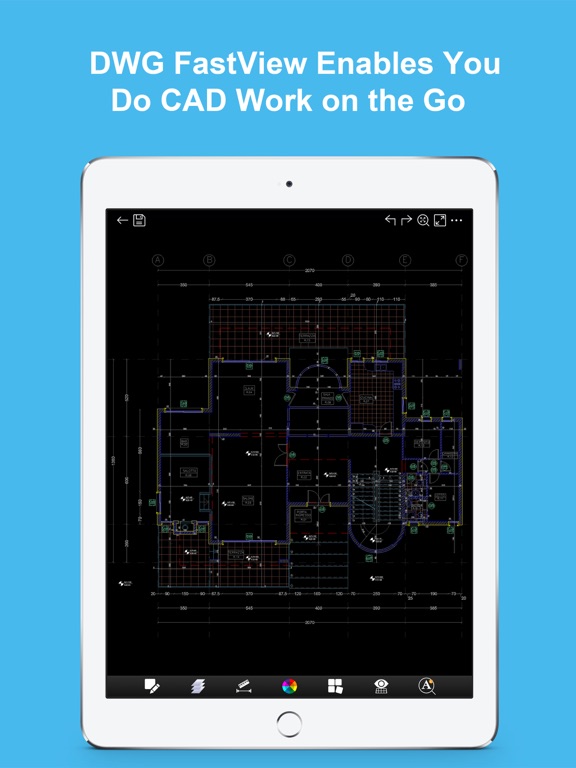
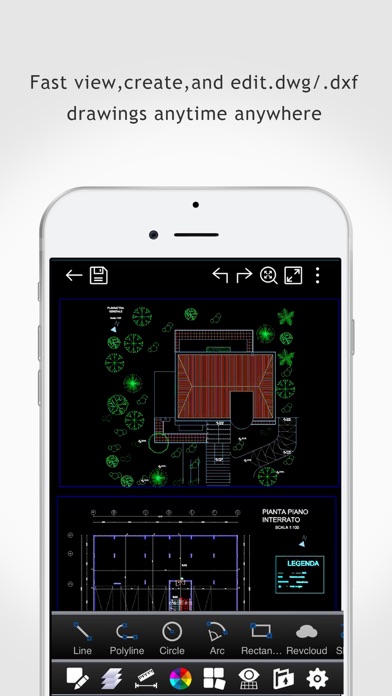
DWG FastView Pro is fully compatible with 2D/3D DWG drawings, which can smoothly open DWG drawings from GstarCAD, AutoCAD and other CAD platforms, also can view CAD design in .dxf format etc. Let’s see its 5 highlights: (1) Creating, browsing and editing are totally free; There is no limit to how large the file is. Directly browse documents of local storage from DWG FastView. Also, it’s free to create new drawings. (2) No registration & Offline drawings Do you find it boring and time-wasting that some other CAD APPs ask you to register and log in? Now, simply download DWG FastView and use it immediately with no NO REGISTRATION needed. Besides, without internet, you are able to save your masterpieces in the local workspace. At the same time, drawings from E-mail or Network Disk like Dropbox or WebDAV can be opened, viewed, edited, shared as well with Internet. (3) Support export to PDF, BMP, JPG and PNG, and share it to anyone freely. Transfer CAD drawings into PDF format and customize its paper size, orientation, color and so on. You can also convert CAD drawings to image format-BMP, JPG, PNG. And all of them can be viewed and shared by DWG FastView. (4)View Mode and Edit Mode satisfy diverse needs; To satisfy your SIMPLY NEED to OPEN and VIEW .dwg, we create View Mode, providing simple tools for FASTER VIEW .dwg. Besides, Edit Mode is better at professional and practical drawing. (5)Helpful and responsive technical support. There are four ways to get technical support 1. Click the “Rate” button to share your valuable comments and suggestions with us 2. Click the “Feedback” button to send your tech problem to us via email 3. Directly send email to support.mc@gstarcad.net to let us know your technical question 4. Follow the latest news or contact us through Facebook, Twitter and Linkedin Facebook: https://www.facebook.com/DWGFastView Twitter: https://twitter.com/DWGFastView Linkedin: https://www.linkedin.com/company/suzhou-gstarsoft-co-ltd

See this store page in another country

Prices, ranks and reviews are per country. Revenue above is already worldwide.

More from Gstarsoft Co., Ltd

DWG FastView-CAD Viewer&Editor
Productivity
1.1K ratingsAnalyze →
GstarCAD
Business
0 ratingsAnalyze →