ASO keywords
Most repeated terms in the listing. Highlighted ones also appear in the title.
frequency7display7sound6noise5meter4need4fft4line4sound level3frequency analysis3quiet room3slow mode3mode averaged3real time3time fft3purple line3pink noise3splnfft3level3signal3facebook3standard3email3power3
What's new in 7.1
No more long press to change frequency weightings.
Re-compiled for latest iOS. Better handling of various screen sizes and shapes.
Released Feb 18, 2010. Current version shipped Dec 24, 2023.
Store description
SPLnFFT is a sound level meter (noise meter) for your iPhone or iPad with many advanced features: frequency analyzer, frequency meter, test signal generator, dosimeter, ...
This soundmeter App is the only one for iOS recommended by the "Laborers' Health and Safety Fund of North America".
Here are extracts from other reviews:
"our favorite sound measurement app" SafetyAwakenings.com
"SPLnFFT is comprehensive, easy to use" TapeOp.com
You will find more reviews here: https://www.facebook.com/SPLnFFT
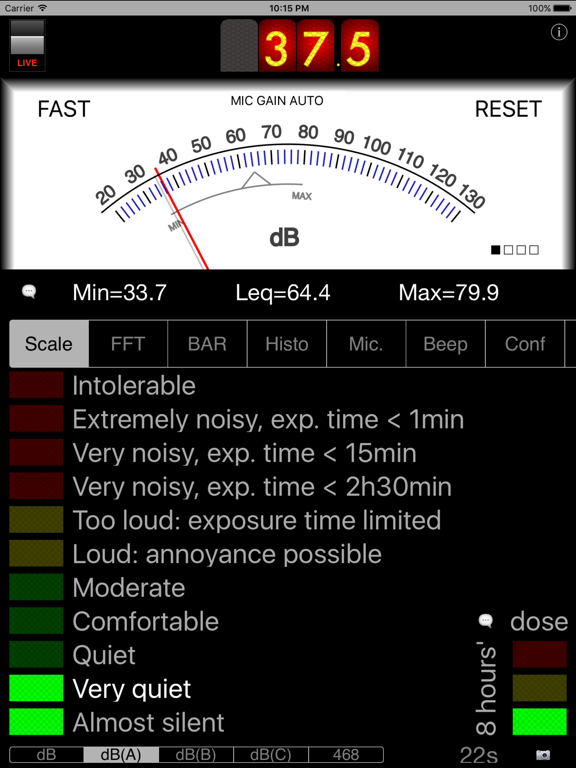
For daily use, a very simple interface displays the level of exposure: if orange or red, protect your ears !
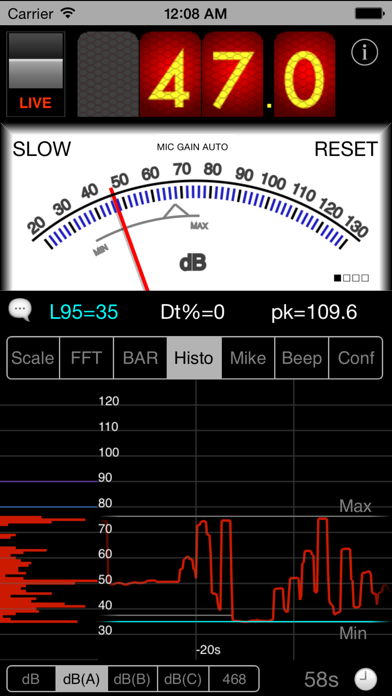
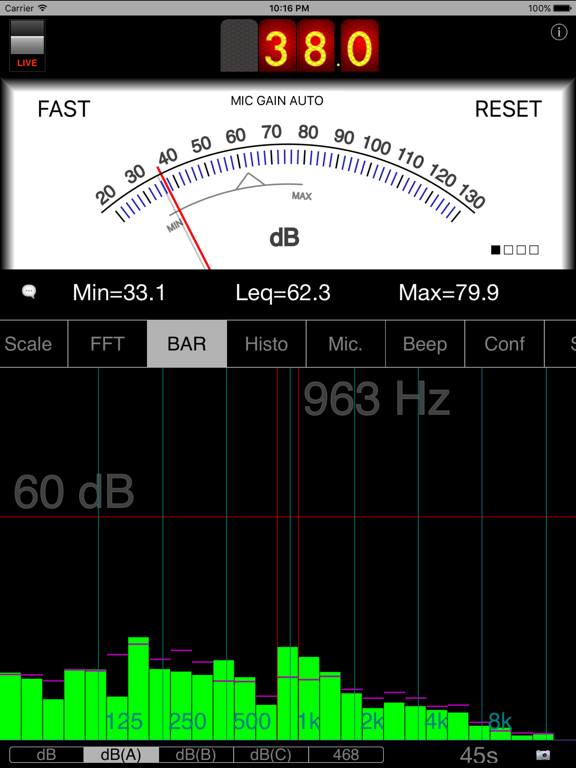
Professional users will take advantage of a wide range of accurate and reliable measurements: Leq, peak, L10, L95, taktmaximal, frequency analysis, histogram, dosemetering, ... A&C weightings are compliant with ANSI® S1.42 standard. "468" refers to ITU-R 468-4
*** Some KEY INFORMATION *** :
- you absolutely need to allow access to microphone to use this App
- screen rotation must be un-locked
- there are built-in help messages (speech bubble). Need more ? Contact us !: email, blog, Facebook,...
- do not expect to measure as low as 0dB(A) in a quiet room, for these 2 reasons: 30-130dB(A) is the standard usable range for sound level meters and anyway a standard quiet room is around 30dB(A) whereas a typical anechoic chamber is 10 to 20dB(A)
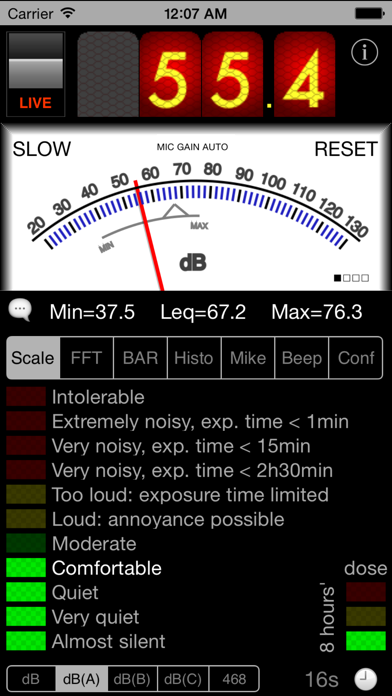
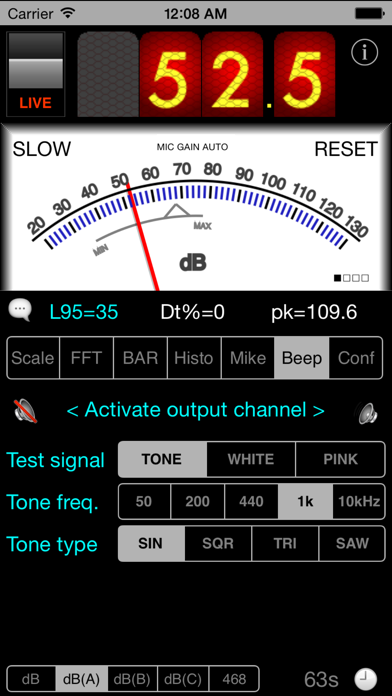
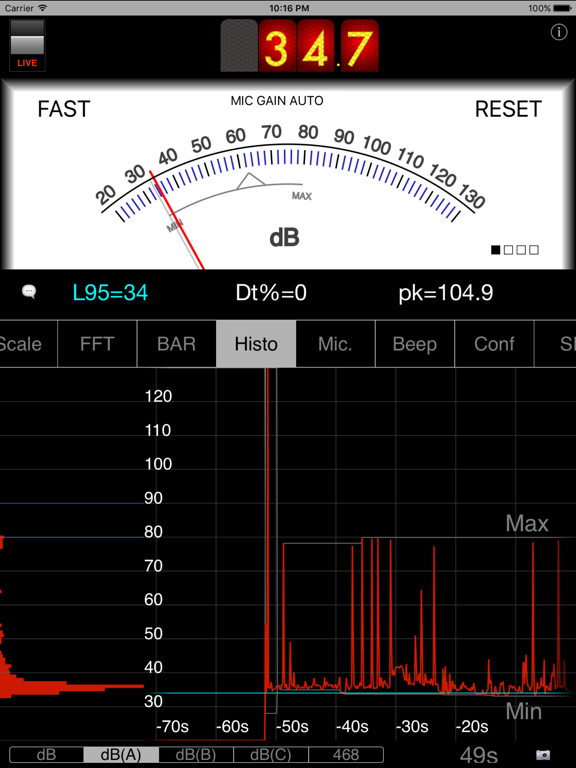
Top digital display is for measurement of sound power in 'slow' mode (averaged on 1s). Central analog display is for 'fast' mode (averaged on 1/8th s). But it can display 'slow' mode as well on request: just click on 'fast' label.
Peak and average values are displayed below and are held until you touch the 'reset' label. The videos on Youtube reveal more details.
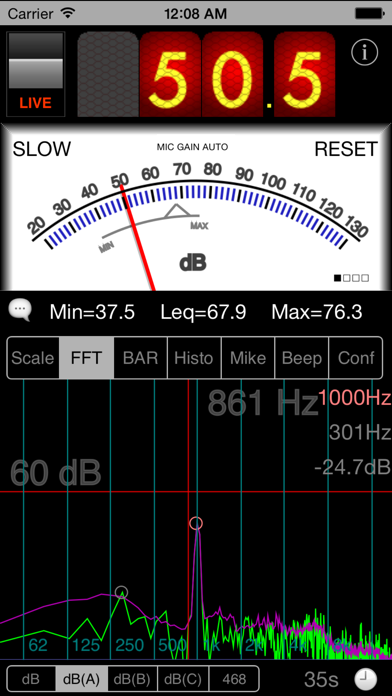
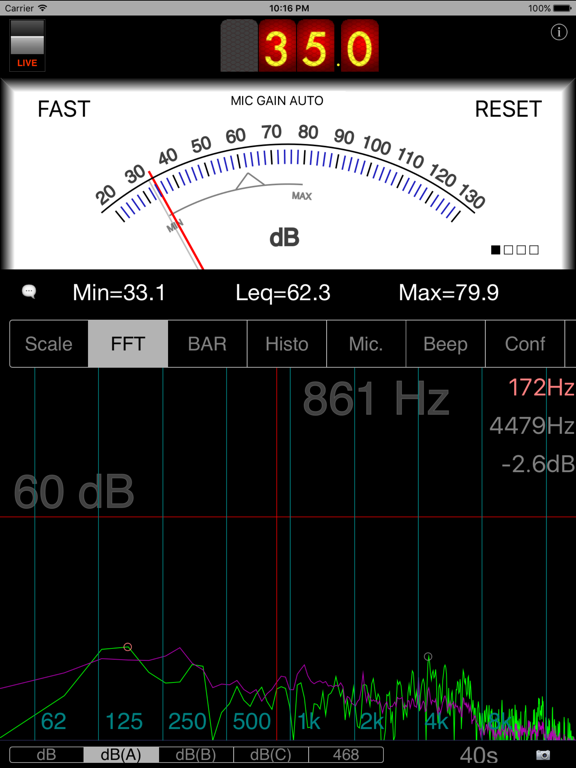
Bottom view is a real time FFT (frequency analysis). You will notice that predominant frequency and next one are highlighted. Their frequencies and relative power are displayed on the right. If your input signal is a pure tone then this App will lock on its frequency and display a very accurate result.
Green line is the result of a real time FFT done with 1024 points. Purple line is the averaged FFT (exponential filtering done on power of each frequency). Blue line is a copy of what the purple line was when the user froze the display the last time.
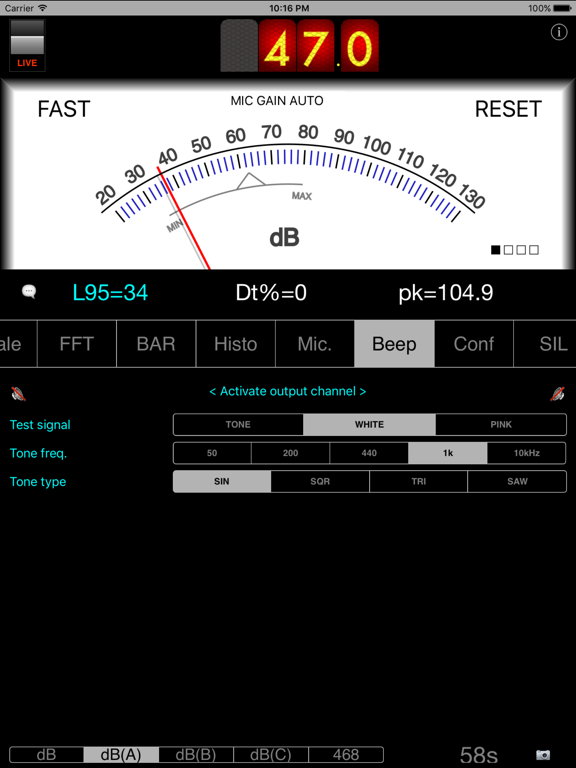
A test tone at 1kHz or a white noise or a pink noise can be generated and sent to right and/or left outputs (select the type you want in BEEP tab). This FFT view - more precisely an upsized version of it - can be exported as a picture in your own photo library, using the camera button (when display is frozen only). This picture can be exported in a mail as well.
The display can be flipped upside-down to ease reading: just rotate your iPhone while holding it vertically.
As for ALL sound meters (thus including this one and all others at any price), calibration is suggested if you want to reach extreme precision. This is enabled in this App thanks to a slider to apply some compensation and to three non volatile memories (choice to be made in MIC. tab). How to ? For calibration, you need and external reference, either a calibrated sound meter, or a calibrated noise source.
Note as well that the tiny embedded loudspeaker cannot reproduce extreme frequencies. Thus if you want to hear a real white or pink noise, you will need to use a quality headphone or HiFi system.
This App was designed seriously for our own needs, by a signal processing expert, and is regularly updated to maintain accuracy and reliability.
***** Any comment, any feedback ? Click on 'support' in iTunes: there is a blog for this. You can even contact us directly by email or through the dedicated FaceBook page (note 'send email' top right) *****
See this store page in another country
Prices, ranks and reviews are per country. Revenue above is already worldwide.