← Back to charts
Grammarly: AI Writing App icon
APP STORE

Grammarly: AI Writing App

Superhuman Platform Inc · Productivity · United Kingdom store
NOT IN TOP 100 HERE
View on App Store ↗
Revenue a month, worldwide
Too small to estimate
Not enough chart or ratings data
New ratings
Tracking
Daily counts start building from today
Rating
0.0 of 5
0 ratings in this store
Countries it ranks in
0
was 0 on Oct 15, 2026

Revenue

Estimated from the grossing charts of Oct 21, 2026 in the 53 countries we track, and ratings growth on the App Store.

EST. REVENUE / MONTH · WORLDWIDE
Unranked
Not in any grossing chart, and too few ratings (0) to read its growth. Most apps at this stage earn little or nothing.
EST. LIFETIME DOWNLOADS
n/a
Estimated from ratings count
RATINGS
0
AVG RATING
n/a
PRICE
Free
AGE
7.2y
LAST UPDATE
13d ago
VERSION
9.101.0
SIZE
12 MB
AGE RATING
4+

Last 29 days

From our daily snapshots of every grossing chart.

DAYS IN A GROSSING CHART
0 / 29
COUNTRIES NOW
0 (was 0)
EST. REVENUE FROM CHARTS, DAILY · APP STORE ONLY EST
Show daily values
Sep 24, 2026not in a grossing chart
Sep 25, 2026not in a grossing chart
Sep 26, 2026not in a grossing chart
Sep 27, 2026not in a grossing chart
Sep 28, 2026not in a grossing chart
Sep 29, 2026not in a grossing chart
Sep 30, 2026not in a grossing chart
Oct 1, 2026not in a grossing chart
Oct 2, 2026not in a grossing chart
Oct 3, 2026not in a grossing chart
Oct 4, 2026not in a grossing chart
Oct 5, 2026not in a grossing chart
Oct 6, 2026not in a grossing chart
Oct 7, 2026not in a grossing chart
Oct 8, 2026not in a grossing chart
Oct 9, 2026not in a grossing chart
Oct 10, 2026not in a grossing chart
Oct 11, 2026not in a grossing chart
Oct 12, 2026not in a grossing chart
Oct 13, 2026not in a grossing chart
Oct 14, 2026not in a grossing chart
Oct 15, 2026not in a grossing chart
Oct 16, 2026not in a grossing chart
Oct 17, 2026not in a grossing chart
Oct 18, 2026not in a grossing chart
Oct 19, 2026not in a grossing chart
Oct 20, 2026not in a grossing chart
Oct 21, 2026not in a grossing chart
Oct 22, 2026not in a grossing chart
Best rank Sep 24, 2026: not ranked. Now: not ranked. Days at zero are days outside every grossing chart.

Money and momentum

Measured from the store, not estimated.

WHAT IT CHARGES
3 purchases listed
  • Monthly Plan£29.49
  • Annual Plan£139.99
  • Quarterly Plan£59.99
Top in-app purchases as listed on the App Store, in local prices.
REVIEW MOMENTUM
0.2 reviews / week
  • Trendfalling
  • Recent reviews average2.4 stars
  • Recent 1 and 2 star share59%
From the latest 81 written reviews, covering 2625 days.
RELEASE CADENCE
2 updates in 90 days
  • Typical gap between releases16 days
From the last 25 versions listed on the App Store.

What users say

Latest reviews, United Kingdom App Store.

★★★★★Aug 22, 2026
Beware if you decide to upgrade to paid version!

I had used the free version for years. However after I decided to upgrade it stopped working. Hours of nonsensical dialogue with the thickest Ai bot in cyberspace started impinge on my mental health and I cancelled my subscrption. If only they emplyed humans!!!!

★★★★★Mar 6, 2026
Title needs to state it’s an extension

This is not the full app. It’s the Safari extension.

★★★★★Feb 21, 2026
Good, but…

i’m using the free version. As so many reviews are saying, a useful app with some serious shortcomings. Grammarly suggests corrections, and some good ones, that are missed by the proofing software / chat gpt built in to pages. that’s the upside. the down side, and it’s a big one, the user interface is so intrusive it makes the app nearly impossible or me to use. if i give it access to Pages, for example, corrections are marked whether i want them to be or not (sometimes i just want to read or write) The interface window seems to include text from pages in the document that i’m not even trying to proof. Most annoying of all, the free version keeps trying to sell me an upgrade to the paid version. Fair enough, the developers have to eat, but how it’s done is so intrusive, so frequent, and so disruptive to my workflow that once i’ve finished this document, i’ll delete it, and go back to the less thorough built in Pages proofing.

★★★★★Oct 29, 2025
Terrible Desktop Apps and Extensions

I have been a Grammarly Pro subscriber for several years, and Grammarly has indeed helped me a lot. Nevertheless, the desktop app is unacceptably bad—developed to a level no higher than that of an amateur developer. The Mac app is literally so buggy that is unusable. The Windows app is not much better, but at least it is less buggy than the Mac version. The same applies to all browser extensions. In addition, do not bother setting the language. It will always default to American English, and any other setting is simply ignored.

★★★★★Jun 14, 2025
Latest Update Hasn’t Worked

I enjoy this, but for the last week, it has stopped working in Safari. To get it to work, I have to reboot my MacBook. It will then work for a day or two, then stop again, and I have to repeat the process. Uninstalling and reinstalling hasn’t worked.

★★★★★Jun 3, 2025
usellessly unrealiable

crashes safarri latest, on latest sonoma

Store screenshots

ScreenshotScreenshotScreenshotScreenshotScreenshot

App Store ads

Apple Search Ads this app ran in the last 90 days, from Apple's public ad repository.

Apple's ad repository couldn't be reached right now. Try again later.

Growth research

Where this app is buying and earning its users. Each link opens pre filtered.

ASO keywords

Most repeated terms in the listing. Highlighted ones also appear in the title.

grammarly19writing7write7tone6docs5real time5docs grammarly5audience4suggestions4tone audience3adapts goals3grammarly works3improve clarity3grammarly desktop3writing surface3ideas3help3built3content3works3offering3real3time3feedback3

What's new in 9.101.0

Bug fixes and appearance improvements.

Released Aug 2, 2019. Current version shipped Oct 8, 2026.

Store description

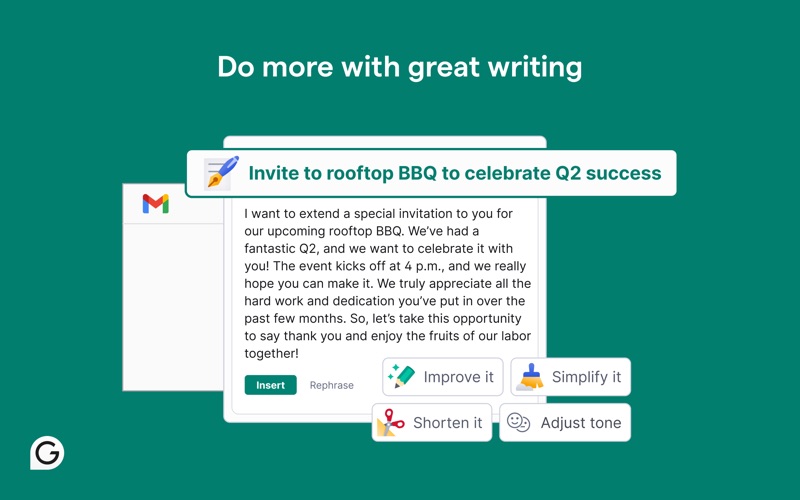
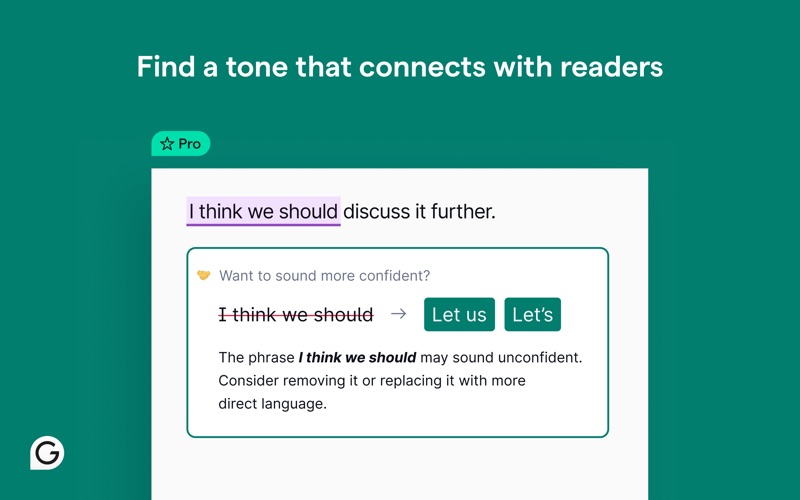
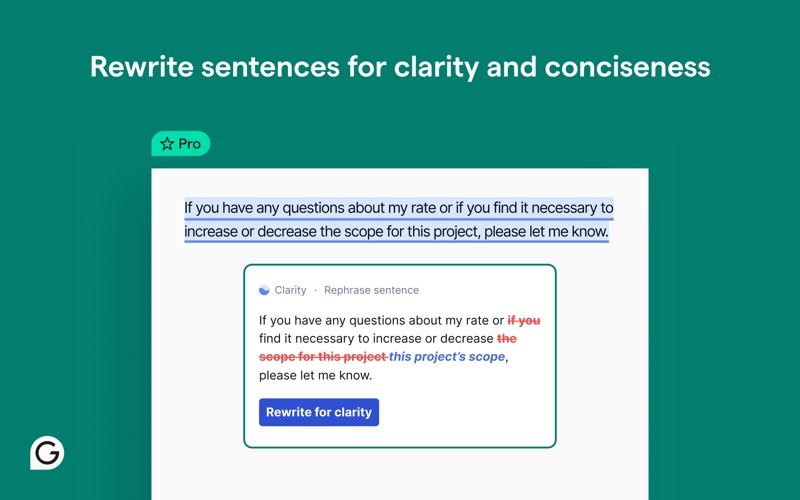
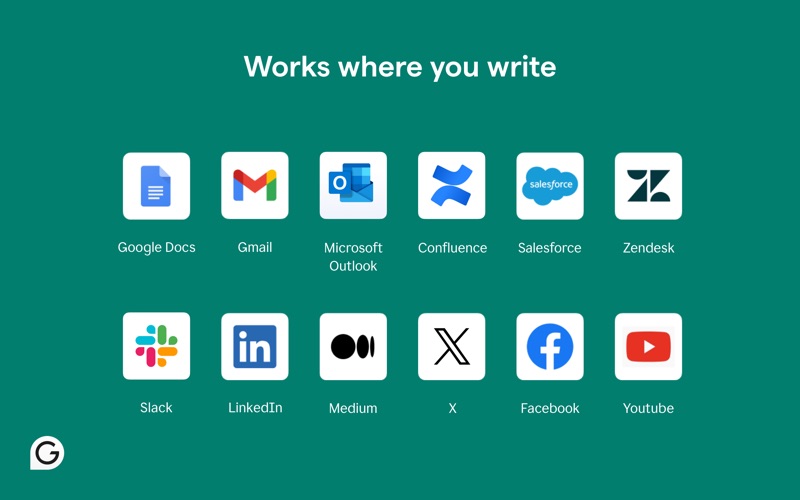
Grammarly for Safari is your always-on assistant for clearer, more compelling communication. It helps you brainstorm ideas, overcome writer’s block, and refine your writing with confidence, precision, and ease. Powered by advanced AI, Grammarly does more than correct mistakes. It generates one-click drafts to help you get started, builds organized outlines, sharpens tone for any audience, and adapts to your goals as you write—whether you’re working on a school assignment, a business email, or anything in between. With built-in plagiarism detection and AI content checks, Grammarly supports originality while helping you write faster, sound sharper, and communicate more effectively—anywhere you write online ► How it works Grammarly works right where you do—in your browser—offering real-time feedback as you type in emails, documents, and more. It goes beyond surface-level edits by offering suggestions that help you organize your ideas, strengthen your arguments, and tailor your tone to your audience. Whether you’re tightening a sentence or reworking a full draft, Grammarly adapts to your goals, context, and intent in real time. You can apply suggestions instantly or expand them to see the “why” behind each one—putting you in control and helping you build stronger writing habits with every edit. ► What’s included? ~ Free Everything you need to write more clearly and confidently: • Real-time grammar, spelling, and punctuation feedback • Suggestions to improve clarity and tone • Auto-citations in APA, MLA, or Chicago style • Built-in AI to help you brainstorm, draft, and rewrite content ~ Pro Advanced support for high-impact writing: • Sentence rewrites to improve clarity, flow, and engagement • Tone, formality, and word choice enhancements • Feedback tailored to academic, technical, or professional contexts • Audience insights to guide how your message is received • AI content detection and plagiarism checks for originality • Team features like style guides and tone profiles (for business users) ► Terms and Conditions By installing the extension, you agree to and acknowledge: https://www.grammarly.com/terms https://www.grammarly.com/privacy-policy ► Works where you write Grammarly integrates directly into your browser—no copying and pasting needed. Get writing support across: • Google Docs • Gmail • LinkedIn • And 500,000+ apps and websites ► Get Grammarly on your desktop Want Grammarly in Word, Outlook, Slack, and more? Download Grammarly for Windows or Mac: https://www.grammarly.com/desktop ► Explore docs, Grammarly’s new AI writing surface Looking for a powerful space to write and refine your ideas? Docs is Grammarly’s dedicated writing surface built for deep focus and support at every step. Unlike the Safari extension or desktop app, it’s your all-in-one hub for strategic insights, from audience reactions to grade predictions. Go from blank page to polished piece—all in one intelligent space. Learn more about docs: https://www.grammarly.com/docs ► Trusted by millions of users “Grammarly ensures your messages are professional and grammatically correct by offering spell-checking, tone suggestions, and even vocabulary hints.” —Forbes “It’s the go-to service for fixing grammar, punctuation, and awkward sentences for professionals, college students, and people who write for a living.” —Inc. “Unlike basic spell checkers, Grammarly is a complete writing assistant app.” —PC Mag ► We value your trust Your data privacy and security are at the core of everything we do. Learn more about our user-first approach to trust and safety: https://www.grammarly.com/trust California residents, please see the California Privacy Notice: https://www.grammarly.com/privacy-policy#sectionSingleColumn_47y4NWiOf89wt12wcc6a74

See this store page in another country

Prices, ranks and reviews are per country. Revenue above is already worldwide.

More from Superhuman Platform Inc

Grammarly: AI Keyboard & Voice
Productivity
27.4K ratingsAnalyze →
Superhuman Go
Productivity
0 ratingsAnalyze →