← Back to charts
Picsart Color: Draw & Paint icon
APP STORE

Picsart Color: Draw & Paint

PicsArt, Inc. · Graphics & Design · United Kingdom store
NOT IN TOP 100 HERE
View on App Store ↗ Google Play version →
Revenue a month, worldwide EST
$50.4K
Likely $16.8K to $151.2K
New ratings
Tracking
Daily counts start building from today
Rating
4.3 of 5
2.8K ratings in this store
Countries it ranks in
0
was 0 on Oct 14, 2026

Revenue

Estimated from the grossing charts of Oct 21, 2026 in the 53 countries we track, and ratings growth on the App Store.

EST. REVENUE / MONTH · WORLDWIDE · FROM RATINGS GROWTH
$50.4K
Range $16.8K to $151.2K
EST. REVENUE / YEAR · WORLDWIDE
$604.8K
627 new ratings a month on average since launch
EST. LIFETIME DOWNLOADS
96.5K to 275.8K
Estimated from ratings count
WHERE ITS USERS ARE · SHARE OF RATINGS
  • United States 22.7K ratings31%
  • Mexico 19.5K ratings26%
  • Netherlands 8K ratings11%
  • Spain 6K ratings8%
  • Germany 5K ratings7%
  • United Kingdom 2.8K ratings4%
  • France 1.6K ratings2%
  • Brazil 1.6K ratings2%
HOW SURE ARE WE
Not in any grossing chart, so this comes from ratings growth (627 new ratings a month on average since launch): about $100 a month per new rating a month. Tested on 418 apps with verified revenue: typically off by about 2 times, and big earners tend to come out low. Countries we don't track (and Google Play in China, which doesn't exist) aren't included, and neither are ads or web payments. Gross revenue before store fees.
RATINGS
2.8K
AVG RATING
4.35
PRICE
Free
AGE
9.8y
LAST UPDATE
6d ago
VERSION
3.0.0
SIZE
95 MB
AGE RATING
4+

Last 28 days

From our daily snapshots of every grossing chart.

DAYS IN A GROSSING CHART
1 / 28
COUNTRIES NOW
0 (was 0)
EST. REVENUE FROM CHARTS, DAILY · BOTH STORES ONLY EST
Show daily values
Sep 24, 2026not in a grossing chart
Sep 25, 2026not in a grossing chart
Sep 26, 2026not in a grossing chart
Sep 27, 2026not in a grossing chart
Sep 28, 2026not in a grossing chart
Sep 29, 2026not in a grossing chart
Sep 30, 2026not in a grossing chart
Oct 1, 2026not in a grossing chart
Oct 2, 2026not in a grossing chart
Oct 3, 2026not in a grossing chart
Oct 4, 2026not in a grossing chart
Oct 5, 2026not in a grossing chart
Oct 6, 2026not in a grossing chart
Oct 7, 2026not in a grossing chart
Oct 8, 2026not in a grossing chart
Oct 9, 2026not in a grossing chart
Oct 10, 2026not in a grossing chart
Oct 11, 2026not in a grossing chart
Oct 12, 2026not in a grossing chart
Oct 13, 2026not in a grossing chart
Oct 14, 2026not in a grossing chart
Oct 15, 2026not in a grossing chart
Oct 16, 2026not in a grossing chart
Oct 17, 2026not in a grossing chart
Oct 18, 2026not in a grossing chart
Oct 19, 2026not in a grossing chart
Oct 20, 2026not in a grossing chart
Oct 21, 2026not in a grossing chart
Best rank Sep 24, 2026: not ranked. Now: not ranked. Days at zero are days outside every grossing chart.

Money and momentum

Measured from the store, not estimated.

WHAT IT CHARGES
2 purchases listed
  • Color Gold Weekly£2.79
  • Color Gold£5.49
Top in-app purchases as listed on the App Store, in local prices.
REVIEW MOMENTUM
0.4 reviews / week
  • Trendsteady
  • Recent reviews average3.3 stars
  • Recent 1 and 2 star share32%
From the latest 215 written reviews, covering 3475 days.
RELEASE CADENCE
1 update in 90 days
  • Typical gap between releases10 days
From the last 25 versions listed on the App Store.
RATING BREAKDOWN
2.8K ratings
5★70%
4★12%
3★7%
2★3%
1★7%

What users say

Latest reviews, United Kingdom App Store.

★★★★★Oct 18, 2026
PERFECT

I LOVE this app it is fun and Sutible for all ages (maybe not all) it has amazing tools as well and you can create color palettes wich is cool but I wish you could do animations with a onion skin tool(I think its called onion skin) so yea thats my review

★★★★★Oct 18, 2026
𝓐𝓵𝓵 𝓪𝓫𝓸𝓾𝓽 𝓬𝓸𝓵𝓸𝓻

𝓥𝓮𝓻𝔂 𝓰𝓸𝓸𝓭 𝓪𝓹𝓹 𝓵𝓸𝓿𝓮 𝓲𝓽

★★★★★Sep 7, 2026
Lost an entire drawing (+some other problems)

Let me preface this review by saying that I haven’t used this app for too long, literally only a day or two. Some critiques I have may be things I’ve accidentally overlooked, but I’ll go over some stuff. I’m an artist, I’ve made money from art, done it since I was young and the whole shabang. I tried this app because I wanted to help someone looking for recommendations! I found the experience overall pretty enjoyable, and liked using the different brushes. Although the range is a smidge limited, I didn’t find it too much of an issue. I appreciate the layers having blending modes as well. My issues come from a few things: 1. A lack of a stabilisation tool. This could be something that I missed, but I was actively looking since the person I discussed drawing apps with had shaky hands. I couldn’t find one. I think it would be a great addition for anybody who struggles with linework, and just overall makes the app more accessible! 2. Transformation tools. When you draw, sometimes you put something just a liiittle too far to the left. In a lot of drawing apps, you select it with a lasso or something of that sort, and move the individual area. On this, you can only move an entire layer all at once. Most people do all their linework on the same layer, so your only option is to redraw whatever you messed up. Not horrible, but a selection tool for transforming would definitely improve the app. 3. Layers don’t have clipping masks, which are very important for things like shading and highlighting! Again, can be done without it, but definitely more time consuming. Finally, you read the title of the review. I worked for about 2 or 3 hours on a drawing I did and was extremely proud of. This was on the same canvas as my test doodle, since when I tried to exit the canvas, the app didn’t respond (later come to find this was because of photo access problems). I kind of assumed it was just bugging and continued. Went to go save my drawing and realised that I denied the app access to my photo library earlier, just because I didn’t expect to use it for anything grandiose. So, I went to fix that in settings so I could then save my drawing, came back and… it was gone? And I couldn’t find it all, not saved to any kind of gallery that I can see. I later tried saving something else and, no, this app doesn’t have a gallery! It just has the illusion of one, that you can’t even see until you give them access to your photos. I lost my work that I was really happy with, and that kinda sucks. Let me mention as well, previously when opening the app, I was loaded onto the canvas with my test doodle and other drawing already there, whether I closed it or left it running in the background. To see it just straight up gone was a shock to me, and very upsetting to see. Overall, this was a fun app to use, but just some stuff that I found frustrating really brought it down. Give it a try but pleaaase screenshot or export your work before closing!

★★★★★Aug 25, 2026
Colour

Great!

★★★★★Aug 11, 2026
I loved this app but there’s a massive bug!

Omg I’ve been working on my art projects on this app for a while and recently NONE of my projects are saving when I exit the app it literally deletes it and just recently I was working on my best project and I hadn’t closed the app but I switched windows and bam, my drawing Is gone, 4 hours wasted like nothing happened I am so upset rn

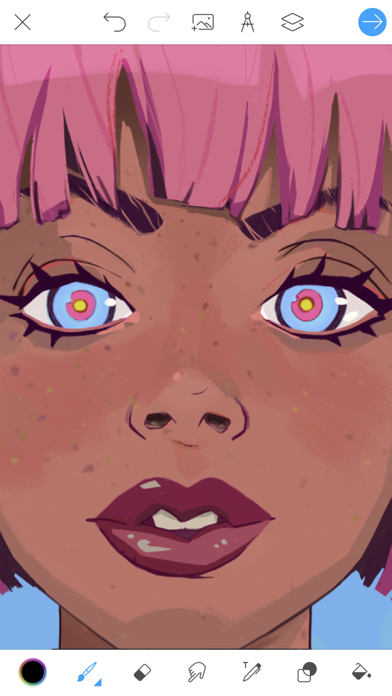
★★★★★Jul 16, 2026
Doesn’t save work

Worked great for years but now when I create a new project it doesn’t save on my device. I thought I might have too many things saved so I deleted most of my projects and they still don’t save!!! Very upset because this was one of my favourite apps to use but now I’ll need to find another:(

Store screenshots

ScreenshotScreenshotScreenshotScreenshotScreenshotScreenshotScreenshotScreenshotScreenshotScreenshot

App Store ads

Apple Search Ads this app ran in the last 90 days, from Apple's public ad repository.

Apple's ad repository couldn't be reached right now. Try again later.

Growth research

Where this app is buying and earning its users. Each link opens pre filtered.

ASO keywords

Most repeated terms in the listing. Highlighted ones also appear in the title.

color11drawing6picsart5draw5picsart color5draw color3unused portion3digital3paint2never2full2brushes2texture2layers2way2text2tool2photos2gold2templates2off2unused2portion2

What's new in 3.0.0

Picsart Color 3.0: your favorite tools are back This update brings back features that had quietly disappeared and fixes problems many of you told us about. • Stickers, image search and the + menu are back, along with other tools that had stopped showing up. • Your work is safe: fixed a problem where new drawings could fail to save, and closing a drawing could lose it. • Imported photos no longer come out blank. • The paint bucket fills properly again. • Fixed crashes in the photo picker and when drawing. • Updated for the latest iPhones, iPads and iOS versions. Thanks for all your reviews and patience. Keep them coming!

Released Dec 22, 2016. Current version shipped Oct 15, 2026.

Store description

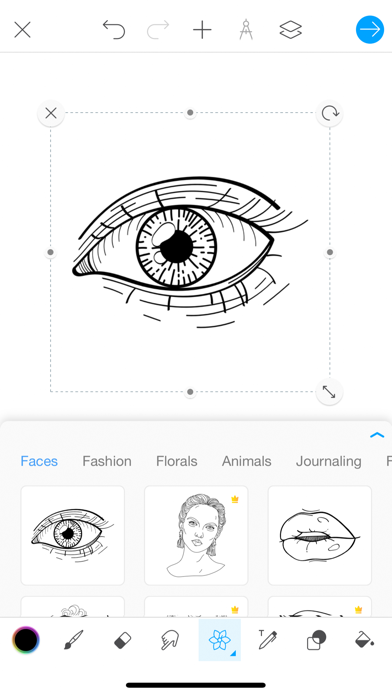
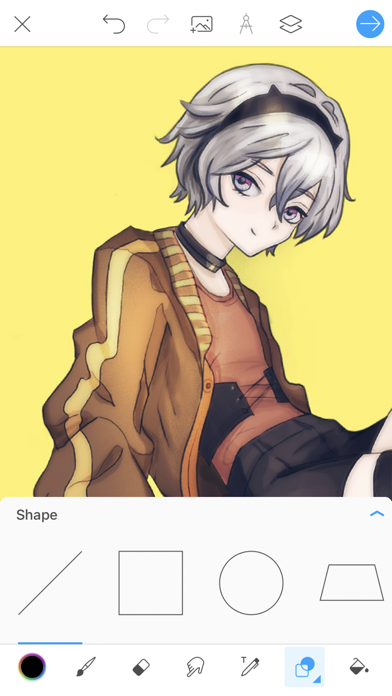
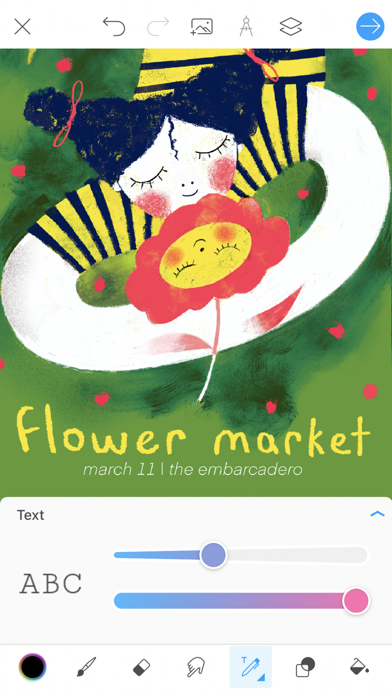
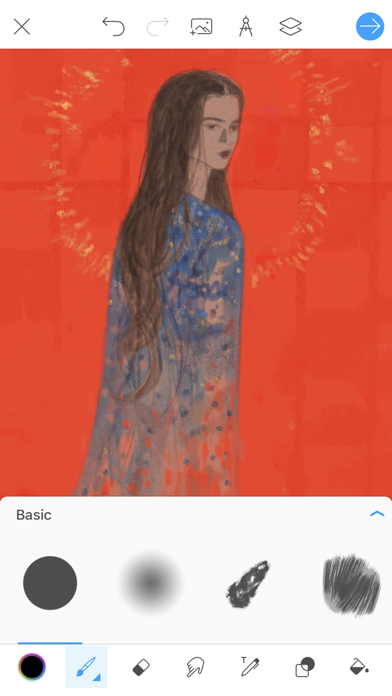
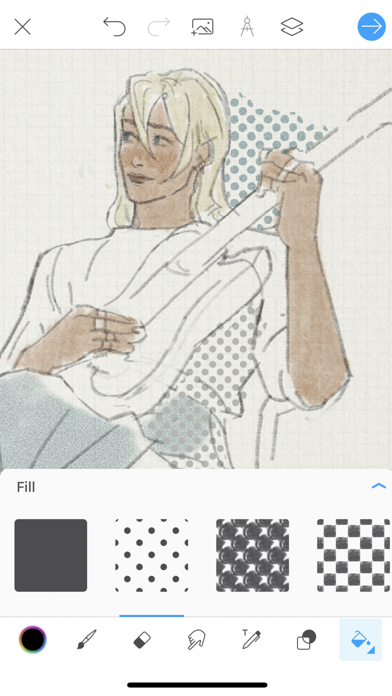
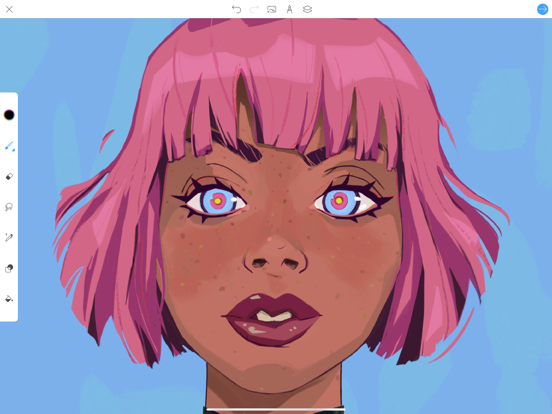
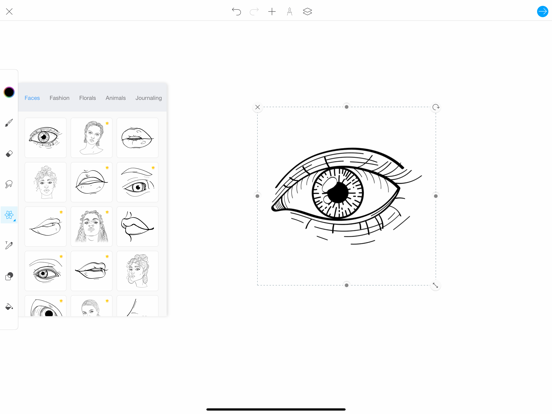
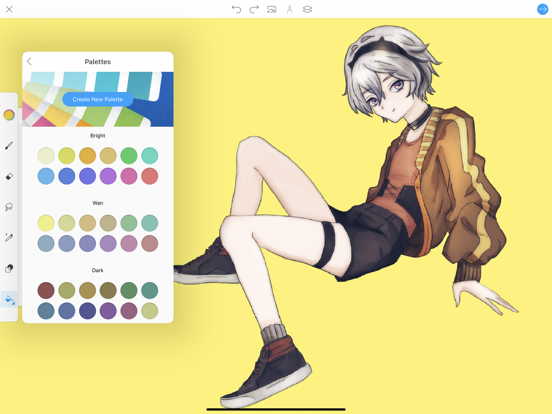
Picsart Color is a drawing app where you can paint, color and draw digital illustrations. Drawing and creating digital art has never been easier or more fun! Whether you're an amateur artist, a professional or looking for a drawing app for your kids, Picsart Color has everything you need, from a first sketch to a fully polished illustration. FEATURES • A full library of customizable brushes for drawing, painting and sketching • Texture brushes: draw not only with color but with texture • Pressure sensitivity: make full use of your Apple Pencil • Layers: draw and color on separate layers without one getting in the way of another • Blending modes for truly artistic results • Color wheel and mixer to match any color you want, plus an eyedropper to pick colors from your drawing • Color and pattern fill • Text tool that lets you draw and erase using text • Shapes, photos, stickers and emoji to add to your drawings • Symmetry tool for easy mandala and portrait drawing • Outlines that give you ready-made inspiration for your next masterpiece • Doodle on your photos, paint fantasy worlds or use it as your digital sketchbook • Auto-recovery: never worry about losing your progress • Free to use GO GOLD • Color Gold gives you access to a huge number of templates you can edit and color • Paid templates can be used only while you are subscribed Payment will be charged to your iTunes Account at confirmation of purchase. Subscriptions will automatically renew unless auto-renew is turned off at least 24 hours before the end of the current period. Your account will be charged according to your plan for renewal within 24 hours prior to the end of the current period. You can manage or turn off auto-renew in your Apple ID account settings at any time after purchase. No refunds will be provided for any unused portion of the term. Any unused portion of a free trial period will be forfeited when you purchase a subscription. Privacy Policy: https://picsart.com/privacy-policy?hl=en Terms of Use: https://picsart.com/terms-and-conditions?hl=en Download Picsart Color today and transform the way you draw on your tablet or phone.

See this store page in another country

Prices, ranks and reviews are per country. Revenue above is already worldwide.