← Back to charts
tpPLC icon
APP STORE

tpPLC

TP-Link Systems Inc. · Utilities · India store
NOT IN TOP 100 HERE
View on App Store ↗ Google Play version →
Revenue a month, worldwide
Too small to estimate
Not enough chart or ratings data
New ratings
Tracking
Daily counts start building from today
Rating
2.3 of 5
3 ratings in this store
Countries it ranks in
0
was 0 on Oct 14, 2026

Revenue

Estimated from the grossing charts of Oct 21, 2026 in the 53 countries we track, and ratings growth on the App Store.

EST. REVENUE / MONTH · WORLDWIDE
Unranked
Not in any grossing chart, and it sells nothing in the store (no in-app purchases, free download). Any revenue comes from ads or payments outside the store, which we can't see.
EST. LIFETIME DOWNLOADS
105 to 300
Estimated from ratings count
RATINGS
3
AVG RATING
2.33
PRICE
Free
AGE
10.7y
LAST UPDATE
363d ago
VERSION
1.6.9
SIZE
16 MB
AGE RATING
4+

Last 28 days

From our daily snapshots of every grossing chart.

DAYS IN A GROSSING CHART
0 / 28
COUNTRIES NOW
0 (was 0)
EST. REVENUE FROM CHARTS, DAILY · BOTH STORES ONLY EST
Show daily values
Sep 24, 2026not in a grossing chart
Sep 25, 2026not in a grossing chart
Sep 26, 2026not in a grossing chart
Sep 27, 2026not in a grossing chart
Sep 28, 2026not in a grossing chart
Sep 29, 2026not in a grossing chart
Sep 30, 2026not in a grossing chart
Oct 1, 2026not in a grossing chart
Oct 2, 2026not in a grossing chart
Oct 3, 2026not in a grossing chart
Oct 4, 2026not in a grossing chart
Oct 5, 2026not in a grossing chart
Oct 6, 2026not in a grossing chart
Oct 7, 2026not in a grossing chart
Oct 8, 2026not in a grossing chart
Oct 9, 2026not in a grossing chart
Oct 10, 2026not in a grossing chart
Oct 11, 2026not in a grossing chart
Oct 12, 2026not in a grossing chart
Oct 13, 2026not in a grossing chart
Oct 14, 2026not in a grossing chart
Oct 15, 2026not in a grossing chart
Oct 16, 2026not in a grossing chart
Oct 17, 2026not in a grossing chart
Oct 18, 2026not in a grossing chart
Oct 19, 2026not in a grossing chart
Oct 20, 2026not in a grossing chart
Oct 21, 2026not in a grossing chart
Best rank Sep 24, 2026: not ranked. Now: not ranked. Days at zero are days outside every grossing chart.

Money and momentum

Measured from the store, not estimated.

WHAT IT CHARGES
No in-app purchases
Earns from its upfront price, ads or payments outside the store.
REVIEW MOMENTUM
Too few reviews
Fewer than 3 recent written reviews in this country.
RELEASE CADENCE
0 updates in 90 days
  • Typical gap between releases133 days
From the last 21 versions listed on the App Store.
RATING BREAKDOWN
3 ratings
5★33%
4★0%
3★0%
2★0%
1★67%

Store screenshots

ScreenshotScreenshotScreenshotScreenshotScreenshotScreenshotScreenshotScreenshotScreenshotScreenshot

App Store ads

Apple Search Ads this app ran in the last 90 days, from Apple's public ad repository.

Apple's ad repository couldn't be reached right now. Try again later.

Growth research

Where this app is buying and earning its users. Each link opens pre filtered.

ASO keywords

Most repeated terms in the listing. Highlighted ones also appear in the title.

powerline14network8powerline devices6devices6link5device5compatible5link powerline5powerline network5manage4link tpplc3smart device3network compatible3powerline extender3compatible powerline3manage powerline3whole powerline3devices network3powerline device3name turning3turning off3off leds3compatible devices3devices link3

What's new in 1.6.9

• Added options to adjust font size and color contrast. • Enhanced accessibility features for VoiceOver/TalkBack. • Supports landscape orientation.

Released Jan 27, 2016. Current version shipped Oct 24, 2025.

Store description

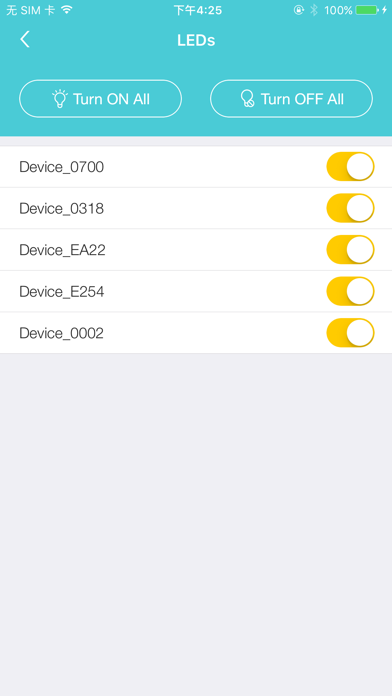
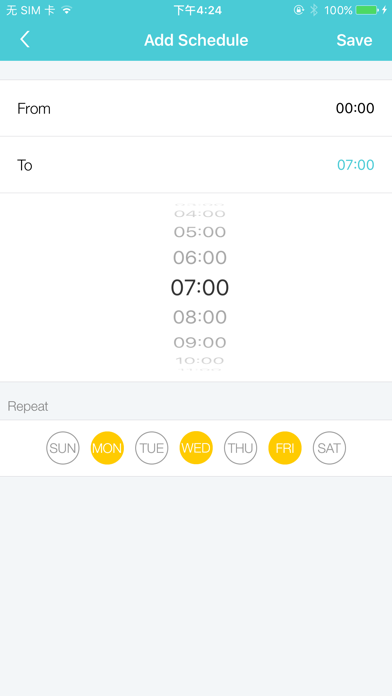
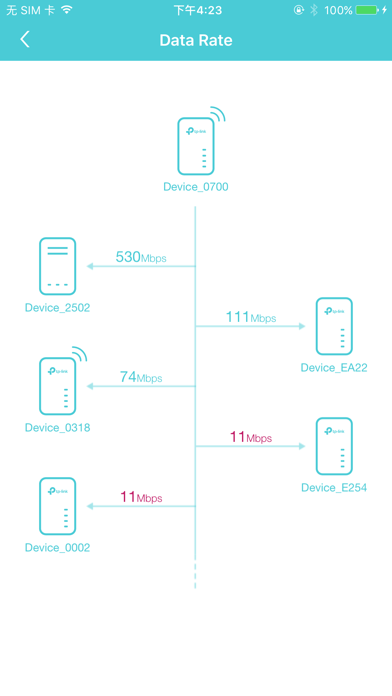
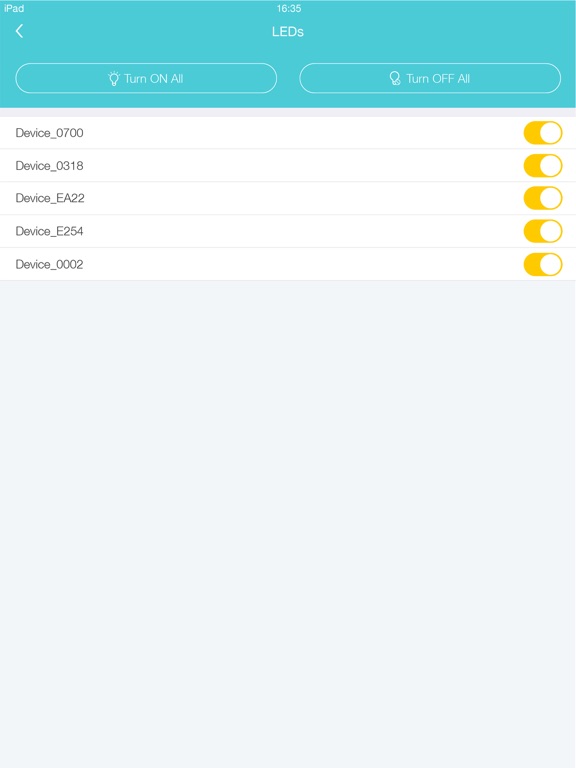
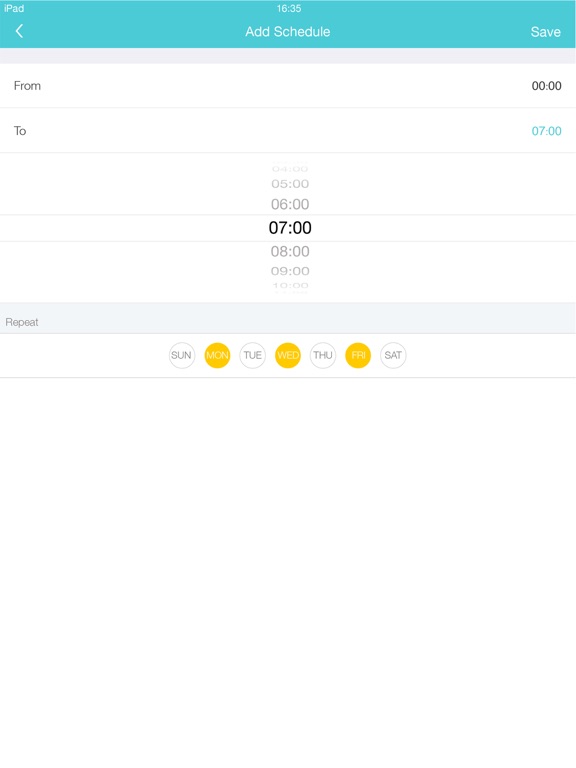
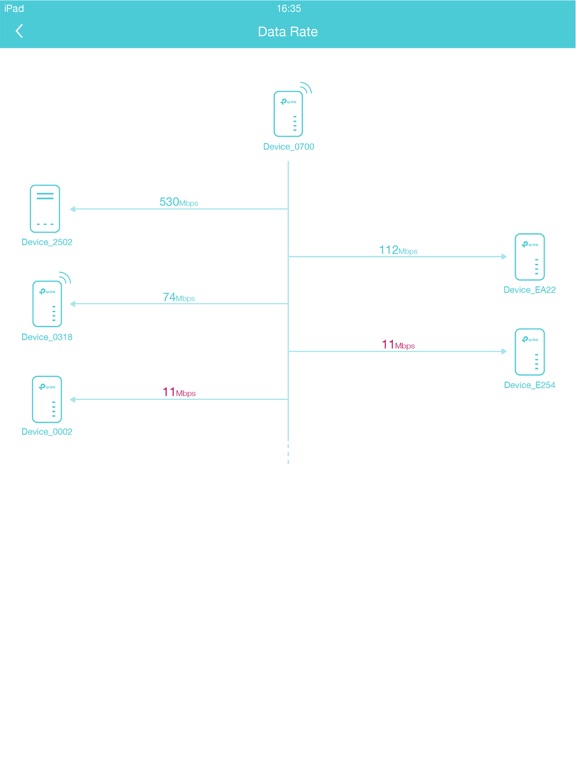
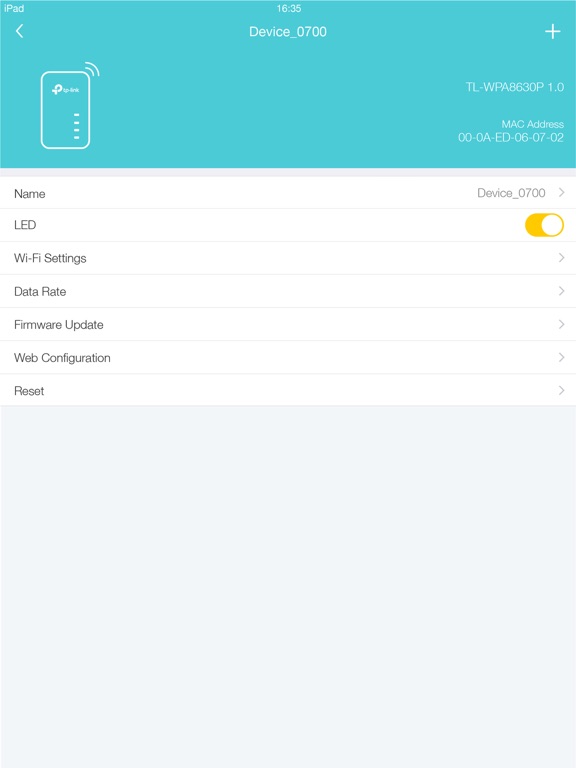
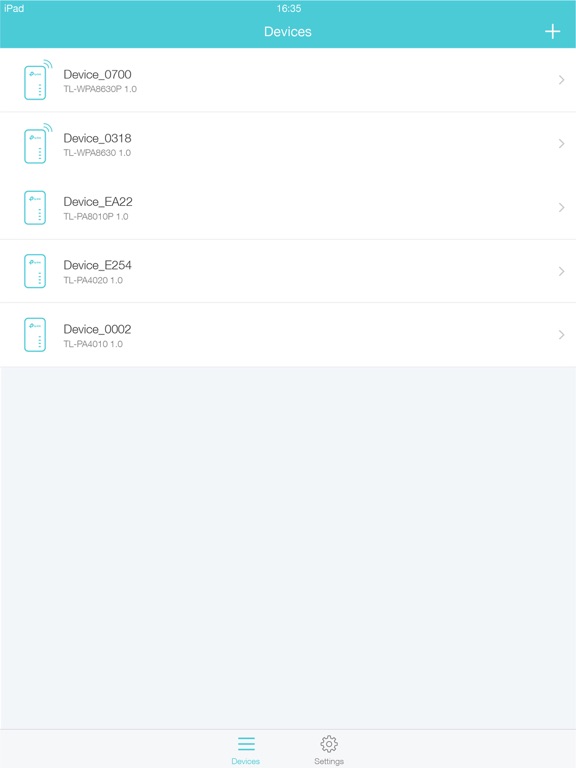
TP-Link tpPLC app lets you conveniently view and manage your TP-Link powerline devices via your smart device. Simply connect your smart device to the Wi-Fi network of a compatible TP-Link powerline extender and start managing with ease. It will list all the compatible powerline adapters and powerline extenders in your current network, and allow you to manage your powerline devices individually as well as the whole powerline network with a few taps. Features • Display information of all compatible powerline devices in the current network. • Manage a powerline device such as changing its device name, turning on or off its LEDs, viewing its data rate, resetting to factory defaults, and removing it from the current network. For a powerline extender, you can also change and schedule its Wi-Fi settings, and redirect to the web management interface. • Manage the whole powerline network such as adding a new powerline device, setting a new powerline network name, and turning on or off the LEDs on all the powerline devices in the network. Compatible Devices: https://www.tp-link.com/powerline/compatible-devices/ Privacy Policy & Terms of Use https://privacy.tp-link.com/app/tpPLC/privacy

See this store page in another country

Prices, ranks and reviews are per country. Revenue above is already worldwide.